
AI Receptionist vs Lead Follow-Up Automation
An AI receptionist answers or routes the first contact. Lead follow-up automation makes sure the inquiry keeps moving after that first contact.


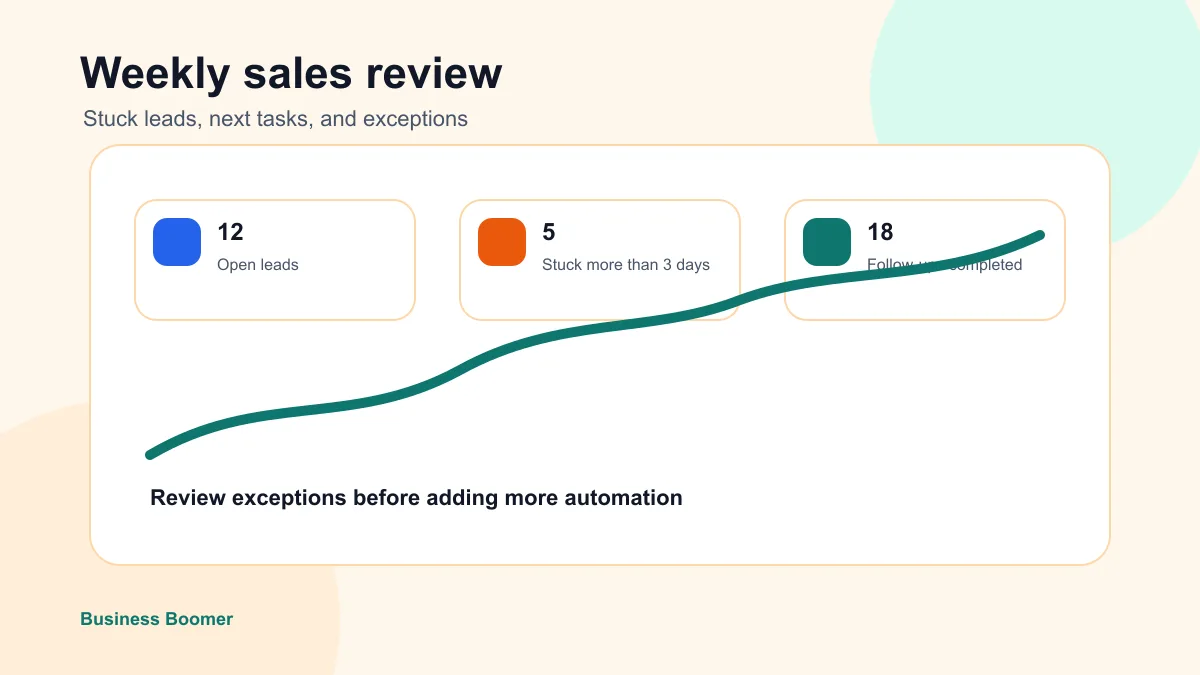
An AI receptionist and lead follow-up automation solve different parts of the same problem. An AI receptionist helps with the first contact. Lead follow-up automation makes sure the customer does not disappear after the first contact.
Quick answer: Use an AI receptionist when the phone is the biggest bottleneck. Use lead follow-up automation when forms, calls, quotes, emails, and referrals already arrive but the next step is inconsistent.
Local service businesses often ask for an AI receptionist because missed calls are obvious. But the deeper revenue leak may be what happens after the call: no quote reminder, no CRM note, no owner task, no second follow-up, and no clear handoff.
The difference
| System | Main job | Best when | Risk if built alone |
|---|---|---|---|
| AI receptionist | Answer, route, or capture first contact | Calls are missed or after-hours coverage is weak | Leads can still stall after the first message |
| Lead follow-up automation | Keep the lead moving after contact | Quotes, forms, calls, and emails need consistent next steps | First-contact handling may still be slow |
| AI assistant | Help the owner summarize, draft, and organize work | The business needs daily support across admin and communication | Too broad if no workflow is defined |
AIBB currently lists an AI Voice Receptionist for call answering and handoff. Broader lead-follow-up automation is a different workflow and should not be assumed included. These examples show where the handoff sits.
Three situations and who owns the next step
| Scenario | Receptionist role | Business owner/team role | Separate scope if needed |
|---|---|---|---|
| A new caller reaches the business while staff are busy | Answer approved questions, capture the request, and route or transfer under agreed rules | Set hours, service area, approved answers, escalation contact, and callback responsibility | Appointment booking, CRM writes, or missed-call SMS unless confirmed in the written offer |
| The receptionist cannot complete a transfer or callback fails | Follow the agreed fallback and make the failed handoff visible | Assign a person to retry, set the response window, and record the outcome | Automated retry sequences or cross-channel follow-up |
| A quote was sent but the prospect has not replied | No receptionist action unless the prospect calls back | Decide whether and when to follow up, and own pricing and quote changes | Quote reminders, pipeline updates, and multi-step lead nurture |
When an AI receptionist helps
An AI receptionist can help when:
- customers call after hours
- the owner is on job sites
- staff cannot answer every call
- simple questions repeat constantly
- calls need to be routed by urgency or service type
The first version should avoid risky promises. It can ask what service the customer needs, where they are located, how urgent the issue is, and when they want a callback.
When lead follow-up automation helps more
Lead follow-up automation helps when:
- form fills sit in email
- quotes do not get followed up
- missed calls get a first reply but no owner task
- the CRM is not updated
- referrals stay in texts
- customers ask questions and nobody owns the next step
That is why many service businesses should build follow-up first. It touches every lead source, not just calls.
Best first workflow
For most local service businesses, the safest first workflow is:
- Capture the inquiry.
- Summarize the request.
- Draft a fast acknowledgement.
- Create an owner task.
- Add the lead to a CRM or tracking sheet.
- Schedule a reminder if there is no response.
- Review open leads weekly.
An AI assistant for local business can support this workflow, but the workflow should stay narrow enough to test.
Bottom line
An AI receptionist handles the first call under approved rules. Lead follow-up begins after that contact and needs its own owner and scope. If your main gap is live call handling, compare AIBB’s AI Voice Receptionist. If the gap is stalled callbacks or quotes, describe that separately and confirm availability before treating it as an AIBB service.
FAQ
Quick answers about this guide and how to put the idea into practice.
What is the difference between an AI receptionist and lead follow-up automation?
An AI receptionist handles or routes the first contact. Lead follow-up automation tracks what happens next: reply drafts, reminders, CRM updates, quote follow-up, and owner tasks.
Should a small business start with an AI receptionist?
Start with an AI receptionist if calls are the main leak. Start with lead follow-up automation if leads already arrive but do not get consistent next steps.
Can a business use both?
Yes. The AI receptionist can capture the first details, and lead follow-up automation can make sure the customer gets the right next action.