
How to Review a Codex and HyperFrames Video Before Export

A practical review checklist for an existing edit: find clipped words, mismatched timestamps and unreadable graphics, then hand back precise corrections.
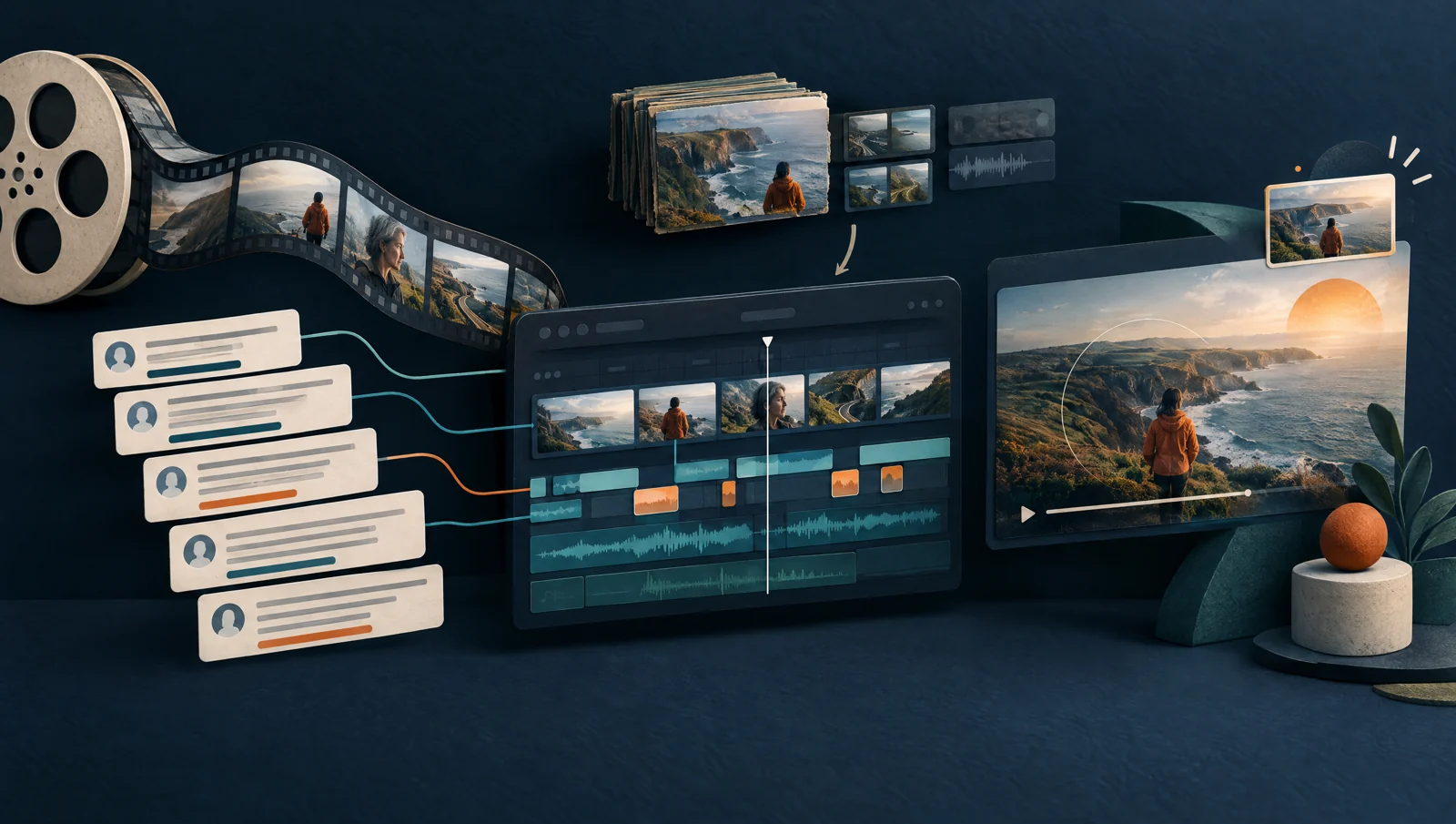
Open the exported draft and keep a note beside it. Review the spoken explanation first, then the timing of captions and graphics. Record each correction against that exact file so your editor can reproduce the problem.
This checklist starts after you have an edit to inspect. For choosing tools and setting up the workflow, use our video-editing guide. The checks below help you decide whether a specific draft is ready for delivery. They do not measure editing speed or promise a reduction in production costs.
1. Name the file you are reviewing
Write down the export filename, project revision and intended destination. Include its aspect ratio and resolution. Keep the original recording, cut decisions and matching transcript available without overwriting them.
A correction such as “fix the title at two minutes” becomes ambiguous after another edit removes ten seconds from the opening. Attach the note to a named version, such as lesson-review-03.mp4, and use timestamps from that file.
Before you start a long review, play the opening and a moment near the end. Confirm that you have the intended version and can hear the audio. If you received a link to a preview, also obtain the encoded draft that the editor intends to deliver. Save your review against the actual file.
2. Listen to the cuts before adjusting graphics
Listen through the spoken explanation with the source recording within reach. At an abrupt join, replay a few seconds before and after it. Compare the source when the edited sentence changes meaning or leaves a reference unexplained.
Check these moments:
- A word starts or ends at a cut. Listen for a missing consonant, clipped breath or sound jump.
- The speaker repeats a phrase. Decide whether the repetition is a retake, emphasis or a correction the viewer needs.
- The speaker introduces a condition. Confirm that the editor kept qualifications such as “for this example” or “if the account supports it.”
- A demonstration follows an instruction. Leave enough time for the viewer to locate the control before the next step.
Avoid choosing a shorter cut from the transcript alone. Speech rhythm and a speaker's expression can change which version makes sense. Mark an ambiguous passage for review rather than approving it because it reads well on the page.
3. Check timing at transitions
After a cut removes time, compare the edited video with the transcript and graphics assigned to that stage. The HyperFrames student kit workflow provides the project's editing sequence; use the instructions for your installed project when selecting files and checks.
Review the first graphic after each substantial edit. Watch a later chapter too. If a graphic misses the phrase it should explain, record both the spoken phrase and the visible arrival time. This gives the editor a specific relationship to repair.
For example, a review note could say: “In review-03 at 02:18, the checklist appears after the speaker has moved to the next step. Bring it in with the phrase ‘check the destination,’ then remove it before the screen demonstration.” These times illustrate the note format; they are not measurements from your video.
Ask the editor to confirm which transcript and media version the composition uses before changing animation offsets. Small offset adjustments can hide a mismatched timeline until a later scene.
4. Test captions and labels at viewing size
Play the draft in a window close to the size your audience will use. If the delivery is a phone-format clip, inspect a phone-sized view. Check the smallest labels, captions over bright footage and text near the frame edges.
Pause when two text elements appear together. Confirm that the viewer can read both without losing the action underneath. Look for a caption covering the cursor, a name label covering a face or a diagram extending outside the frame.
Compare names, numbers and technical terms against the recording and supplied source material. A readable caption can still contain the wrong word. Record factual corrections separately from preferences about font, color or animation so the editor can prioritize them.
5. Give each correction a completion check
Use one row per issue. Separate an observed problem from the result you want:
| Field | Example review note |
|---|---|
| Version | lesson-review-03.mp4 |
| Timestamp | 02:18–02:23 |
| Observation | The step label covers the cursor during the demonstration. |
| Requested change | Move the label clear of the demonstrated control. |
| Completion check | The label remains readable and the cursor stays visible through the click. |
| Review state | Open until checked in the next encoded draft. |
The example is illustrative. Replace its details with observations from your file. Keep the list short enough that the editor can distinguish required fixes from optional refinements.
You can give Codex this review instruction with the issue list:
Use the named project and export revision. Address the listed issues while preserving approved content and source files. Show which assets or timings changed, produce the required draft through the existing project workflow, and return its exact path. Keep any unresolved issue visible in the review note.
Add the existing project's authorization limits before an operation that uploads source media, uses paid generation or publishes a result. A review request does not require another transcription or image-generation purchase.
6. Recheck the export and the delivery copy
In the next encoded draft, revisit each issue and the transitions around it. Recheck later graphics if the editor changed timing. If the edit changed a shared caption style, inspect several scenes that use that style.
Before approving delivery, watch the complete final export and listen to its audio. Confirm that it includes the intended beginning and ending and that your editor has resolved the required notes. Keep the final filename, revision and review note together.
After an authorized upload, check playback and captions at the destination. Retain the editable project and untouched recording for future revisions. For excerpts in another aspect ratio, review the crop and text placement again; approval of the horizontal master does not establish the quality of a vertical version.
If you need help building a reviewable AI-assisted content workflow for your business, contact AIBB.
Keep building the system
Recommended next Business Boomer guides
These links are selected by topic and search intent so this guide connects to the most relevant service pages, industry pages, and supporting blog posts.
Service and setup pages
Use these when you are ready to turn the idea into an implementation path.
Industry-specific pages
See how the same workflow changes for specific business types.
Related blog posts
Read the connected guides that support this topic cluster.
Related AI automation guides
Keep going with the connected Business Boomer guides in this automation cluster.
Missed lead cost calculator
A calculator page for estimating the monthly revenue lost when calls, forms, chat, and messages sit too long before follow-up.
Lead follow-up automation for small business
Turn form fills, missed calls, quote requests, emails, and voice notes into reply drafts, CRM updates, reminders, and next steps.
AI sales team and lead follow-up setup
Turn sales calls, form fills, quote requests, and owner notes into follow-up emails, calendar invites, CRM updates, and next-step reminders.
AI automation services for local small business
The main Business Boomer service page for lead response, missed-call follow-up, invoice reminders, reviews, CRM updates, scheduling, and OpenClaw setup.
Keep building on this guide
Practical guides, examples, and resources you can use in your own business.
AI receptionist serviceGoogle review management
Create and edit video
FAQ
Quick answers about this guide and how to put the idea into practice.
What should I review first in an AI-assisted video edit?
Listen to the speech and check the meaning of each cut before polishing graphics. Keep the source recording available for comparison.
Can a successful render replace a video review?
No. Open the encoded file and inspect its content, timing, readability and sound. Check the destination copy after an authorized upload.
How do I request a precise correction from Codex?
Identify the exact export version, give the timestamp and observed problem, then describe the intended behavior. Recheck that moment and nearby transitions after the change.
Find the workflow worth fixing first.
Use the Free 30-Minute AI Consultation to map where leads, reviews, content, or follow-ups are slipping and choose the smallest useful next step.
Book a Free 30-Minute AI Consultation