
How to Use AI in a Law Firm Safely


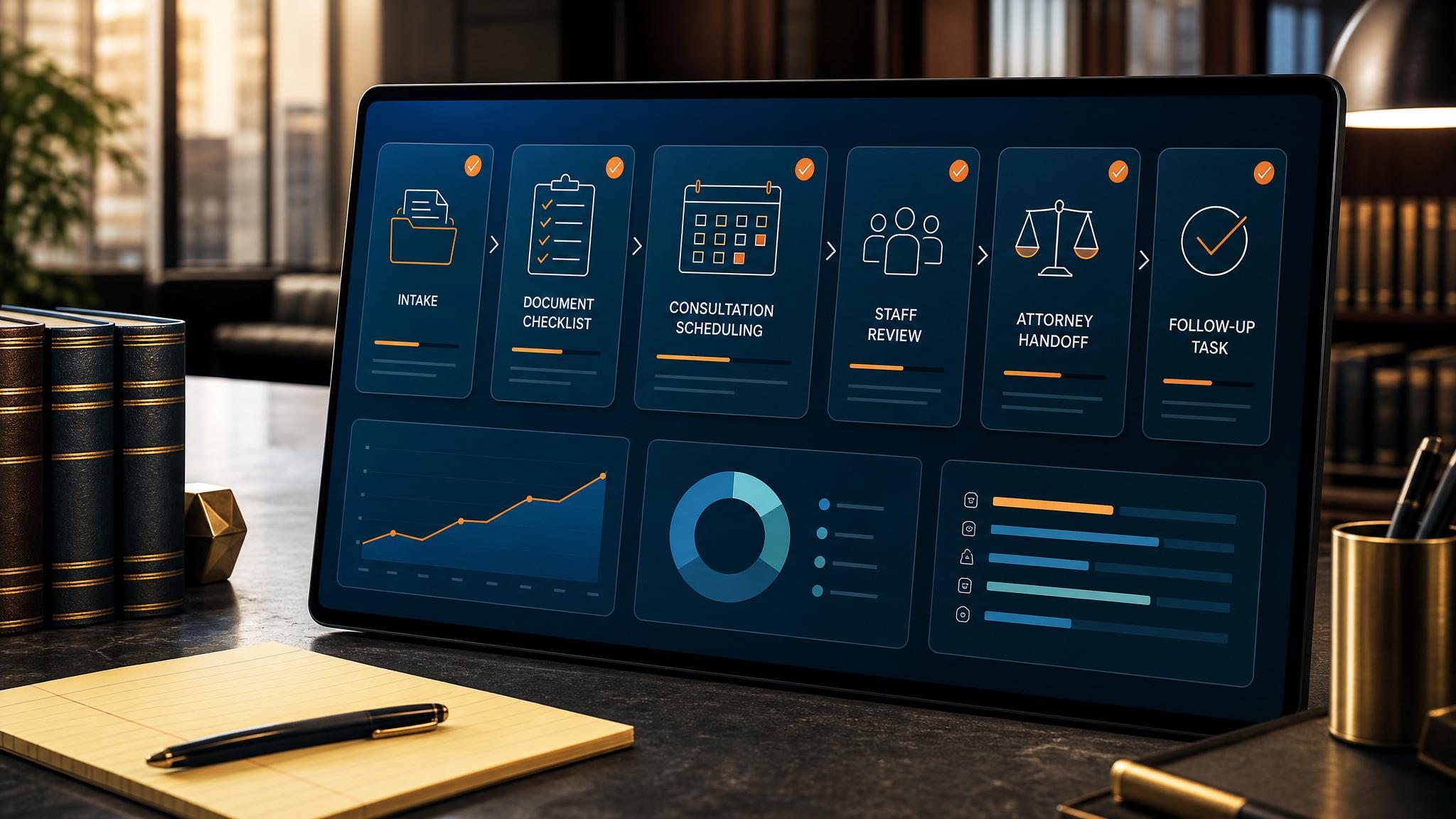
A lot of law firms are interested in AI, but they do not want hype, risk, or a messy system rollout that creates more problems than it solves. That is the right instinct.
Quick answer: A lot of law firms are interested in AI, but they do not want hype, risk, or a messy system rollout that creates more problems than it solves. That is the right instinct.
The best way to use AI in a law firm is usually not to start with legal analysis. It is to start with operational friction. Most firms already know where that friction lives: intake, follow-up, client communication, internal handoff, reminders, and repetitive admin work.
Where AI actually helps a law firm
The highest-value law firm AI use cases are usually practical and operational:
- improving intake response speed
- reducing manual follow-up work
- organizing client communication
- supporting reminders and next steps
- making internal workflow cleaner
For a small law firm, these improvements matter because owner and staff time is already stretched. If intake is slow, leads go cold. If follow-up is inconsistent, opportunities get lost. If admin is scattered, attorneys end up doing work they should not be doing.
Where firms should be careful
A law firm should not start with the assumption that AI needs to sit in the middle of legal judgment. That is not the best first move.
The better first move is to ask:
- Where are we losing time?
- Where do inquiries or tasks fall through the cracks?
- What communication is more manual than it should be?
- What process creates stress every single week?
That is where AI can help without making the practice worse.
Good first AI projects for a law firm
If a law firm wants a sensible first project, these are strong places to start:
1. Intake follow-up
If a prospect reaches out and nobody responds quickly, that lead may be gone. AI-supported intake systems can help the firm respond faster and keep the process cleaner.
2. Client communication support
Many firms lose time repeating the same follow-up patterns. Simple workflow support can make communication more organized and consistent.
3. Internal admin cleanup
A lot of law firm pain is really workflow pain. If attorneys are still chasing status, reminders, or document movement manually, there is room for a better system.
AI for law firms should feel practical
If a law firm is going to use AI well, the result should feel like this:
- the office runs smoother
- intake is tighter
- follow-up is more consistent
- staff has less repetitive admin
- attorneys spend more time on valuable work
If the result feels more confusing, more bloated, or more fragile, the implementation is wrong.
Final thought
The best law firm AI strategy is not to chase what sounds impressive. It is to fix the operational bottlenecks that already hurt the practice.
If your law firm wants practical AI support around intake, follow-up, admin workflow, or client communication, Business Boomer can help.
Book a Free 30-Minute AI Consultation.
See the law firm page when the next step is legal intake or follow-up.
What this should look like in practice
A good setup should make the next action obvious. The owner or team should be able to open one place and see what needs attention, what is waiting, and what can be automated.
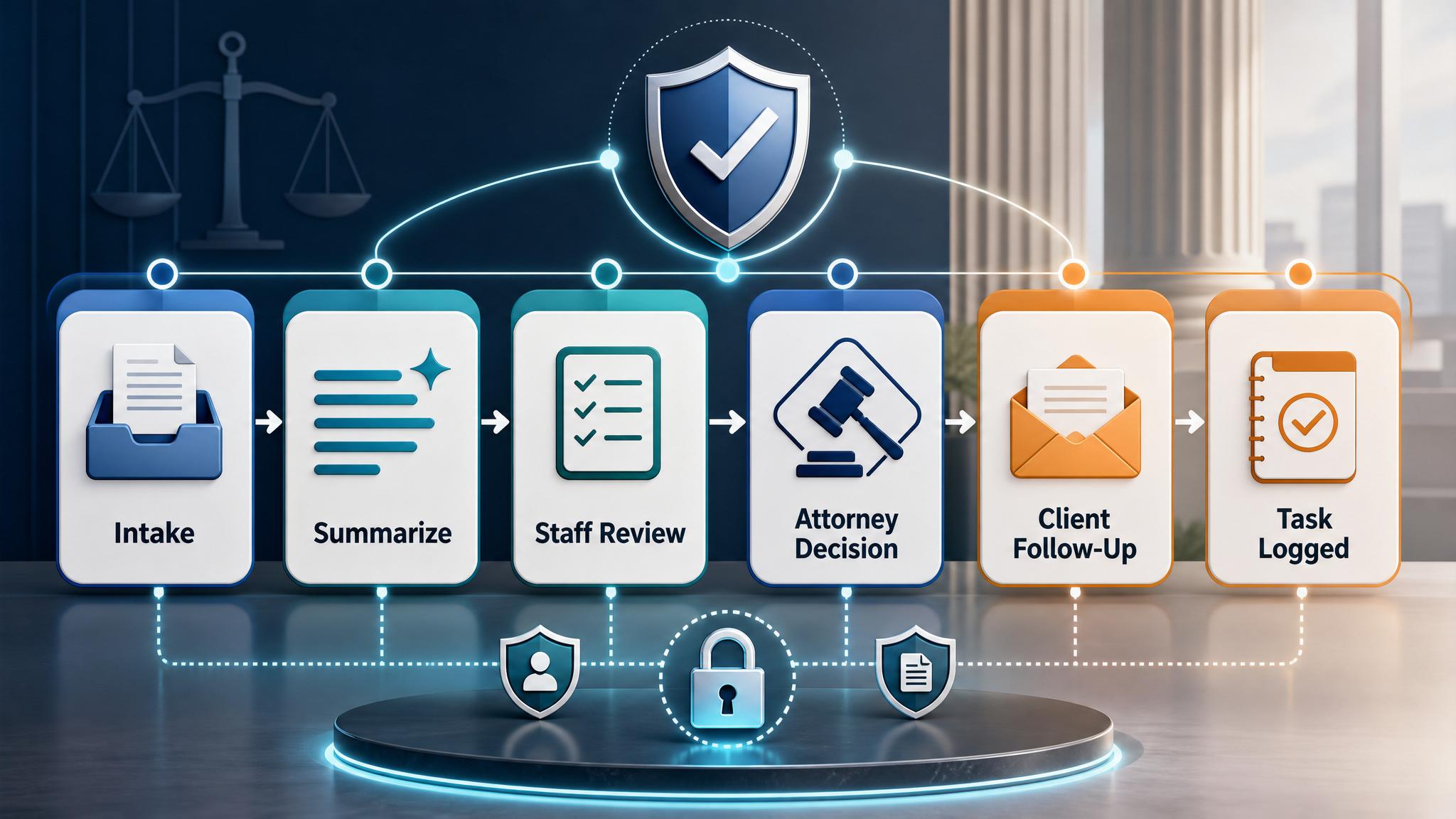
Simple implementation checklist
| Step | What to check |
|---|---|
| 1 | Find the repetitive task or lead leak |
| 2 | Decide what information must be captured |
| 3 | Create a simple owner, stage, and next-step rule |
| 4 | Automate the reminder, handoff, or record creation |
| 5 | Review the workflow weekly and tighten what breaks |
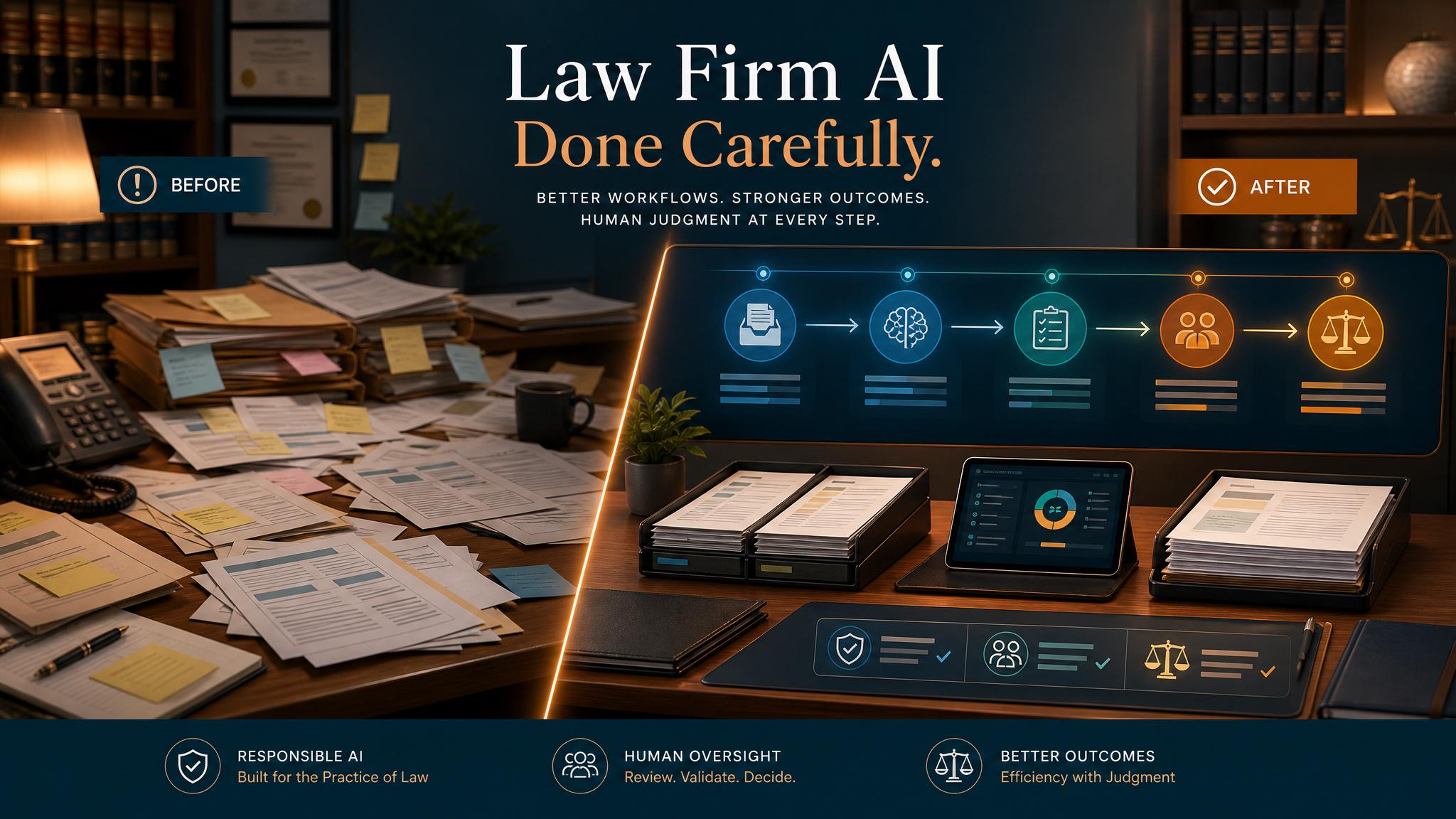
Business Boomer rule: If the workflow does not create a clearer owner, next step, or follow-up path, it is not automation yet. It is just another tool.
Industry workflow next step
See the first automation for law firms.
Start with intake response, staff review, and follow-up workflow design before adding more AI.
Keep building the system
Recommended next Business Boomer guides
These links are selected by topic and search intent so this guide connects to the most relevant service pages, industry pages, and supporting blog posts.
Service and setup pages
Use these when you are ready to turn the idea into an implementation path.
Industry-specific pages
See how the same workflow changes for specific business types.
Related blog posts
Read the connected guides that support this topic cluster.
Recommended next steps
These pages connect this guide to the Business Boomer offer, related workflow, and next implementation path.
Related AI automation guides
Keep going with the connected Business Boomer guides in this automation cluster.
OpenClaw operator setup sprint
A setup page for private owner-controlled OpenClaw operators with messaging access, business context, approval rules, and one proven workflow.
AI automation services for local small business
Planning examples for broader automation. Compare current managed calls and reviews on the Services page; confirm other work in a separate scope.
AI automation for local service businesses
Practical lead, scheduling, review, CRM, invoice, and admin automation for plumbers, HVAC companies, roofers, landscapers, cleaners, contractors, and other local operators.
AI assistant for local business
Owner-controlled AI assistants that help local businesses handle missed leads, scheduling handoffs, FAQs, reviews, CRM updates, and follow-up.
FAQ
Quick answers about this guide and how to put the idea into practice.
What is the main takeaway from How to Use AI in a Law Firm Safely?
The main takeaway is that how to use ai in a law firm should be evaluated as a practical business workflow, not just a generic AI idea.
How does how to use ai in a law firm help a small business?
how to use ai in a law firm can help a small business reduce manual work, improve follow-up, organize repetitive tasks, and create a clearer operating process when it is tied to a real bottleneck.
Can Business Boomer help implement how to use ai in a law firm?
Yes. Business Boomer can help turn the idea into a practical workflow, page, checklist, or automation system depending on what the business needs first.
See the first automation for law firms.
Start with intake response, staff review, and follow-up workflow design before adding more AI.
See Law Firm Workflows