
AI Workflow Automation for Small Business
AI workflow automation helps small businesses turn repeatable lead, intake, follow-up, scheduling, invoicing, and admin work into clearer systems with human review where it matters.


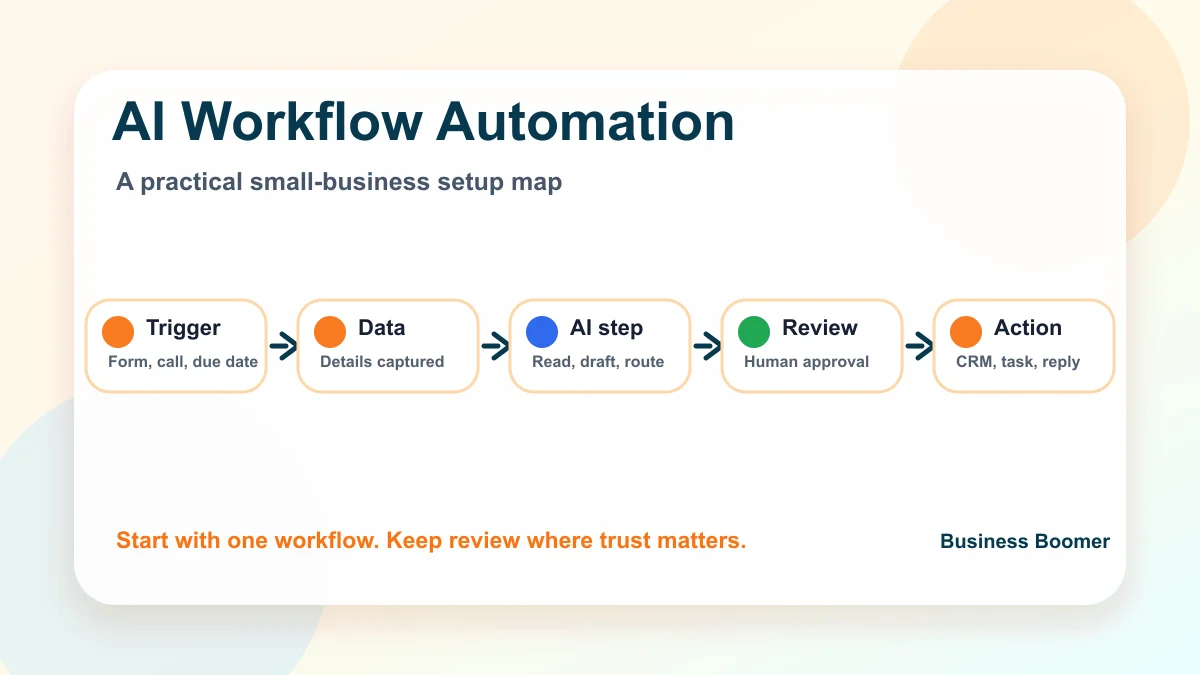
AI workflow automation for small business means using AI plus connected software to move repeatable work forward: capturing a trigger, organizing the data, drafting or classifying the next step, updating the right tool, and alerting a person when judgment is needed.
The practical goal is not to replace the owner or team. It is to make common workflows like new lead response, customer intake, estimate follow-up, appointment preparation, invoice reminders, and owner admin easier to run the same way every time.
What is an AI workflow automation?
An AI workflow automation is a repeatable business process where AI handles one fuzzy step and automation handles the movement of work. A form submission, email, voicemail transcript, calendar event, invoice status, or spreadsheet row can start the workflow.
For example, a landscaping company might receive a website inquiry. The system can summarize the request, classify the service type, create a CRM note, send a polite acknowledgment, and remind the owner to review the lead. That is more useful than opening a chat tool and asking for a one-off answer.
If the foundation still feels unclear, read the plain-English guide to what AI automation means for small business before building a workflow.
If you are still deciding what to buy first, compare this with the guide to AI automation services for small business.
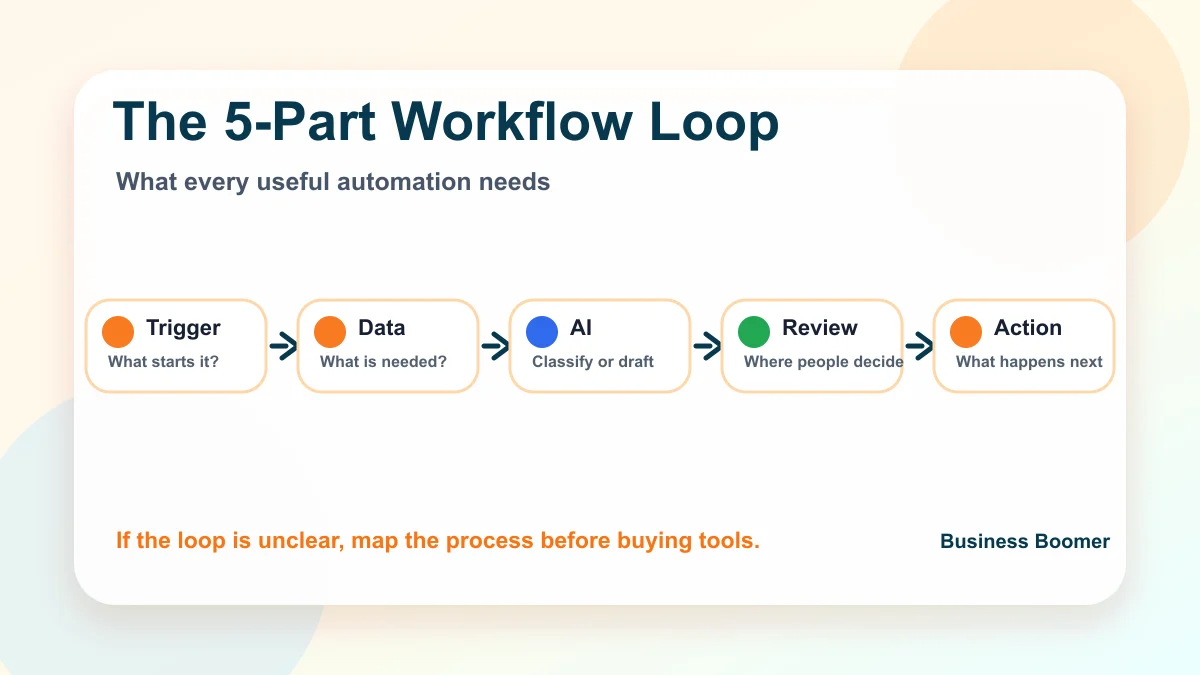
The five parts of a small-business AI workflow
Every useful workflow needs five pieces. If one is missing, the automation usually becomes fragile.
| Part | Plain-English question | Small-business example |
|---|---|---|
| Trigger | What starts the workflow? | New form, missed call, invoice due date, booked appointment |
| Data | What information must be captured? | Name, service need, location, urgency, customer history |
| AI step | What should AI read, draft, classify, or summarize? | Lead summary, call notes, reminder draft, intake category |
| Human review | Where should a person stay involved? | Pricing, sensitive messages, legal or financial decisions |
| Action | What should happen next? | CRM update, email draft, task, reminder, report, booking link |
This is why workflow mapping matters before tool shopping. A business that cannot explain the trigger and next action is not ready for a complex AI agent. It should first tighten the underlying business automation process.
Best first workflows to automate
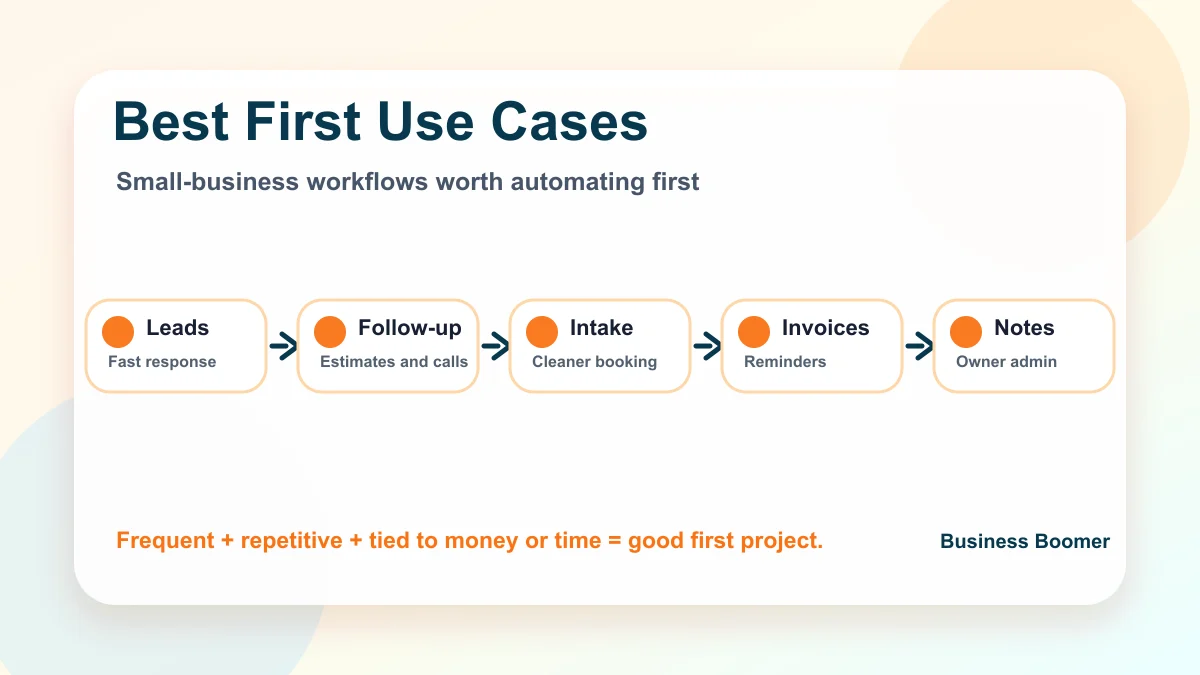
The best first workflow is frequent, repetitive, tied to money or owner time, and safe enough to test with review. For most U.S. service businesses, that usually points to one of the workflows below.
New lead response
A new lead response workflow can watch website forms, email inquiries, voicemail transcripts, chat messages, or social messages. AI summarizes the request, detects service type, flags urgency, and prepares a short reply or internal lead brief.
This is often the strongest first project because slow follow-up is visible and painful. If this is the main leak, compare the workflow with lead response automation before adding extra AI features.
Estimate and sales follow-up
Many businesses win the first conversation and then lose momentum. AI workflow automation can create follow-up tasks, draft customer-aware messages, summarize call notes, and remind the owner when an estimate has gone quiet.
A good sequence should stop when the customer replies and let the team pause it when the situation needs a human touch. Use small-business follow-up guidance to set the timing before automating the messages.
Scheduling and intake
Scheduling automation works best when it is connected to intake. A booking link is helpful, but the real value comes from collecting the right details before the appointment: service type, photos, address, urgency, budget, and preparation steps.
For appointment-heavy businesses, the workflow can create a cleaner handoff from customer request to calendar event to team prep. Pair this with appointment scheduling automation if no-shows or back-and-forth booking are the current pain.
Invoice reminders and payment admin
Invoice workflows are a strong fit because the steps are repetitive but the tone still matters. AI can draft reminders, summarize unpaid accounts, categorize customer responses, and alert the owner when an invoice needs personal attention.
The automation should connect to the billing tool the business already uses when possible. If billing is the bottleneck, start with the invoice automation setup page rather than building a disconnected reminder spreadsheet.
CRM cleanup and customer records
AI workflow automation depends on clean places to put information. If leads live across texts, email, sticky notes, and spreadsheets, the first workflow may be CRM cleanup rather than a flashy AI agent.
At minimum, define contact fields, pipeline stages, lead source, owner, next step, and follow-up status. If the business is still deciding where customer information should live, start with what a CRM is for small business.
Owner notes and internal admin
Owner-led businesses often have important details trapped in voice notes, screenshots, call recaps, and half-written reminders. AI can turn those inputs into tasks, summaries, CRM notes, email drafts, or a weekly owner report.
This is a good fit when the owner is the bottleneck. For a more operator-style setup, Business Boomer’s OpenClaw onboarding guide explains how an AI assistant can support repeatable internal work.
A practical setup sequence
Do not start by connecting every app. Start with one workflow that can be described on a single page.
- Pick one bottleneck.
- Write the current manual steps.
- Choose the trigger.
- Decide what data must be captured.
- Choose the AI step.
- Define the human review point.
- Test with real examples.
- Measure whether the workflow made the work easier.
For a home services lead workflow, the trigger might be a website form. The AI step might be summarizing the job, classifying the service type, and drafting the first reply. The human review point might be pricing, scheduling exceptions, and any customer who sounds upset.
If the team is not sure which leads deserve attention, add a simple qualification step from how to qualify leads for small business.
For vertical examples, a law firm may need intake review while a real estate team may need faster lead follow-up. The broader industries page is useful when the workflow should match a specific service model.
Tool stack: what you need and what you do not
A small business usually does not need an enterprise AI platform to begin. It needs a place for the work to start, a place for customer records, a workflow connector, an AI model or AI-enabled tool, and a review process.
| Layer | Common options | What to check first |
|---|---|---|
| Intake | Website form, email, phone transcript, booking form | Are the inputs consistent enough? |
| Customer records | CRM, spreadsheet, job software, accounting tool | Where should the source of truth live? |
| Workflow connector | Zapier, Make, native integrations, custom scripts | Can it handle errors and approvals? |
| AI step | ChatGPT, Claude, Gemini, tool-native AI, custom prompt | Is the output reviewed before customers see it? |
| Reporting | Dashboard, spreadsheet, CRM view, weekly email | Can the owner see stuck work? |
Tool choice should follow the process. If you want done-for-you help with choosing and connecting the right pieces, review Business Boomer’s AI automation services after the workflow is mapped.
Where human review belongs
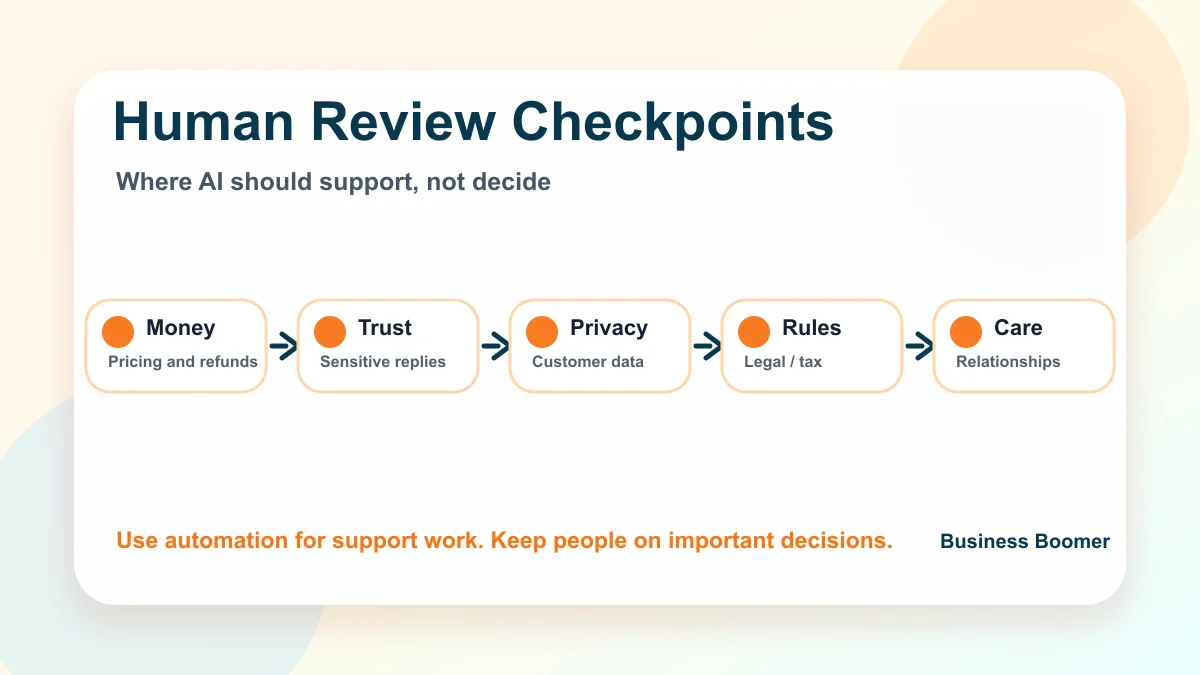
Human review is not a weakness. It is what makes AI workflow automation safe enough for real customers.
Keep a person involved when the workflow affects pricing, contracts, refunds, sensitive customer situations, hiring, payroll, legal matters, medical advice, tax decisions, or anything that could damage trust if it is wrong.
The U.S. Small Business Administration’s AI for small business guidance is a useful reminder that owners should understand both the benefits and risks before relying on AI outputs. The NIST AI Risk Management Framework is also helpful when a business wants a more formal way to think about trustworthy AI.
Example: a lead-to-follow-up workflow
Here is a simple workflow Business Boomer would consider for a local service business:
| Step | What happens | Owner/team role |
|---|---|---|
| 1. New inquiry arrives | Website form or voicemail transcript starts the workflow | Make sure the form asks useful questions |
| 2. AI summarizes the request | Service type, location, urgency, and next step are pulled into a lead brief | Review accuracy before replying personally |
| 3. Contact record is created | CRM or job software gets the lead and source | Keep duplicate records clean |
| 4. Acknowledgment is sent | Customer gets a fast, simple reply | Approve message templates before launch |
| 5. Follow-up task is scheduled | Owner gets reminded if nobody responds | Pause or customize when needed |
| 6. Weekly report is generated | Stuck leads are visible | Decide which bottleneck to fix next |
This workflow is intentionally narrow. It does not try to automate the entire business. It makes one revenue path easier to manage.
Common mistakes to avoid
The biggest mistake is automating a messy process before anyone agrees how it should work. AI can make bad handoffs move faster, but it does not magically make them clear.
Other mistakes include:
- buying tools before mapping the workflow
- sending AI-written customer messages without review
- using the same workflow for every lead type
- ignoring data quality in the CRM or accounting tool
- connecting too many apps at once
- forgetting error handling when an automation fails
- measuring setup completion instead of actual business usefulness
If the process is complex or several tools must be connected, it may be worth comparing outside help with AI automation consulting for small business.
How to measure whether the workflow worked
A workflow is only useful if the business can see the improvement. Track a few simple signals instead of building a giant dashboard.
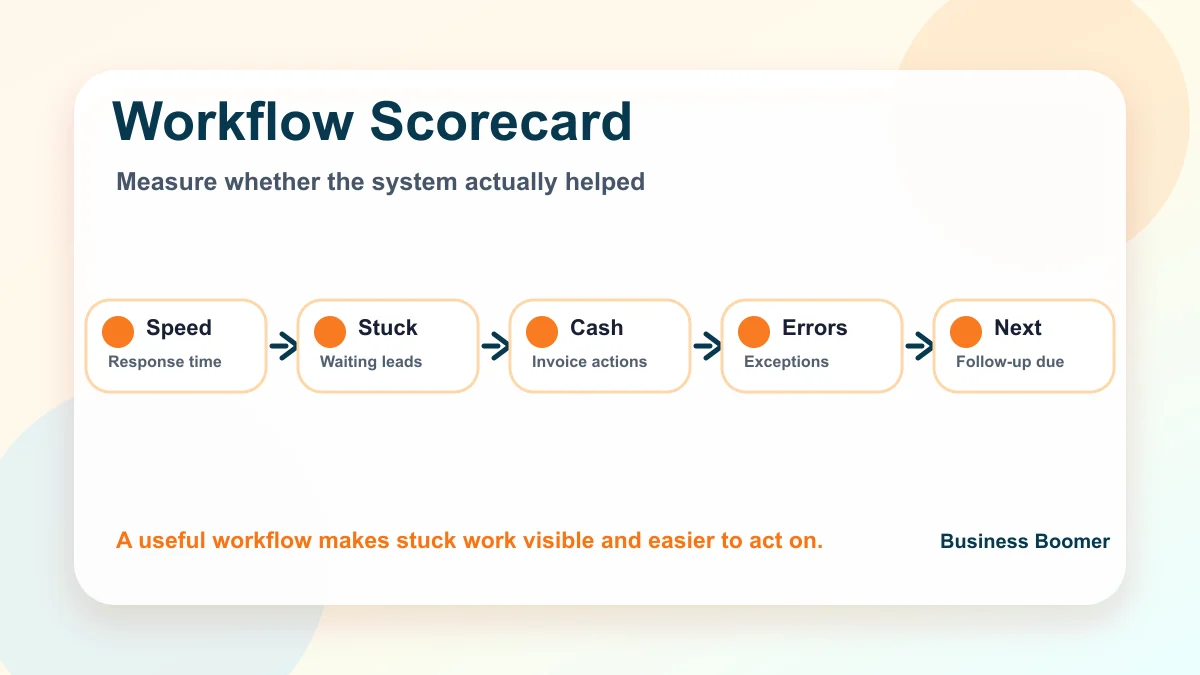
Good measures include response time, number of leads waiting on follow-up, missed appointment handoffs, unpaid invoices needing action, manual hours spent on the task, and number of exceptions that required owner review.
For invoice-heavy workflows, pair the automation with invoice reminder best practices so the team can see whether reminders are timely, polite, and easy to stop when needed.
What Business Boomer would build first
For most small/service businesses, Business Boomer would start with one of four workflows: lead response, estimate follow-up, invoice reminders, or owner admin capture. Those are concrete enough to map, test, and improve without turning the company into an AI experiment.
The right first workflow depends on the bottleneck. If leads sit too long, start with response. If estimates go cold, start with follow-up. If cash collection is manual, start with invoice reminders. If the owner is buried in notes, start with admin capture.
For a local service version of this workflow, start with AI automation for local service businesses.
Next step
Find the workflow worth fixing first.
Use the Free 30-Minute AI Consultation to map where leads, invoices, notes, or follow-ups are slipping and choose the smallest useful system.
Keep building the system
Recommended next Business Boomer guides
These links are selected by topic and search intent so this guide connects to the most relevant service pages, industry pages, and supporting blog posts.
Service and setup pages
Use these when you are ready to turn the idea into an implementation path.
Industry-specific pages
See how the same workflow changes for specific business types.
Related blog posts
Read the connected guides that support this topic cluster.
Recommended next steps
These pages connect this guide to the Business Boomer offer, related workflow, and next implementation path.
Related AI automation guides
Keep going with the connected Business Boomer guides in this automation cluster.
AI automation services for local small business
Planning examples for broader automation. Compare current managed calls and reviews on the Services page; confirm other work in a separate scope.
How to automate invoices for small business
A practical guide to invoice creation, reminders, payment tracking, and cash-flow follow-up.
QuickBooks invoice automation for small business
How to use QuickBooks for recurring invoices, reminders, payment tracking, and workflow-connected billing.
How to follow up with leads for small business
A practical workflow for CRM stages, reminders, email, text, and human follow-up tasks.
FAQ
Quick answers about this guide and how to put the idea into practice.
What is the main takeaway from AI Workflow Automation for Small Business?
AI workflow automation helps small businesses turn repeatable lead, intake, follow-up, scheduling, invoicing, and admin work into clearer systems with human review where it matters.
How does AI workflow automation for small business help a small business?
AI workflow automation for small business can help a small business reduce manual work, improve follow-up, organize repetitive tasks, and create a clearer operating process when it is tied to a real bottleneck.
Can Business Boomer help implement AI workflow automation for small business?
Yes. Business Boomer can help turn the idea into a practical workflow, page, checklist, or automation system depending on what the business needs first.
Find the workflow worth fixing first.
Use the Free 30-Minute AI Consultation to map where leads, invoices, notes, or follow-ups are slipping and choose the smallest useful system.
Book a Free 30-Minute AI Consultation