
How to Automate Invoice Reminders Without Annoying Customers
Configure one reminder sequence, check what happens after payment or a dispute, and keep a person responsible for exceptions.


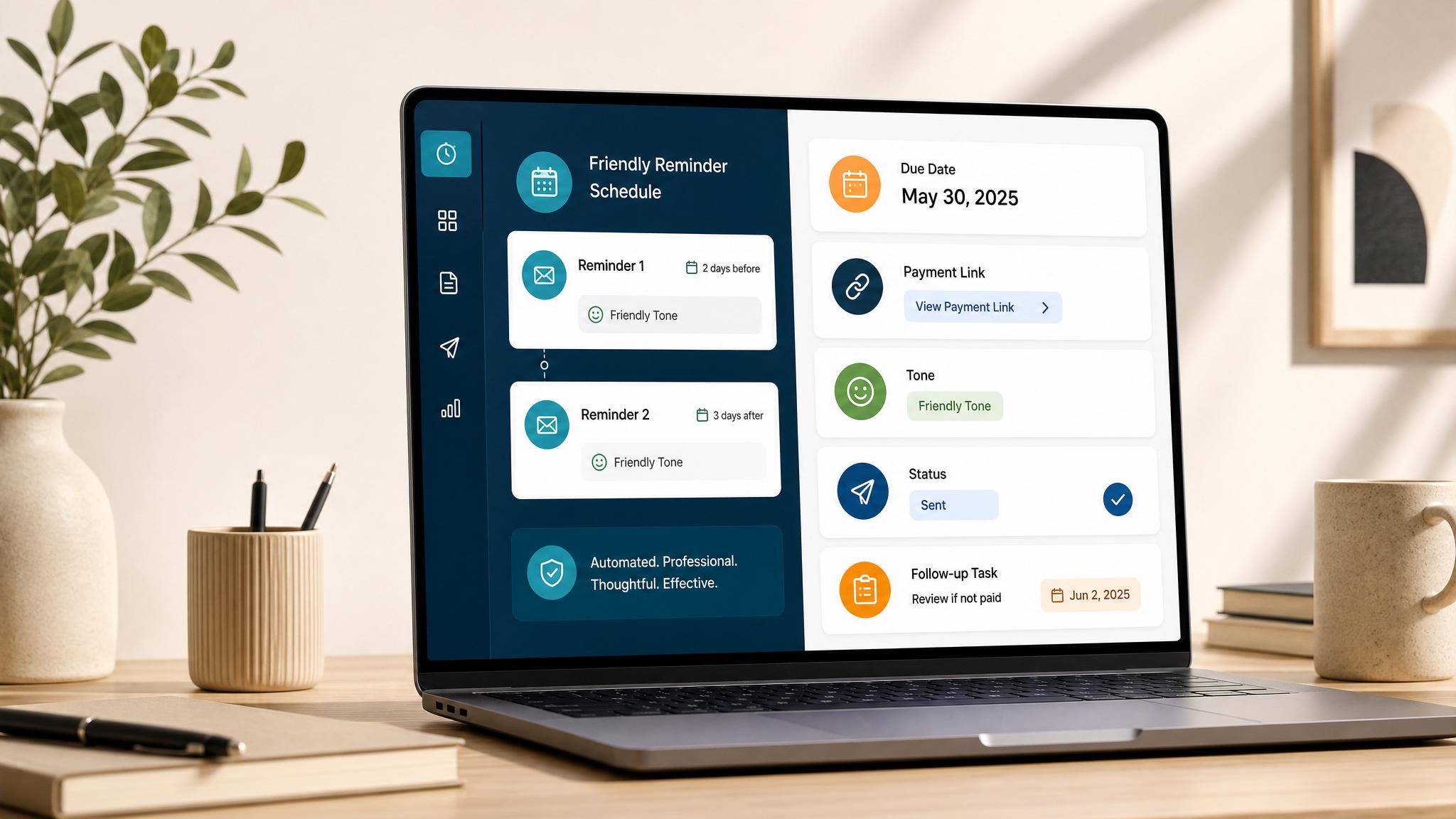
An invoice reminder should match the invoice's due date, current status, and customer history. Set one system to own the sequence, check what happens after a payment or reply, and send exceptions to a person.
If you need reusable message wording, use the invoice reminder template library. If you use FreshBooks, see the FreshBooks reminder setup guide.
Choose where reminders should run
| Your setup | Starting path | Check before enabling |
|---|---|---|
| One accounting system sends invoices | Start with its native reminder settings | Whether it sends only for emailed, unpaid invoices and where it records send history |
| A field-service system creates invoices | Check its reminder controls first; use a connector only for a missing handoff | Whether the job system or accounting system owns the customer message |
| Invoices live in several disconnected systems | Assign one person to review a combined overdue list before connecting automated sends | Duplicate contacts, overlapping sequences, source of truth, and failure alerts |
Keep one system responsible for customer reminders. A connector can copy status or create a review task, but do not assume it can detect a dispute, a phone conversation, or an offline payment before the accounting record updates.
Configure QuickBooks Online reminders
The following steps use Intuit's US QuickBooks Online instructions, updated August 5, 2026. Product labels can vary by plan or account. Open Intuit's current US instructions if your screen differs.
- Open Settings and choose Account and settings.
- Choose Sales, then find Reminders and select Edit.
- Turn on Automatic invoice reminders. Enable Reminder 1, then choose the number of days before or after the invoice due date.
- Add a second or third reminder only if your terms and customer experience call for one. Intuit documents scheduling up to 90 days before or after the due date.
- Edit the subject and message for each reminder. Keep the invoice number and business name clear.
- Save the settings. Intuit says QuickBooks sends a reminder only for invoices that match the schedule, have not been paid, and have already been emailed.
- Use a test invoice and inspect its status/history before enabling the sequence for live invoices.
Intuit documents QuickBooks Online's general reminder conditions. It does not establish how every configuration handles partial payments, disputed invoices, or offline payments before sync. Test these states or route them to manual review.
For alternatives, FreshBooks documents up to three reminders and their client/invoice settings. Xero documents reminder status and history, including cases where a reminder does not send. Check the current account interface and plan before following vendor instructions.
Set a schedule from the due date
Use the due date as day zero in your sample sequence. The dates below illustrate one restrained setup; your invoice terms, customer agreements, and working relationship determine actual timing.
| Date in example | Action | Rule |
|---|---|---|
| October 12, 2026 | Optional courtesy reminder | Three days before the October 15 due date; use only when it helps the customer plan |
| October 15, 2026 | Due-date reminder | Include invoice number, amount due, and payment route |
| October 22, 2026 | One overdue reminder | Seven days after the due date; stop the scheduled sequence after this send |
| October 23, 2026 | Human review task | Review status, replies, promised dates, and any payment not yet reflected in the system |
Do not copy these dates into every account by default. A customer with a different agreed due date or payment arrangement needs the sequence that matches those terms.
Decide what happens to exceptions
| Invoice or customer state | Reminder action | Owner |
|---|---|---|
| Invoice shows paid | Stop future reminders and retain the status evidence | Billing owner checks any late-arriving sync |
| Partial payment recorded | Pause generic wording; verify the remaining balance and agreed plan | Account owner approves the next message |
| Customer disputes the invoice or asks a question | Pause the sequence and create a reply task | Person responsible for resolving the issue |
| Customer promises payment by a date | Pause routine reminders through that date; create a review task | Account owner confirms the payment or resets the plan |
| Customer paid offline but system has not synced | Hold the next send until someone checks the ledger or receipt | Billing owner records the verified payment |
| Several invoices are open for one customer | Consolidate the review before sending another message | One named account owner |
| Email or phone is invalid | Do not retry the same message automatically | Billing owner corrects the contact record |
These are workflow rules for your team. They do not imply that QuickBooks, FreshBooks, Xero, or a connector detects every state automatically.
Test before using live customer records
Download the invoice reminder acceptance sheet. Use test records and enter the expected result before running each case. Record the observed result, evidence, owner, and test date. Leave every test marked not tested until you have a real result.
| Test case | Expected behavior to define before the test |
|---|---|
| Unpaid invoice reaches a scheduled date | One reminder goes to the intended contact |
| Paid invoice reaches a scheduled date | No reminder goes out |
| Partially paid invoice reaches a scheduled date | The remaining balance is correct or a person reviews before send |
| Disputed invoice reaches a scheduled date | Sequence pauses and a named person receives the task |
| Invalid contact reaches a scheduled date | The failure appears for correction; no repeated blind send |
| Duplicate trigger fires twice | Customer receives no duplicate message |
| Offline or late payment syncs after scheduling | The owner checks status before any later send |
Review results without claiming causation
Track reminder errors, duplicate sends, messages sent after payment, overdue balance by age, exceptions without owners, and staff time recorded. You can count invoices paid after a reminder, but that count does not show the reminder caused payment. Compare similar periods or customer groups before drawing a conclusion.
Next step
Use the invoice reminder templates to write the messages. If the sequence needs a FreshBooks path, follow the FreshBooks setup guide and verify the steps in your account. For the larger billing workflow, read the invoice automation setup guide.
FAQ
Quick answers about this guide and how to put the idea into practice.
When should an invoice reminder go out?
Choose timing that fits your terms and customer relationship. The example in this guide uses the due date as day zero; it is a starting schedule, not a rule for every business.
Will an automatic reminder stop after a partial payment or a dispute?
Do not assume it will. Check the selected product's documented behavior and test the configured account. Assign a person to pause or review the invoice when status is unclear.
Can I use invoice reminders in FreshBooks?
FreshBooks documents up to three payment reminder emails with settings for all clients, an individual client, or a specific invoice. Confirm the current interface and behavior in your account.