
Lead Response Automation for Small Business
Lead response automation helps small businesses reply to new inquiries faster, route leads correctly, and reduce lost sales from slow follow-up.


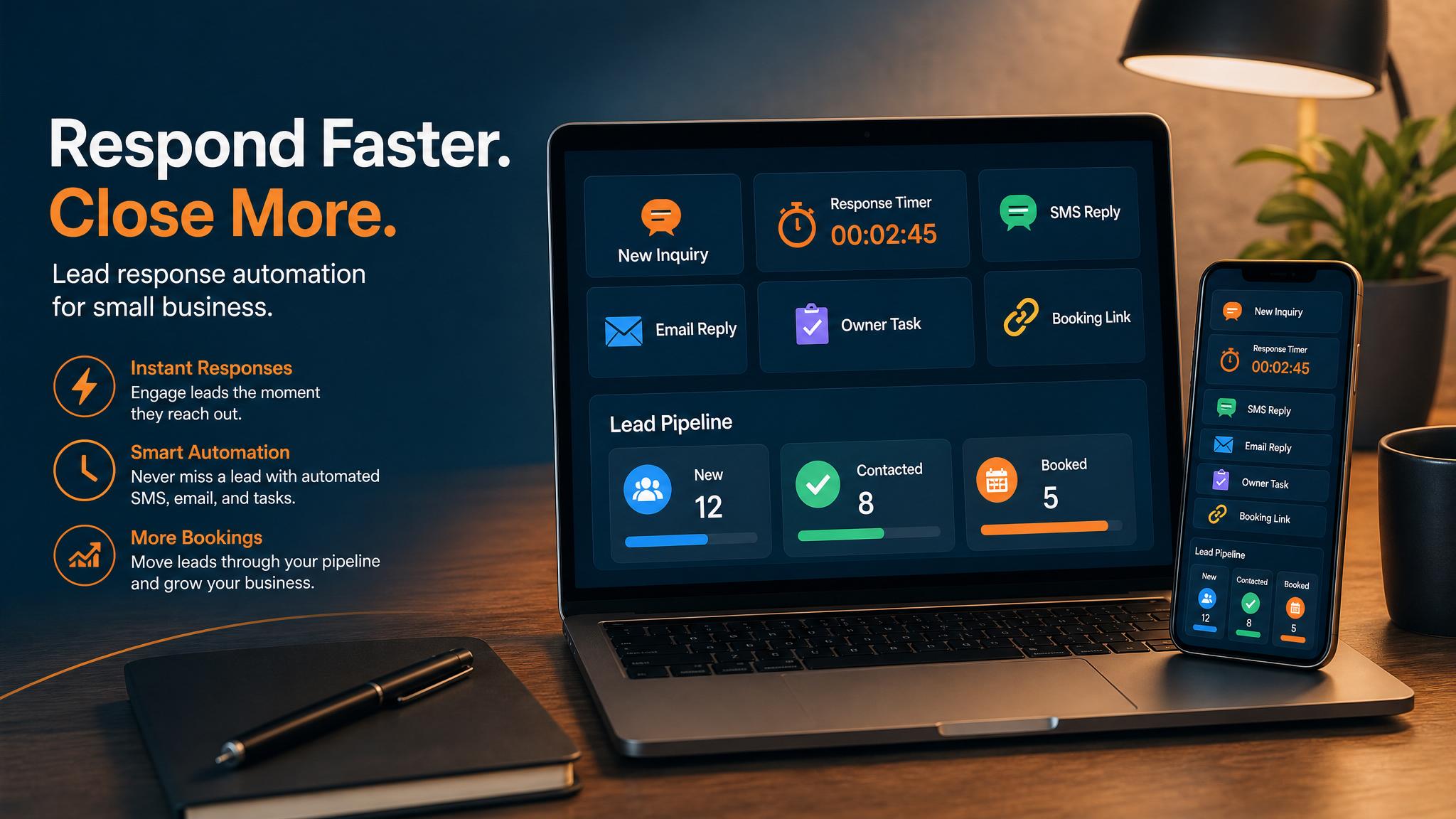
Lead response automation helps a small business answer new inquiries before they go cold. It captures the form fill, missed call, quote request, email, voicemail, or social message; drafts the first reply; routes the lead to the right person; updates the customer record; and creates the next follow-up reminder.
For plumbers, HVAC companies, roofers, salons, contractors, and other local service businesses, the point is not to replace the owner or salesperson. The point is to make sure every real inquiry has a next action while the customer is still comparing options.
If your website gets visitors but follow-up depends on memory, start with the customer path first. Business Boomer can build the website preview, contact path, and lead follow-up automation together so the site does not become another disconnected inbox.
You can also pair the workflow with an AI assistant for local business when the owner wants help drafting replies, reminders, and CRM updates.
When you are ready to compare implementation paths, review the approved service packages or contact Business Boomer with the workflow you want to fix.
| Lead source | Automation task | Human review point |
|---|---|---|
| Website form | Summarize the request and draft the first reply | Price, timeline, and fit |
| Missed call or voicemail | Create a callback task and text-back draft | Urgent or sensitive jobs |
| Quote request | Log the lead, ask for missing details, and schedule follow-up | Scope, discounts, and promises |
What is lead response automation?
Lead response automation is the process of using software, forms, messages, alerts, and simple rules to handle the first steps after someone contacts your business. Instead of relying on an owner or employee to notice every website form, missed call, email, social message, or referral text, the system captures the inquiry and triggers the right next action.
For a small business, this usually does not need to be complicated. A basic setup might send an instant text or email, create a CRM record, notify the owner, assign a follow-up task, and send a calendar booking link. A more advanced setup might score the lead, route it by service type, alert a salesperson, and send different messages based on urgency.
The key idea is speed with structure. The automation does not replace the human conversation. It makes sure the conversation starts while the lead is still paying attention.
Why lead response automation matters
Lead response automation matters because response time has a direct impact on revenue. When someone fills out a form or asks for help, they are usually comparing options. If your business waits until the end of the day to reply, another company may have already answered, booked the appointment, or sent the quote.
Slow follow-up also creates a trust problem. Customers often assume that the way you handle the first inquiry reflects the way you handle the actual service. A fast, clear response makes the business feel organized. A delayed or scattered response makes the customer wonder what else might slip through the cracks.
Automation turns those scattered inputs into one process. New leads get acknowledged. Important leads get flagged. Follow-ups get scheduled. The business stops depending entirely on memory and inbox luck.
Lead source workflow map
| Lead source | First automated step | Human handoff |
|---|---|---|
| Website form | Confirm the request and save the details | Owner reviews the request and calls or emails back |
| Missed call or voicemail | Send a text-back asking for the service, address, and timing | Staff calls urgent leads first |
| Quote request | Ask for photos, measurements, service area, and deadline | Estimator prepares the next question or visit |
| Email inquiry | Summarize the request and create a follow-up task | Owner replies with the right service path |
| Social message | Capture the contact details and move the lead into the main tracker | Team follows up from the system of record |
This map keeps the first workflow practical. The business does not need a complex sales funnel before it has a reliable first response.
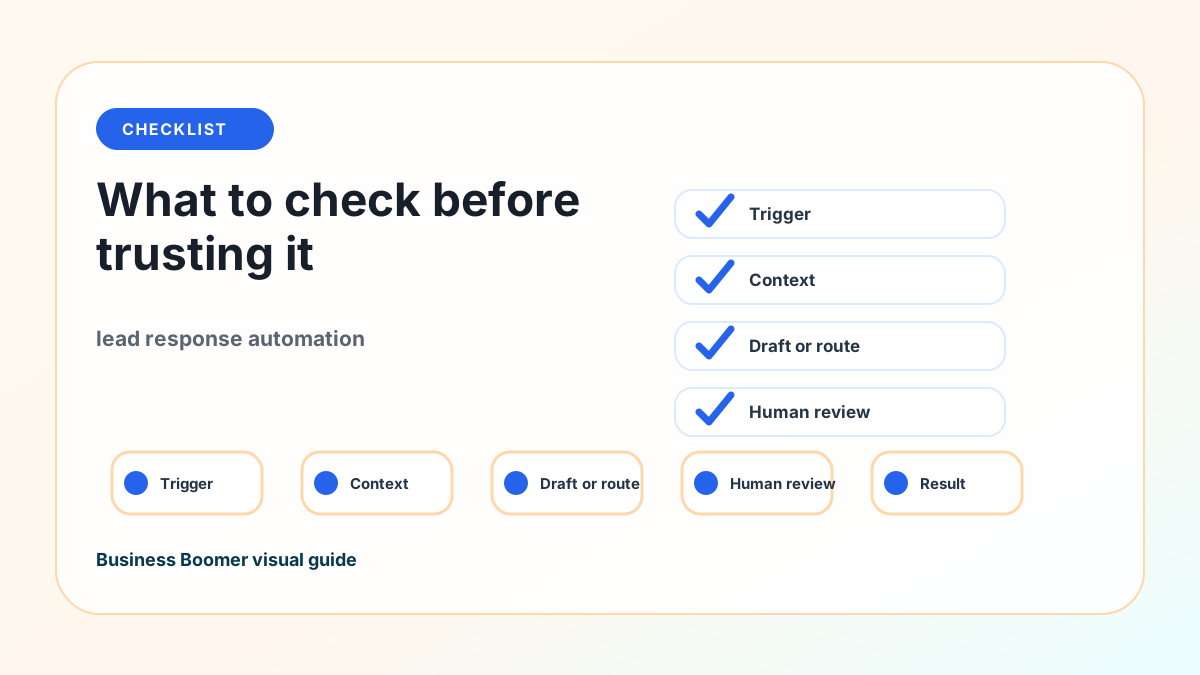
How to put this into practice
Start by mapping every place a new lead can arrive. Include website forms, phone calls, missed calls, voicemail, email, Google Business Profile, social media messages, referrals, ads, and marketplace platforms. Most small businesses underestimate how many lead sources they have.
Next, decide what should happen in the first five minutes. A simple rule might be: every new website lead gets an instant confirmation, every missed call gets a text-back, and every high-intent inquiry creates a task for a human follow-up. The goal is not to close the sale automatically. The goal is to acknowledge the person and move them to the next step.
Then choose the system of record. This could be a CRM like HubSpot, Pipedrive, Jobber, Housecall Pro, GoHighLevel, Airtable, or another industry-specific tool. The best choice is the one your team will actually use. If a lead is not captured somewhere reliable, it is still easy to lose.
After that, write the first-response messages. Keep them short and human. For example: “Thanks for reaching out. We got your request and will review it shortly. If you want the fastest next step, you can book a quick call here.” For urgent services, the message may need to ask for photos, location, timing, or the best callback number.
Finally, add follow-up automation. If a lead does not book, send a reminder. If a quote is sent, create a follow-up task. If a lead goes quiet, send one final helpful message before closing the loop. Small, respectful follow-up is where many businesses recover revenue they were already earning the hard way.
Best practices that keep this useful
Keep the first version simple. Automate the intake, acknowledgment, routing, and reminders before trying advanced lead scoring or complex funnels.
Respond like a real person. Automated messages should sound clear and useful, not robotic. Avoid overloading the customer with five paragraphs or too many links.
Use one source of truth. Every lead should end up in the same CRM or tracking system, even if the original inquiry came from a different channel.
Separate urgent leads from casual questions. A same-day emergency request should not be treated like a general newsletter inquiry.
Make ownership obvious. Someone should know who is responsible for calling, quoting, booking, or closing each lead.
Measure the basics. Track new leads, response time, appointments booked, quotes sent, follow-up completion, close rate, and lost reasons. These numbers show whether the automation is actually improving sales.
Local service examples
For a plumber, lead response automation can text back after a missed call, ask for the address and issue, and flag emergency work for a human callback.
For an HVAC company, it can separate repair requests from replacement estimates, send a booking link, and create a follow-up task if the customer does not schedule.
For a roofer or contractor, it can collect photos, service area, project timing, and the best callback window before the owner opens the lead.
For a salon, it can answer booking questions, send the right appointment link, and remind staff to follow up with high-value bridal or color inquiries.
If the business also needs a better contact path on the site, review the AI website for service businesses page before buying another tool. The page, form, and follow-up system should work together.
What this should look like in practice
A good setup should make the next action obvious. The owner or team should be able to open one place and see what needs attention, what is waiting, and what can be automated.
Simple implementation checklist
| Step | What to check |
|---|---|
| 1 | Find the repetitive task or lead leak |
| 2 | Decide what information must be captured |
| 3 | Create a simple owner, stage, and next-step rule |
| 4 | Automate the reminder, handoff, or record creation |
| 5 | Review the workflow weekly and tighten what breaks |
Business Boomer rule: If the workflow does not create a clearer owner, next step, or follow-up path, it is not automation yet. It is just another tool.
Review the lead follow-up automation setup if the page works but calls, quotes, or appointments still slip through.
Lead follow-up next step
Stop letting leads sit without a next action.
Business Boomer can install lead capture, first-response drafts, quote follow-up reminders, and a simple owner handoff.
FAQ
Quick answers about this guide and how to put the idea into practice.
What is lead response automation?
Lead response automation captures a new inquiry, drafts or sends the first response, creates an owner task, updates the lead record, and schedules follow-up so a small business does not lose the lead.
Should lead response automation reply to customers automatically?
The safest first version drafts replies and creates tasks for owner review. Businesses can automate simple confirmations, but pricing, promises, discounts, and unusual requests should stay under human control.
What lead sources should a small business connect first?
Start with website forms, missed calls, voicemail, quote requests, email inquiries, and Google Business Profile messages because those sources often contain high-intent customers.
How is lead response automation different from a CRM?
A CRM stores and tracks leads. Lead response automation handles the first reply, routing, reminders, and next actions around the CRM so the record does not sit untouched.