
AI Lead Follow-Up Workflow for Small Business
A practical AI lead follow-up workflow helps small businesses respond faster, track every inquiry, and keep quotes from going cold.


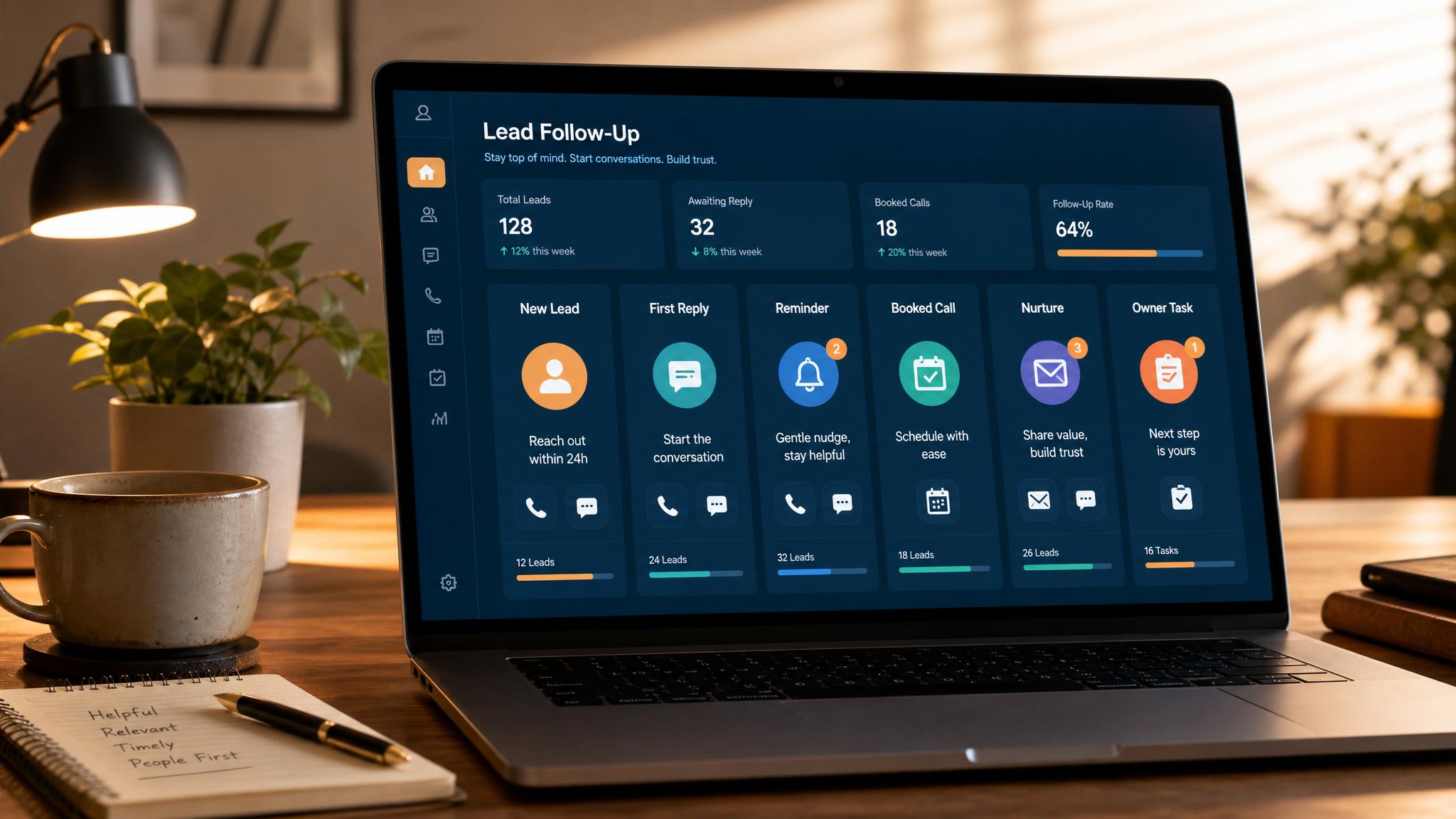
An AI lead follow-up workflow helps a small business reply faster, organize the lead, draft the next message, and remind the owner when a quote or booking request needs attention. The useful version does not chase people with spam. It turns every inquiry into a clear next step.
Following up with leads for a small business means contacting interested prospects quickly, clearly, and consistently until they buy, say no, or go quiet. The best follow-up system is useful, timely, and easy for the lead to answer.
Quick answer: Start with one workflow: new lead arrives, AI summarizes the request, drafts a reply, creates an owner task, logs the lead, and schedules the next follow-up if the customer does not respond.
If this is the workflow you need built, use the lead follow-up automation setup.
If the website path is also weak, pair the workflow with an AI website for service businesses.
| Step | What happens | Owner control |
|---|---|---|
| Capture | Form, missed call, email, quote request, or chat gets logged | Owner chooses the lead sources |
| Draft | AI prepares a first reply and missing-detail questions | Owner approves pricing, timing, and promises |
| Follow up | CRM task or reminder fires if the lead goes quiet | Owner decides when to call, text, or close the loop |
What is lead follow-up for a small business?
Lead follow-up is the process of staying in touch after someone fills out a form, asks for a quote, books a call, or shows interest in your business. For a small business, this usually happens by email, phone, text, or a mix of all three.
Most owners think follow-up is just “checking in.” It is more than that. Good follow-up answers the next question, reduces hesitation, and helps the lead take one simple next step.
A lead usually does not disappear because they were never interested. They disappear because life got busy, your reply came too late, or they were unsure what to do next. That is why lead follow-up is really a speed and clarity problem, not just a sales problem.
For many small businesses, the current system is messy. One lead gets a reply in five minutes, another gets a reply two days later, and a third gets forgotten entirely. That inconsistency costs real revenue.
Why how to follow up with leads for small business matters
Lead follow-up matters because most sales do not happen on the first message. A lot of interested buyers need a reminder, a clearer explanation, or a second touch before they move forward.
Small businesses especially feel this because they usually do not have a full sales team watching every inquiry. The owner is doing sales, delivery, admin, and customer service all at once. When follow-up depends on memory, leads slip through the cracks.
Fast follow-up also affects trust. If someone reaches out and hears back quickly, your business feels organized and reliable. If they wait too long, they assume you are busy, inconsistent, or hard to work with.
There is also a simple math reason to care. If your business gets 40 leads a month and better follow-up helps you close just 4 more of them, that can mean thousands of dollars in extra monthly revenue without spending more on ads or marketing.
This is one of the best operational improvements a small business can make because it improves conversion before you spend money trying to generate more traffic.
How to put this into practice
Start by replying fast. The first message should go out as soon as possible after the lead comes in. Even a short response is better than silence. Thank them, confirm you got their request, and tell them what happens next.
Next, make the next step obvious. Do not send a vague message like “let me know if you want to chat.” Instead, offer one clear action: book a call, reply with a preferred time, approve the quote, or answer one key question.
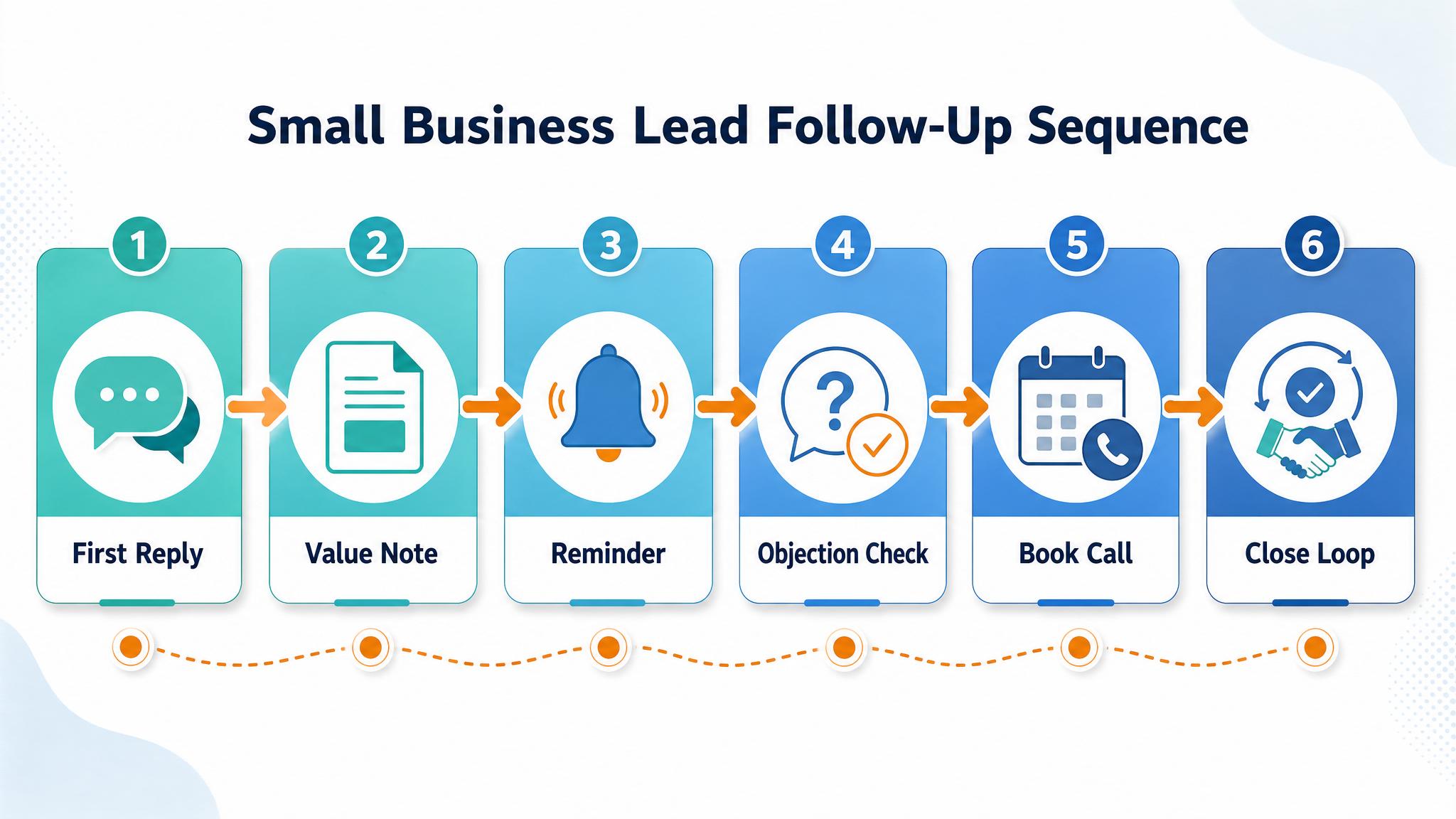
Then build a simple sequence. For most small businesses, a five-touch follow-up sequence works well:
- Day 0: quick response and confirmation
- Day 1: helpful follow-up with one useful detail
- Day 3: short reminder with clear next step
- Day 7: check-in message that reduces pressure
- Day 14: final follow-up that closes the loop politely
Each message should add value. That could mean answering a common objection, sharing pricing context, explaining your process, or clarifying timeline. If every message sounds identical, it feels automated in the worst way.
Use the channel that fits the lead. If they filled out a web form, start with email. If they texted, text back. If they booked a call but did not show, a text and email combination often works better than one long email.
Finally, track outcomes. Every lead should end in one of a few clear statuses: booked, won, not now, no response, or unqualified. If you do not track this, you cannot improve the system because you never see where leads are dropping off.
Best practices that keep this useful
Keep messages short. Long follow-up emails often get ignored. A few clear sentences beat a wall of text.
Be specific. Mention what they asked about, what you recommend, and the exact next step. Specific follow-up feels personal even when the process is templated.
Do not wait for the perfect message. Speed beats polish in early follow-up. A good reply now is better than a perfect reply tomorrow.
Use templates, but personalize the first line. That gives you consistency without sounding robotic.
Stop guessing and build a process. If follow-up only lives in your head, it will break when you get busy.
Automate reminders where possible. Even basic automation, like a CRM task or email sequence, can prevent dropped leads and free up hours every week. This is where businesses often benefit from better systems around routing, reminders, and response workflows.
Business Boomer helps small businesses build faster follow-up systems, cleaner workflows, and practical automation that turns more inquiries into real conversations.
What this should look like in practice
A good setup should make the next action obvious. The owner or team should be able to open one place and see what needs attention, what is waiting, and what can be automated.
Simple implementation checklist
| Step | What to check |
|---|---|
| 1 | Find the repetitive task or lead leak |
| 2 | Decide what information must be captured |
| 3 | Create a simple owner, stage, and next-step rule |
| 4 | Automate the reminder, handoff, or record creation |
| 5 | Review the workflow weekly and tighten what breaks |
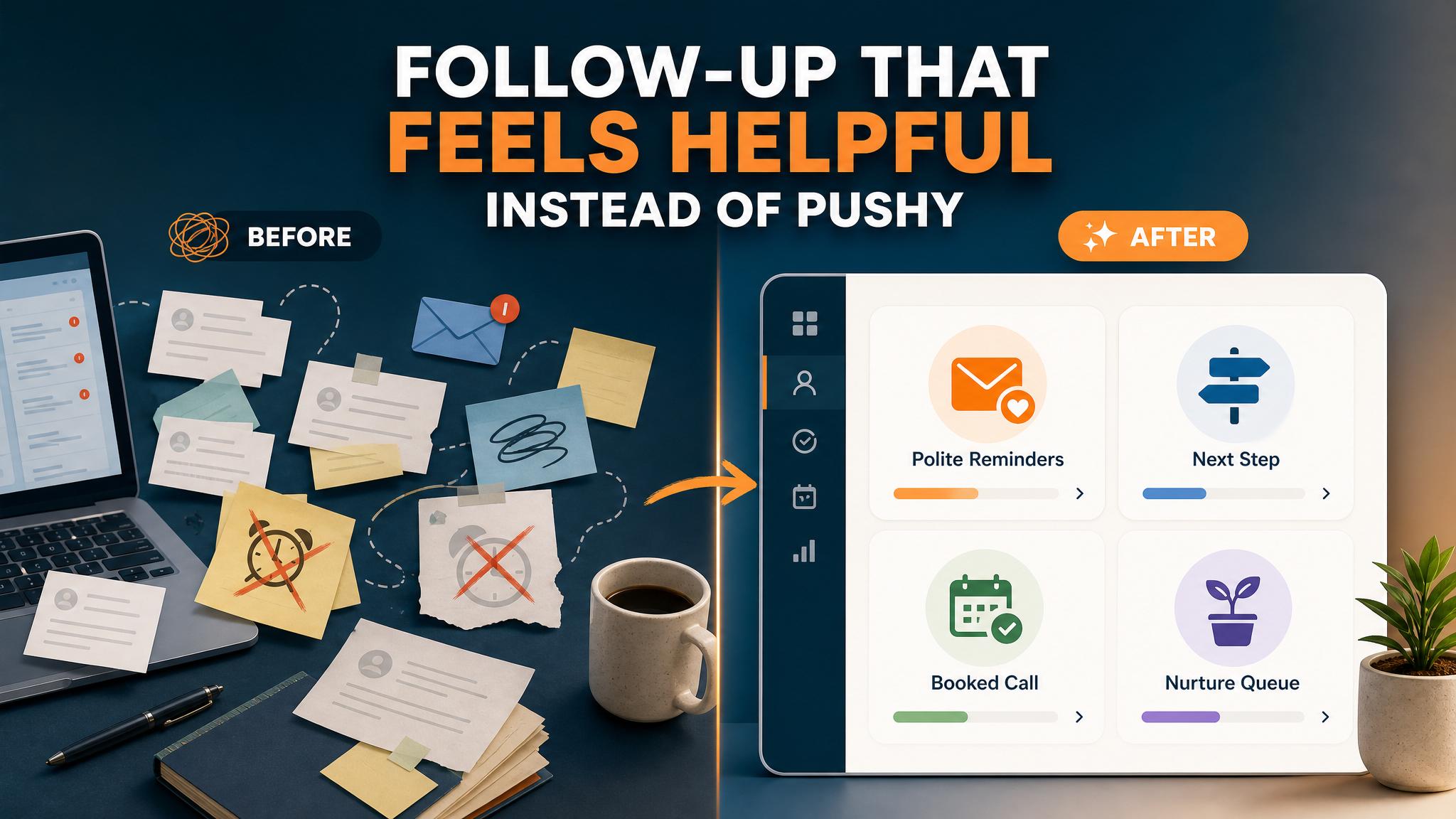
Business Boomer rule: If the workflow does not create a clearer owner, next step, or follow-up path, it is not automation yet. It is just another tool.
Lead follow-up next step
Stop letting leads sit without a next action.
Business Boomer can install lead capture, first-response drafts, quote follow-up reminders, and a simple owner handoff.
Keep building the system
Recommended next Business Boomer guides
These links are selected by topic and search intent so this guide connects to the most relevant service pages, industry pages, and supporting blog posts.
Service and setup pages
Use these when you are ready to turn the idea into an implementation path.
Industry-specific pages
See how the same workflow changes for specific business types.
Related blog posts
Read the connected guides that support this topic cluster.
Recommended next steps
These pages connect this guide to the Business Boomer offer, related workflow, and next implementation path.
Lead follow-up automation setup
Turn new inquiries, quote requests, and stale leads into owner-ready next steps.
AI assistant for local business
Add an owner-controlled assistant for leads, questions, scheduling, and CRM updates.
AI website for service businesses
Improve the website path that feeds the follow-up workflow.
Related AI automation guides
Keep going with the connected Business Boomer guides in this automation cluster.
Lead follow-up automation for small business
Turn form fills, missed calls, quote requests, emails, and voice notes into reply drafts, CRM updates, reminders, and next steps.
AI sales team and lead follow-up setup
Turn sales calls, form fills, quote requests, and owner notes into follow-up emails, calendar invites, CRM updates, and next-step reminders.
How to qualify leads for small business
Capture the right details, route qualified prospects, and make follow-up easier for a small team.
AI assistant for local business
Owner-controlled AI assistants that help local businesses handle missed leads, scheduling handoffs, FAQs, reviews, CRM updates, and follow-up.
FAQ
Quick answers about this guide and how to put the idea into practice.
What is an AI lead follow-up workflow?
An AI lead follow-up workflow captures a new inquiry, summarizes the request, drafts the first reply, creates an owner task, logs the lead, and schedules reminders if the customer does not respond.
How fast should a small business follow up with leads?
Reply as fast as the business can do safely. A quick confirmation and clear next step is better than waiting hours for a perfect response.
What should the first lead follow-up message include?
The first message should confirm the request, mention the service or issue, ask one useful question if needed, and give the customer one clear next step.
Can lead follow-up be automated without sounding robotic?
Yes. Use short templates, owner-approved language, and human review for pricing or unusual requests. The automation should organize the next step, not spam the lead.
Stop letting leads sit without a next action.
Business Boomer can install lead capture, first-response drafts, quote follow-up reminders, and a simple owner handoff.
See Lead Follow-Up Automation