
What Is a CRM? A Small-Business Lead Handoff Example
Understand a small-business CRM with a sample lead record, owner, status and next action. Learn how to test manual and automatic handoffs separately.

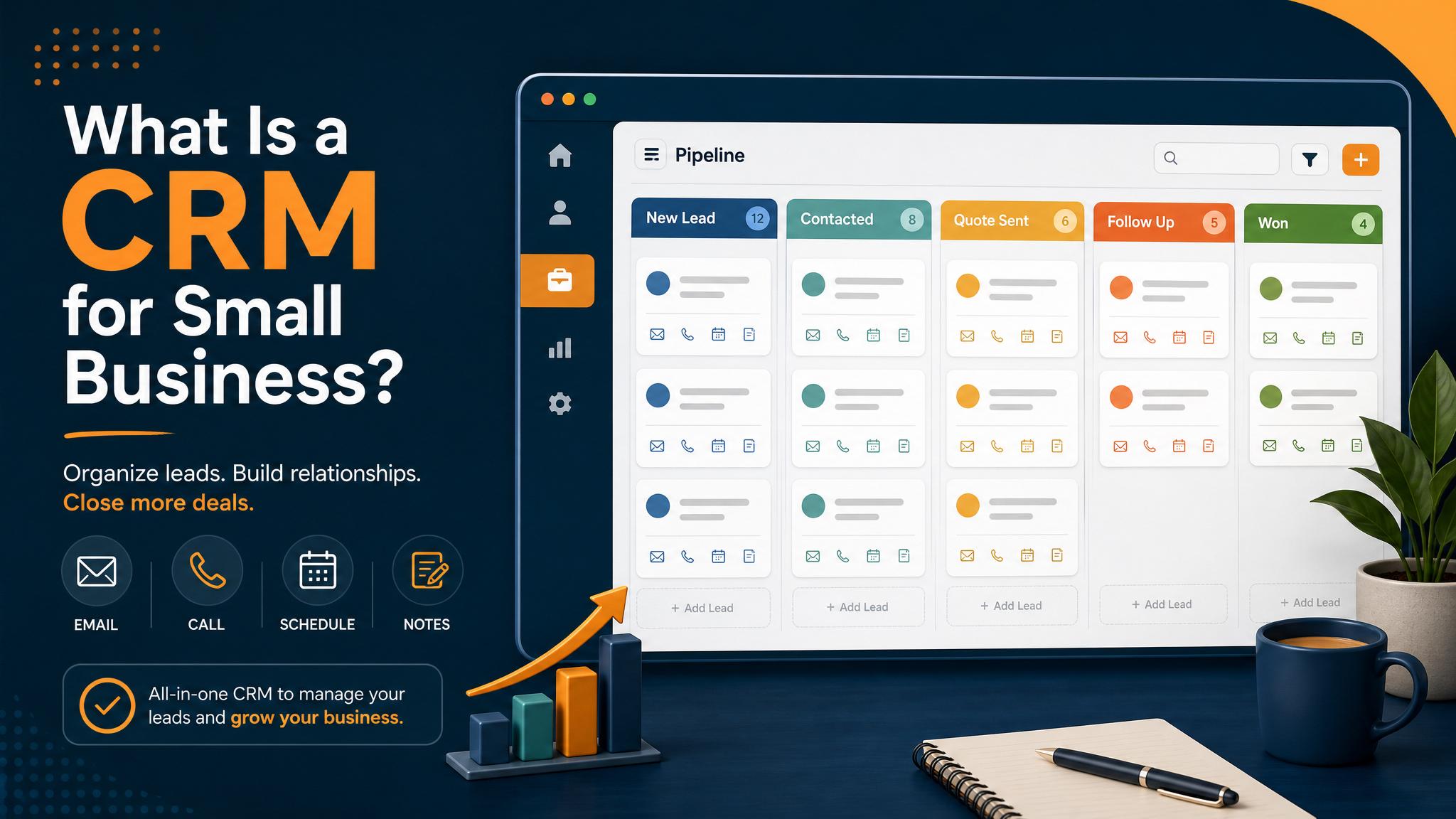
A customer relationship management system, or CRM, is where your team records customer conversations and the next action. Start with a practical question: can a colleague find an inquiry, see who owns it and know what happens next?
You can design the record before choosing software. The example below uses invented details and does not represent a customer or an automatic integration in Business Boomer's website.
Follow one inquiry through a record
A caller asks whether a cleaning company serves their area. Staff need to confirm the location before offering an appointment. Record the question without marking the inquiry booked or won.
| Field | Sample value |
|---|---|
| Inquiry reference | TEST-CRM-104 |
| Source | Phone inquiry |
| Requested service | Recurring office cleaning |
| Contact method | Callback requested; sample contact withheld |
| Owner | Office coordinator |
| Status | Needs service-area check |
| Next action | Confirm area, then return the call |
| Due time | A time agreed by the responsible staff member |
| Outcome evidence | Staff records the callback and customer's response |
Use the inquiry reference to connect the call summary and CRM entry. A person can enter the record manually; an integration may populate it once that connection has been configured and tested. Receiving an email notification does not demonstrate either method succeeded.
Use stages that describe observed events
Keep “new inquiry,” “assigned,” “contact attempted,” “appointment confirmed” and “closed” separate. Decide what evidence allows a person to change each status. For example, sending a booking link is an attempted next step; a confirmed appointment requires a scheduling record.
You may need other stages for estimates or repeat work. Add one only when it changes what your team does. Avoid treating every form submission as a qualified lead or every call as revenue.
Test the handoff in two places
Write a sample inquiry and have one person capture it. Ask another person to locate it without help from the first. They should be able to identify the owner, next action and due time.
For an automatic connection, check the source event and destination record separately. Inspect these cases before using real customer information:
- The same inquiry arrives twice: identify whether it should update an existing record or create a separate inquiry.
- The contact method is missing: route it for review instead of inventing an email address or phone number.
- The assigned staff member is unavailable: use the replacement owner you agreed on.
- The destination rejects the record: make the failure visible and preserve enough context for a person to recover it.
Record expected and actual results. Use the sample handoff cases as a starting worksheet; they are fictional, not evidence that your CRM connection works.
Keep the daily review short and specific
Review open records with no owner, overdue actions and failed handoffs. Ask staff to update the record after a callback, rather than leaving the result in a separate message thread. Measure completed callbacks or confirmed appointments using the same definitions each week.
Choose which information belongs in the CRM and which should stay in a more restricted system. Assign access and retention responsibilities before importing historical records. The right arrangement depends on your business and obligations.
Connect the record to your service decision
Business Boomer offers AI Voice Receptionist and Google Reputation Management. Ask how the proposed service hands information to your team and whether the exact CRM connection is included. A consultation does not establish that an integration is configured.
Bring your sample record to a consultation, or use the provider comparison checklist to compare handoff evidence across providers.
Keep building the system
Recommended next Business Boomer guides
These links are selected by topic and search intent so this guide connects to the most relevant service pages, industry pages, and supporting blog posts.
Service and setup pages
Use these when you are ready to turn the idea into an implementation path.
Industry-specific pages
See how the same workflow changes for specific business types.
Related blog posts
Read the connected guides that support this topic cluster.
Recommended next steps
These pages connect this guide to the Business Boomer offer, related workflow, and next implementation path.
Related AI automation guides
Keep going with the connected Business Boomer guides in this automation cluster.
Lead follow-up automation for small business
Turn form fills, missed calls, quote requests, emails, and voice notes into reply drafts, CRM updates, reminders, and next steps.
How to follow up with leads for small business
A practical workflow for CRM stages, reminders, email, text, and human follow-up tasks.
AI automation for local service businesses
Practical lead, scheduling, review, CRM, invoice, and admin automation for plumbers, HVAC companies, roofers, landscapers, cleaners, contractors, and other local operators.
AI assistant for local business
Owner-controlled AI assistants that help local businesses handle missed leads, scheduling handoffs, FAQs, reviews, CRM updates, and follow-up.
Keep building on this guide
Practical guides, examples, and resources you can use in your own business.
FAQ
Quick answers about this guide and how to put the idea into practice.
Does an email notification prove a CRM record exists?
No. Inspect the receiving record, its owner and its next action. Test a manual entry or configured automatic connection separately.
When should an inquiry become a confirmed appointment?
Only after your team has the evidence required by its process, such as a confirmed scheduling record. Sending a booking link is a different event.
Choose the next step for calls or reviews.
Compare AI Voice Receptionist and Google Reputation Management, then bring one customer handoff to a consultation.
Compare the two services