
AI Intake Automation for Law Firms
A practical look at how small law firms can use AI intake automation to respond faster, reduce dropped leads, and keep staff workflows cleaner.


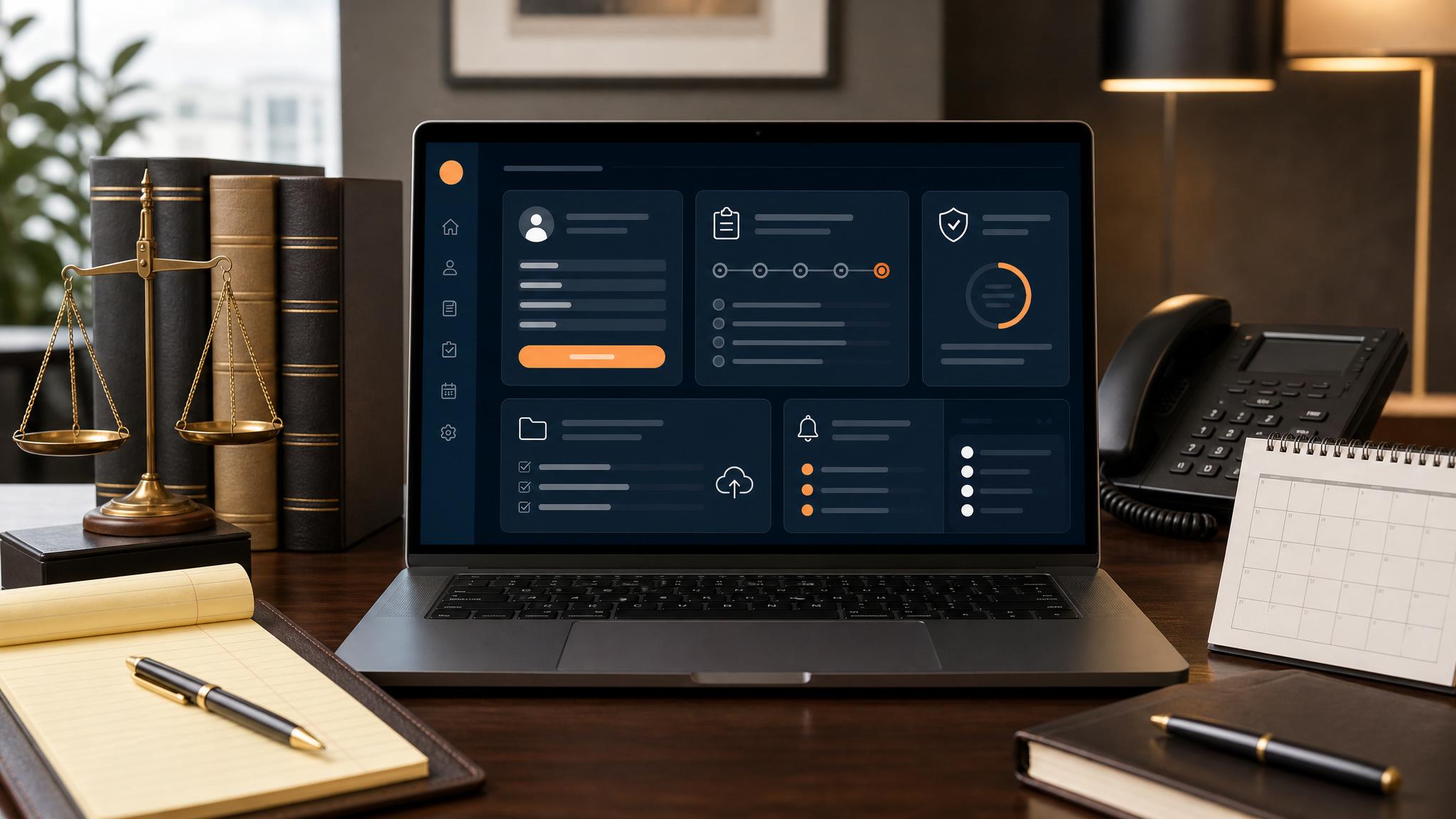
The fastest win for many small law firms is not broad AI adoption. It is intake automation.
Quick answer: A practical look at how small law firms can use AI intake automation to respond faster, reduce dropped leads, and keep staff workflows cleaner.
When a law firm responds slowly to inbound leads, the problem is not abstract. It is lost consultations, colder prospects, and more admin pressure on staff.
Why intake matters so much
Intake is where first impressions happen and where qualified leads often get lost. Small firms especially feel this because one missed follow-up can mean meaningful lost revenue.
What AI intake automation actually helps with
Practical intake automation can help with:
- faster response to inbound inquiries
- cleaner capture of prospect details
- reminders for follow-up and next steps
- more consistent handoff between staff and attorneys
What small firms should avoid
The wrong move is trying to automate legal judgment. The better move is improving response speed, communication consistency, and intake organization.
Final thought
If a law firm wants a practical first AI win, intake is often the best place to start.
Book a Free 30-Minute AI Consultation if you want help mapping intake automation.
What this should look like in practice
A good setup should make the next action obvious. The owner or team should be able to open one place and see what needs attention, what is waiting, and what can be automated.
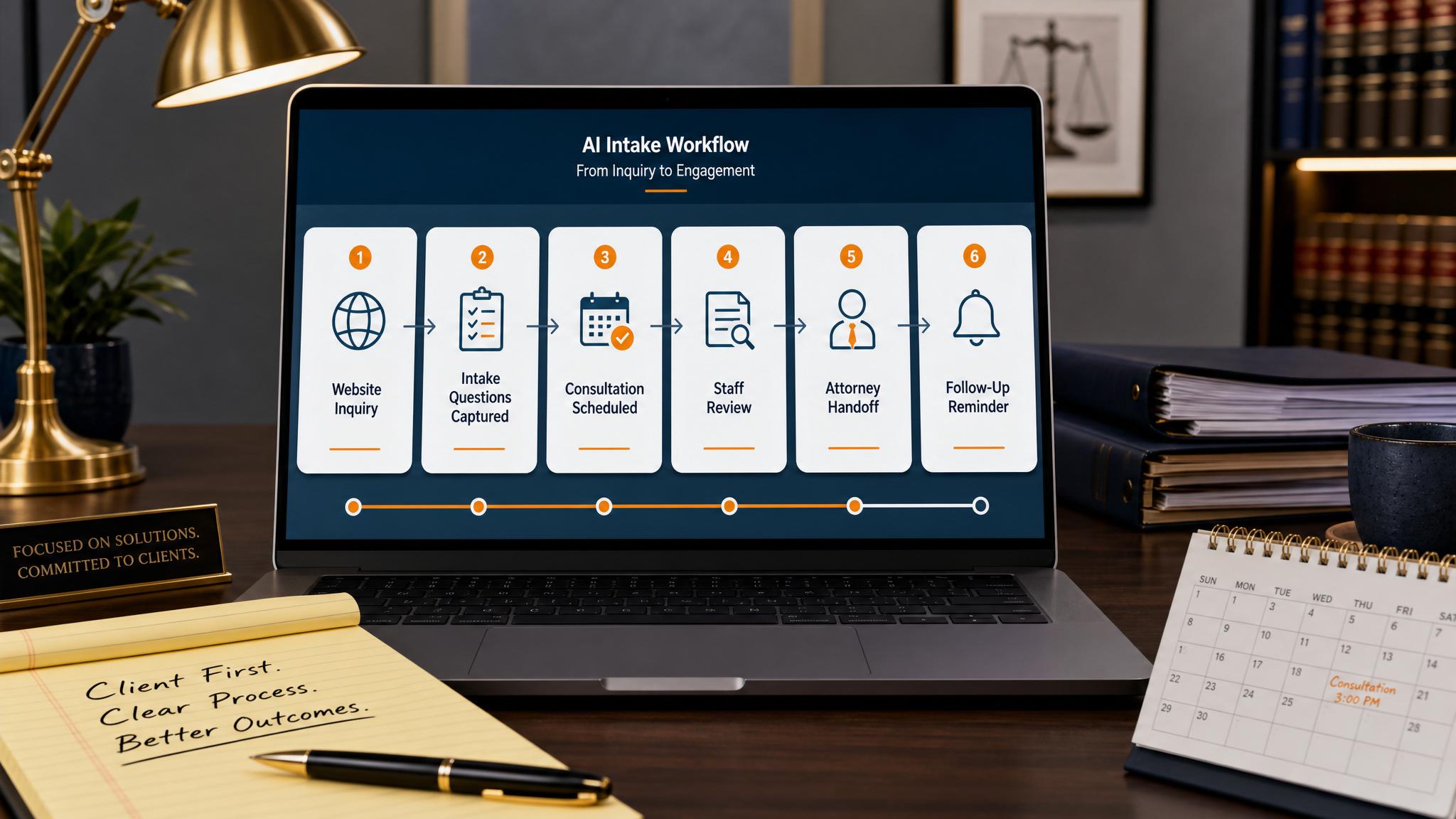
Simple implementation checklist
| Step | What to check |
|---|---|
| 1 | Find the repetitive task or lead leak |
| 2 | Decide what information must be captured |
| 3 | Create a simple owner, stage, and next-step rule |
| 4 | Automate the reminder, handoff, or record creation |
| 5 | Review the workflow weekly and tighten what breaks |
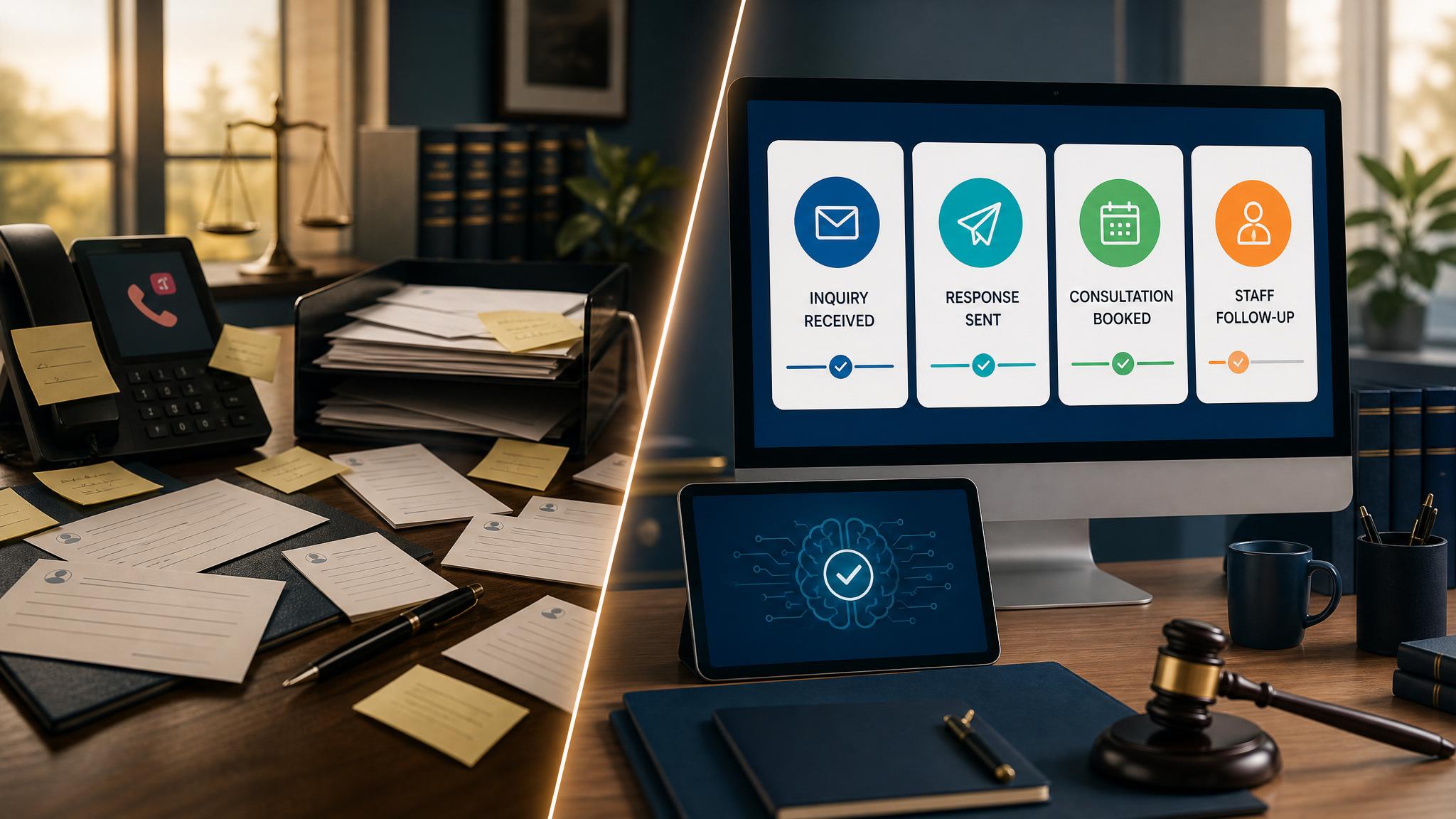
Business Boomer rule: If the workflow does not create a clearer owner, next step, or follow-up path, it is not automation yet. It is just another tool.
Industry workflow next step
See the first automation for law firms.
Start with intake response, staff review, and follow-up workflow design before adding more AI.
Keep building the system
Recommended next Business Boomer guides
These links are selected by topic and search intent so this guide connects to the most relevant service pages, industry pages, and supporting blog posts.
Service and setup pages
Use these when you are ready to turn the idea into an implementation path.
Industry-specific pages
See how the same workflow changes for specific business types.
Related blog posts
Read the connected guides that support this topic cluster.
Related AI automation guides
Keep going with the connected Business Boomer guides in this automation cluster.
AI automation services for local small business
Planning examples for broader automation. Compare current managed calls and reviews on the Services page; confirm other work in a separate scope.
How to use AI in a law firm
Intake, client follow-up, document workflow support, and admin cleanup for small firms.
OpenClaw operator setup sprint
A setup page for private owner-controlled OpenClaw operators with messaging access, business context, approval rules, and one proven workflow.
Website chat automation
Owner-approved website chat, intake questions, lead capture, CRM routing, and follow-up tasks.
FAQ
Quick answers about this guide and how to put the idea into practice.
What is the main takeaway from AI Intake Automation for Law Firms?
A practical look at how small law firms can use AI intake automation to respond faster, reduce dropped leads, and keep staff workflows cleaner.
How does ai intake automation for law firms help a small business?
ai intake automation for law firms can help a small business reduce manual work, improve follow-up, organize repetitive tasks, and create a clearer operating process when it is tied to a real bottleneck.
Can Business Boomer help implement ai intake automation for law firms?
Yes. Business Boomer can help turn the idea into a practical workflow, page, checklist, or automation system depending on what the business needs first.
See the first automation for law firms.
Start with intake response, staff review, and follow-up workflow design before adding more AI.
See Law Firm Workflows