
QuickBooks Automatic Invoicing for Small Business
QuickBooks automatic invoicing works best when recurring invoices, payment links, reminders, and outside job triggers follow a clear review rule.


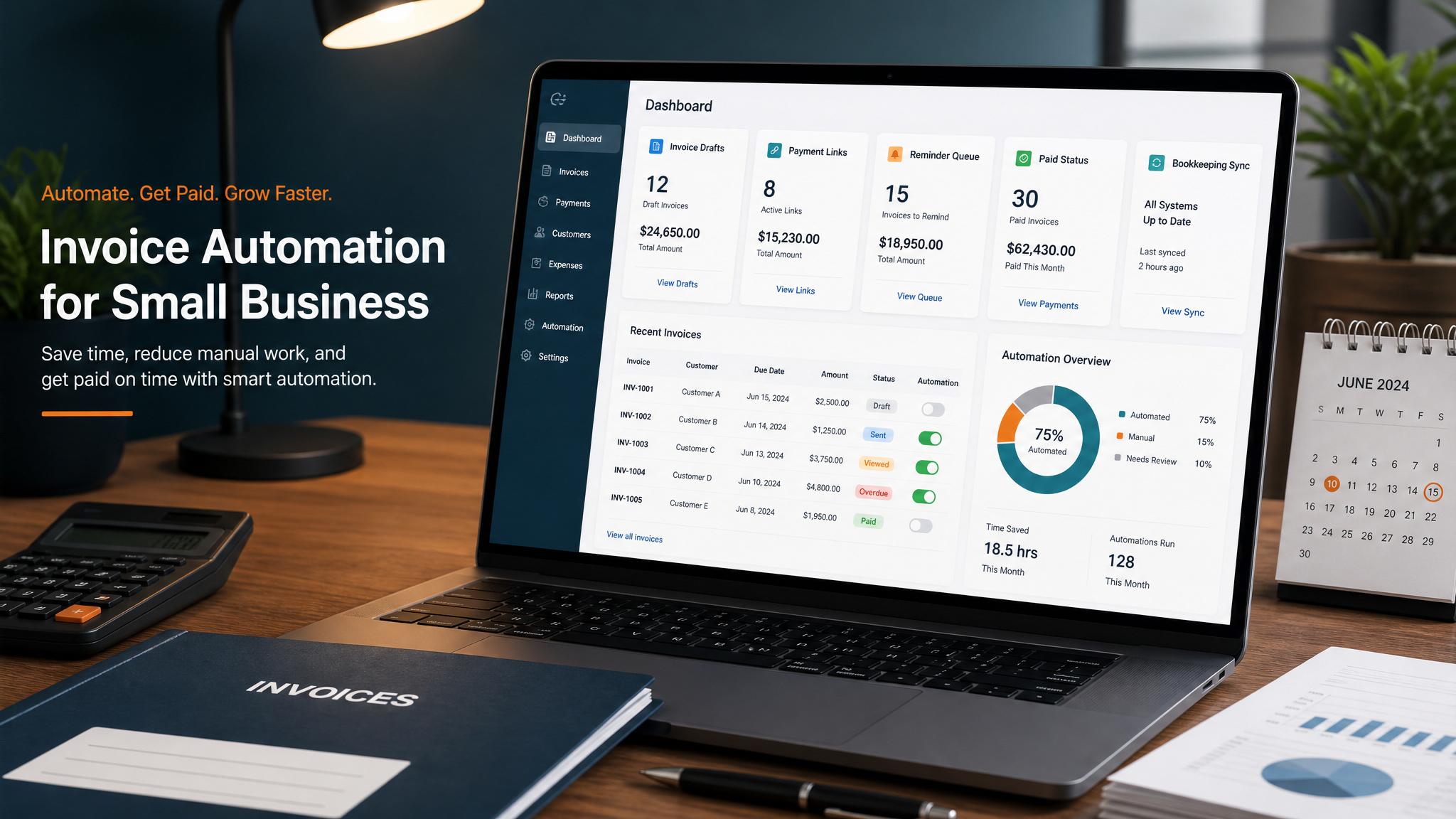
QuickBooks automatic invoicing can handle recurring invoices, payment links, reminders, and open invoice tracking. It works best when the business knows which invoices can send on a schedule and which ones should start as drafts for review.
If invoice timing depends on a completed job, accepted estimate, project milestone, or spreadsheet row, QuickBooks may need a connected workflow. QuickBooks is the billing source of truth; the trigger may live somewhere else.
QuickBooks automatic invoicing setup options
| Setup | Use when | Review rule |
|---|---|---|
| Recurring invoice | Same customer, same amount, same schedule | Review monthly exceptions |
| Invoice template | Similar services repeat often | Admin confirms details before send |
| Job-complete draft | Work completion lives outside QuickBooks | Owner/admin approves invoice |
| Accepted estimate to invoice | Estimate is approved before billing | Check deposit, scope, and terms |
| Reminder automation | Invoice is sent but unpaid | Pause on dispute or customer reply |
For the broader service page, use QuickBooks invoice automation.
For a full billing workflow buildout, use invoice automation setup.
What QuickBooks handles well
QuickBooks is strong for:
- recurring invoices
- invoice templates
- online payment links
- payment tracking
- customer records
- automated reminders
- accounting visibility
That makes it a strong first automation tool for businesses already using QuickBooks.
What QuickBooks may not know
QuickBooks may not know:
- when a field job finished
- whether an estimate was accepted in another tool
- whether a project milestone was approved
- whether the invoice needs a custom line item
- whether the customer already asked a billing question
Those gaps are where Zapier, Make, native integrations, or a custom workflow can help.
Example workflow for a contractor
- Job is marked complete in the field-service tool.
- Workflow creates a QuickBooks invoice draft.
- Admin checks job notes, materials, and approved scope.
- Invoice sends with a payment link.
- QuickBooks reminder schedule starts.
- Overdue invoice creates a task for human follow-up.
This avoids late invoices without sending bad invoices.
Invoice workflow next step
Turn invoice follow-up into a working setup.
Business Boomer can map the billing trigger, payment link, reminder timing, and overdue handoff for one focused invoice workflow.
Keep building the system
Recommended next Business Boomer guides
These links are selected by topic and search intent so this guide connects to the most relevant service pages, industry pages, and supporting blog posts.
Service and setup pages
Use these when you are ready to turn the idea into an implementation path.
Industry-specific pages
See how the same workflow changes for specific business types.
Related blog posts
Read the connected guides that support this topic cluster.
Recommended next steps
These pages connect this guide to the Business Boomer offer, related workflow, and next implementation path.
Related AI automation guides
Keep going with the connected Business Boomer guides in this automation cluster.
QuickBooks invoice automation setup
Connect QuickBooks invoice drafts, payment links, reminders, and overdue follow-up to real workflow triggers.
Invoice automation setup in 7 days
A practical guide to one billing trigger, payment link, reminder sequence, overdue task, and owner handoff.
Invoice automation for contractors
Connect completed jobs, estimates, QuickBooks, payment links, and overdue follow-up for contractor workflows.
Automatic invoicing setup for business
Map the trigger, template, payment link, reminders, overdue task, and testing for a focused invoicing setup.
FAQ
Quick answers about this guide and how to put the idea into practice.
Can QuickBooks automatically send invoices?
QuickBooks can send recurring invoices and support reminders and payment links. If invoices depend on job completion or outside systems, you may need a connected workflow.
Should QuickBooks invoices send automatically or as drafts?
Use automatic sending for predictable recurring invoices. Use drafts when job details, amounts, scope, or approval can change.
What should connect to QuickBooks automatic invoicing?
Common sources include Jobber, Housecall Pro, forms, spreadsheets, CRMs, appointment systems, project tools, and accepted estimates.
Turn invoice follow-up into a working setup.
Business Boomer can map the billing trigger, payment link, reminder timing, and overdue handoff for one focused invoice workflow.
See Invoice Automation Setup