
Can QuickBooks AI Draft Invoice Reminders? Setup Options
QuickBooks can automate invoice reminders, but AI-drafted reminders usually need a connected workflow and an owner review rule.


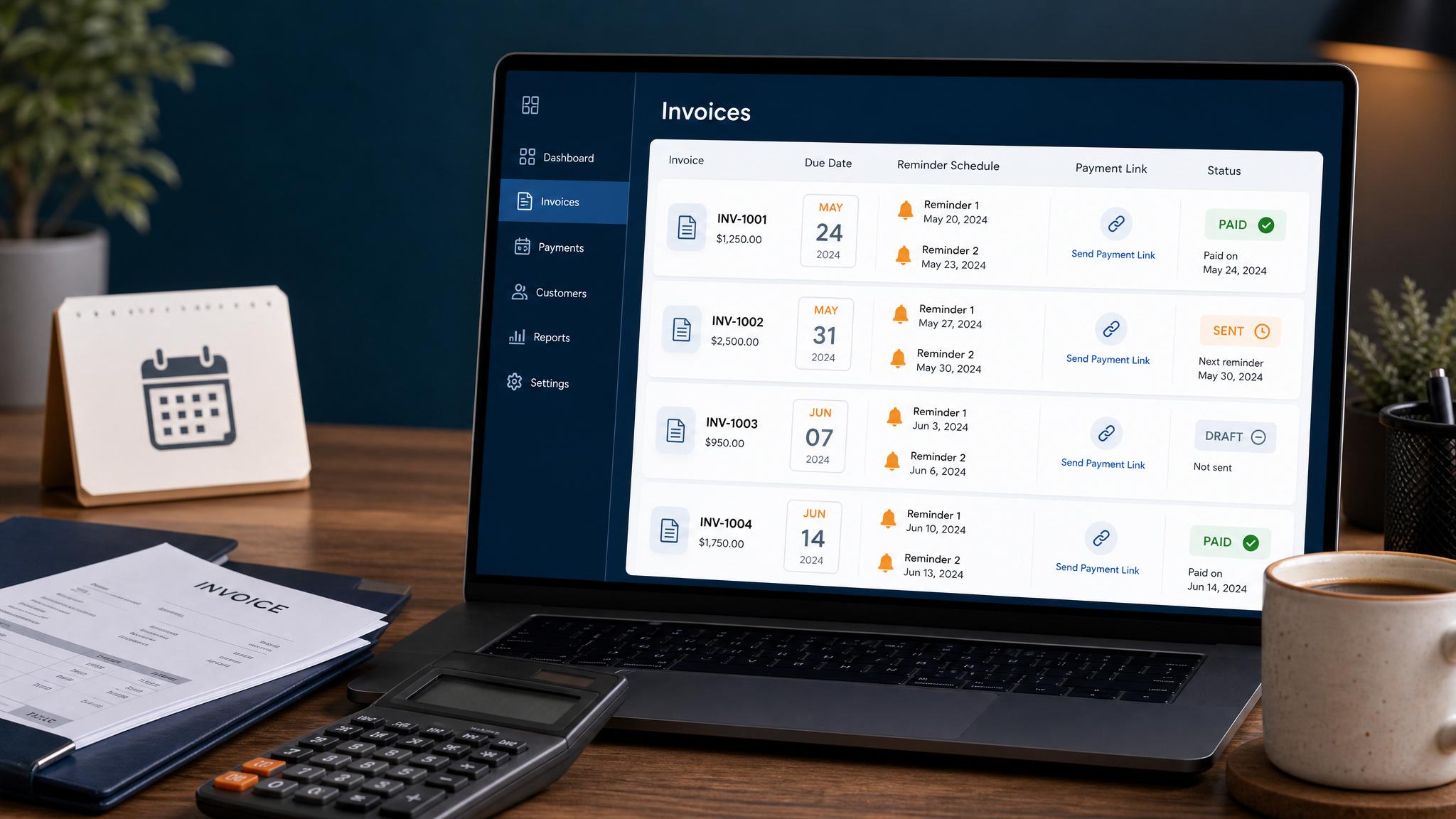
QuickBooks can automate standard invoice reminders. If you want AI to draft more personal reminders based on customer history, invoice status, or a customer reply, you usually need a connected workflow outside the basic reminder setting. The safer setup is: QuickBooks tracks the invoice, AI drafts the reminder, and a person reviews anything unusual before it sends.
Do not let AI chase every overdue invoice without rules. Invoice reminders affect cash flow and customer trust.
Native QuickBooks reminders vs AI draft workflow
| Option | Best for | Limit |
|---|---|---|
| Native QuickBooks reminders | Routine reminders before and after due date | Message logic is usually templated |
| AI draft workflow | Custom tone, customer context, exception summaries | Needs review and a connected workflow |
| Zapier/Make layer | Connecting forms, job tools, CRM, and QuickBooks | Needs error handling and field cleanup |
| Human follow-up | Disputes, old invoices, sensitive accounts | Slower but safer for exceptions |
If your main need is QuickBooks setup, start with QuickBooks invoice automation.
If you need the broader billing workflow, use invoice automation setup.
A safe AI reminder workflow
- QuickBooks invoice becomes due or overdue.
- Workflow checks customer, amount, invoice age, and payment link.
- AI drafts a short reminder from an approved template.
- Routine reminders can send if the rules are met.
- Disputes, replies, large balances, or old invoices become owner tasks.
- Payment status syncs back to the workflow.
This keeps QuickBooks as the source of truth and uses AI only where language help makes sense.
Example reminder prompt
Use a controlled prompt, not a vague request.
| Field | Example |
|---|---|
| Customer | {{customer_name}} |
| Invoice | {{invoice_number}} |
| Amount | {{amount_due}} |
| Due date | {{due_date}} |
| Payment link | {{payment_link}} |
| Tone | Polite, brief, no pressure language |
| Output | SMS under 320 characters or email under 90 words |
The prompt should never invent discounts, threats, guarantees, or payment promises.
When AI should not send
Pause the automation when:
- the customer replies with a question
- the invoice is disputed
- the amount is unusually high
- the invoice is old
- the customer has a special payment arrangement
- the reminder would be the final notice
Those cases need a person.
Invoice reminder templates
Prepare the wording and the handoff.
Adapt templates for before the due date, on the due date and after payment becomes overdue. Assign a person to handle exceptions.
FAQ
Quick answers about this guide and how to put the idea into practice.
Can QuickBooks AI draft invoice reminders?
QuickBooks can automate standard invoice reminders. AI-drafted custom reminders may require a connected workflow that reads invoice status, drafts the message, and routes it for review.
Should overdue invoice reminders be reviewed?
Yes. Friendly routine reminders can often be automated, but disputed, old, large, or sensitive invoices should become human follow-up tasks.
What should a QuickBooks invoice reminder include?
Include the invoice number, amount, due date, payment link, business name, and a clear way for the customer to ask questions.