
Invoice Reminder Automation: Templates, Timing, and Human Escalation
Invoice reminder automation works best when reminders are clear, timed well, and tied to a human escalation path for overdue or sensitive accounts.


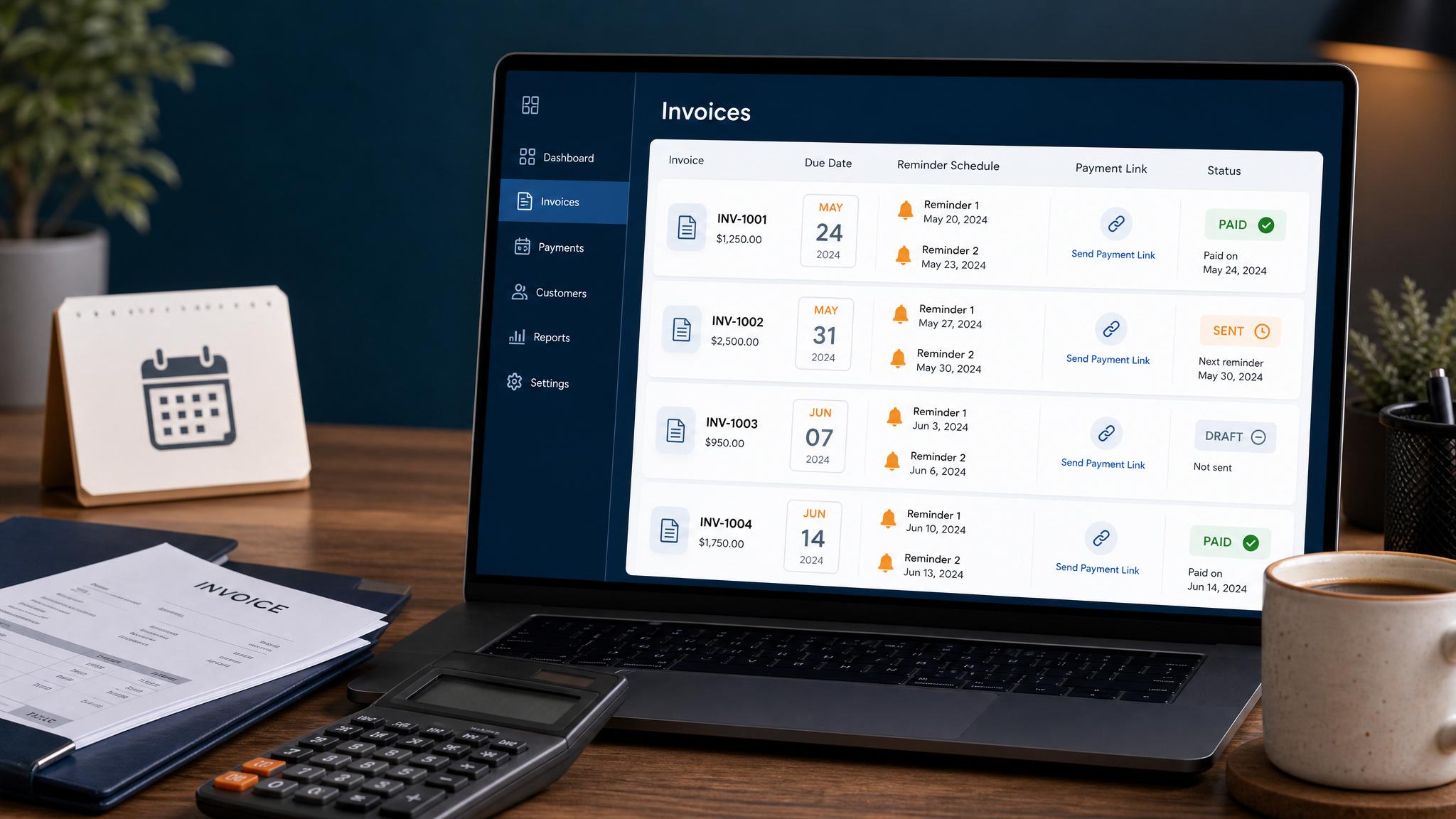
Choose the wording and review timing for an invoice reminder before you enable a sequence. This companion guide covers messages and human escalation. For software settings, payment-sync exceptions and acceptance tests, use the invoice-reminder implementation guide. For copy you can adapt, open the reusable reminder templates.
Choose a sample schedule
Use the invoice due date as day zero. The timing below is an illustrative starting point, not a collection policy or a schedule that fits every customer. Follow agreed payment terms and any applicable requirements.
| Timing | Message goal | Check before proceeding |
|---|---|---|
| 3 days before due | Friendly heads-up | Correct invoice, recipient and due date |
| Due date | Payment link reminder | Still unpaid; no reply or changed arrangement |
| 3 days late | Clear overdue notice | Current balance and payment-sync status |
| 7 days late | Pause for human review | Staff chooses whether a personal follow-up is appropriate |
| 14 days late | Revisit only after owner review | No automatic stronger message or fee |
A tool may not detect a dispute, phone reply or offline payment. Assign someone to check those exceptions and pause the sequence. See the implementation guide for the controls to test.
Friendly reminder template
Hi [Name], quick reminder that invoice [Number] from [Business Name] is due on [Date]. You can pay here: [Link]. Reply if you have any questions.
Check the link reaches the intended invoice without exposing another customer's details. Include enough context for the customer to recognize the job.
Due date template
Hi [Name], invoice [Number] is due today. Here is the payment link: [Link]. Please reply if you need us to check anything on the invoice.
Send through the approved channel. Do not move a customer into SMS because an email went unanswered without checking the permission and preference for that channel.
Overdue template
Hi [Name], our records show a balance of [Amount] on invoice [Number], due [Date]. You can review or pay it here: [Link]. If you have already paid or something looks wrong, reply so we can check it.
Verify the current balance first, including partial and offline payments. Do not add a threat, discount, late fee or deadline that the business has not approved under its terms.
Hand the exception to a person
| Situation | Next action and message decision |
|---|---|
| Customer disputes the invoice | Pause the sequence. Assign a person to review the scope and records before replying. |
| Customer replies or calls | Record the reply and pause scheduled messages while the owner answers. |
| Customer promises to pay on a date | Record the agreed date and owner; revise the follow-up only after agreement. |
| Partial or offline payment appears | Confirm the remaining balance and synchronization before resuming. |
| Several invoices for one customer | One owner reviews the account before separate tools send several messages. |
| Payment plan may be needed | The authorized owner decides terms; the reminder system does not create them. |
A respectful reply to a payment question can be: “Thanks for letting us know. I’ve paused the reminders while [role] checks [issue]. We’ll reply through [agreed channel].” Use that wording only after someone has actually paused the sequence and assigned the issue.
Put the wording into a tested process
Take the chosen messages to the setup and exception walkthrough. Record expected send and no-send results in the acceptance sheet, leaving outcomes Not tested until someone runs the cases. A completed settings screen is not proof that a paid invoice will be suppressed.
These are educational templates. Confirm availability and a separate written scope before commissioning custom billing work; AIBB's current managed services cover calls and reviews.
FAQ
Quick answers about this guide and how to put the idea into practice.
How often should automated invoice reminders go out?
A practical schedule is one reminder before the due date, one on the due date, one a few days after, and then a human review before stronger follow-up.
What should an invoice reminder say?
A good reminder should identify the invoice, include the amount or reference number, provide the payment link, and give the customer a way to ask questions.
Can invoice reminders be sent by text?
Yes, if the business has appropriate consent and the message relates to the customer transaction. Use short texts and avoid turning billing reminders into marketing messages.