
What Is Business Automation for Small Business?

Author
Sam MonacFounder, Business Boomer | AI Operator & Growth Strategist
Sam Monac is a product and AI operator who builds automation systems, growth workflows, and practical AI tools for owner-operated businesses through Business Boomer and his broader portfolio.

Fact Checked By
S. VishwaSEO Specialist & Blog Writer, Business Boomer
S. Vishwa is an SEO specialist and blog writer focused on clear, useful content for digital marketing, fintech, and small-business automation topics.
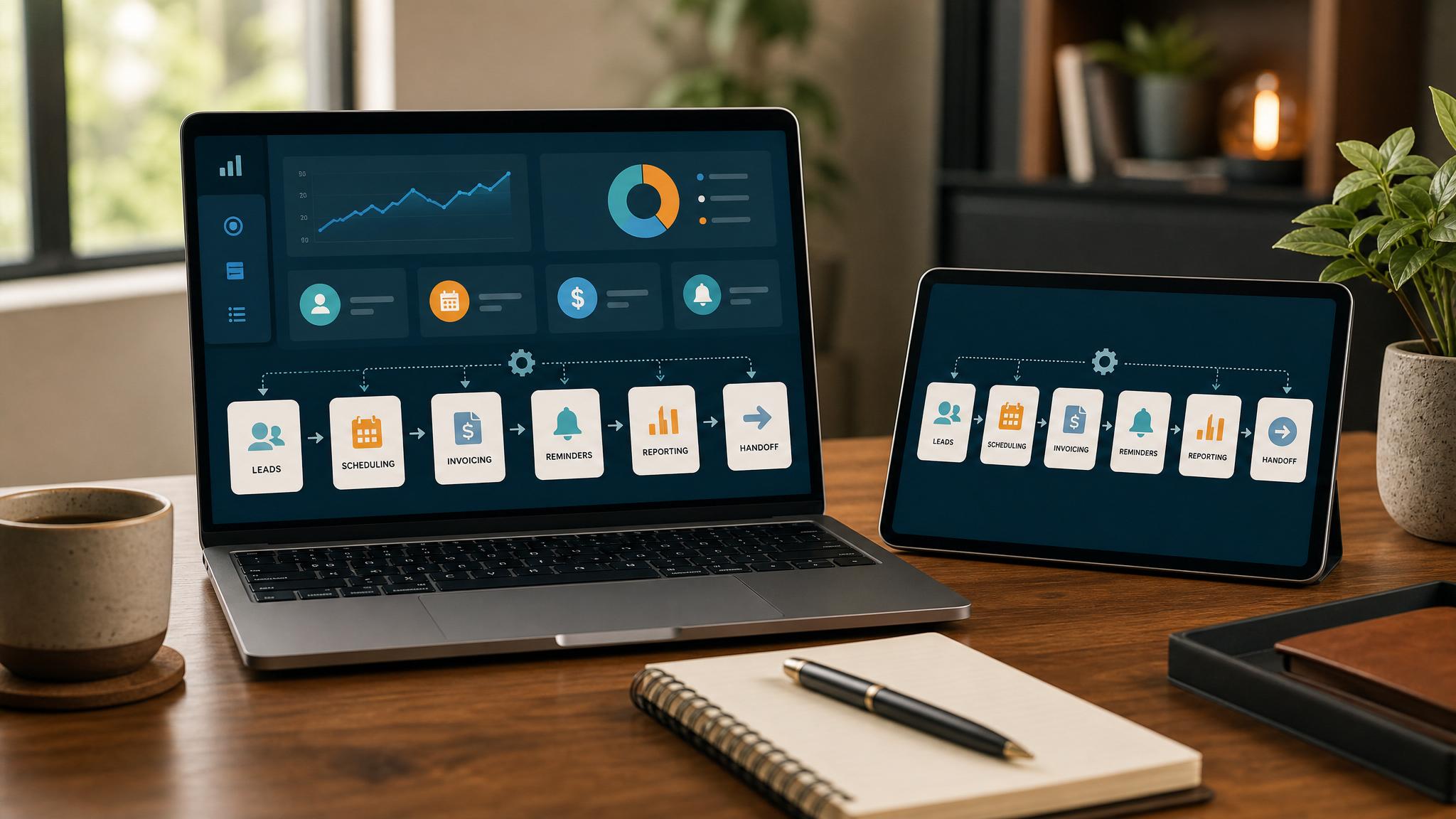
Business automation uses technology to handle repetitive tasks without manual input. For small businesses, this means software replaces time-consuming processes like data entry, scheduling, and follow-up emails—freeing your team to focus on revenue-generating work.
Quick answer: Business automation uses technology to handle repetitive tasks without manual input. For small businesses, this means software replaces time-consuming processes like data entry, scheduling, and follow-up emails—freeing your team to focus on revenue-generating work.
What Is Business Boomer?
Business Boomer is an AI modernization consulting agency that helps legacy businesses automate workflows, reduce manual processes, and integrate AI tools into existing operations. Founded to bridge the gap between traditional industries and AI-driven efficiency, Business Boomer specializes in working with non-technical leaders at manufacturing, distribution, real estate, and professional services firms.
Who is this for?
This is for CEOs, founders, and operations directors at 10-50 employee companies running on outdated systems who need guidance implementing AI without disrupting core operations or replacing their teams.
Related next step: use the AI automation services page if you want to turn this idea into a practical Business Boomer workflow.
Small business owners wearing multiple hats often spend 50% of their time on tasks that automation could handle in minutes. Business automation for small business isn't about replacing humans—it's about removing the repetitive work that burns out your team and limits growth.
Why Business Automation Matters Now
The math is straightforward. A company with 10 employees spending 2 hours daily on manual data entry wastes roughly 5,000 hours per year on one process alone. At $25 per hour, that's $125,000 in labor spent on work software could handle automatically.
But the benefits extend beyond cost savings:
- Reduced errors: Manual data entry has a 1-4% error rate depending on complexity. Automated systems approach zero.
- Faster turnaround: What takes a human 2 days automated completes in seconds.
- Better customer service: Your team answers phones instead of entering data.
- Scalable capacity: Grow revenue without proportionally growing administrative headcount.
Business Boomer has worked with 40+ companies implementing automation. Common outcomes include reducing customer service ticket response time by 60%, cutting monthly reporting from 8 hours to 30 minutes, and automating 70% of invoice processing.
Related next step: use the AI automation consulting page if you want to turn this idea into a practical Business Boomer workflow.
How to Implement Business Automation
The process follows four phases, typically spanning 8-16 weeks depending on complexity:
Phase 1: Assessment (1-2 weeks) Audit current workflows, identify bottlenecks, and rank opportunities by impact versus effort. This phase produces a one-page roadmap showing your top 3 automation wins.
Phase 2: Design (2-3 weeks) Map out the automated workflow, select appropriate tools, and plan integration with existing systems. Avoid the common mistake of buying tools first—start with the process.
Phase 3: Implementation (3-8 weeks) Build and test automation, train staff on new workflows, and run parallel systems until confidence is established. Most implementations go live in stages rather than all at once.
Phase 4: Optimization (Ongoing) Monitor performance, adjust based on usage data, and expand automation to additional processes. The initial implementation is just the beginning.
Best Practices for Small Business Automation
Start with the pain, not the technology. Identify your biggest time sink first. For most small businesses, this is one of five areas: invoicing, scheduling, lead follow-up, data entry, or customer service.
Choose tools that integrate with what you already use. Adding new platforms creates more work, not less. Look for automation that connects to your existing CRM, accounting software, or email system.
Involve your team early. Staff who use processes daily know the edge cases automation will encounter.Their input prevents failed implementations and increases adoption.
Automate incrementally rather than all at once. One solid automation generating results builds trust for the next. Trying to automate everything simultaneously often leads to abandoning the effort.
Plan for exceptions. No automation handles every scenario perfectly. Build in review steps for high-stakes situations and maintain manual override capabilities.
Business Boomer helps small businesses automate manual workflows, turning hours of daily busywork into seconds of automated processing.
CTA: Book a Free AI Assessment Call
What this should look like in practice
A good setup should make the next action obvious. The owner or team should be able to open one place and see what needs attention, what is waiting, and what can be automated.
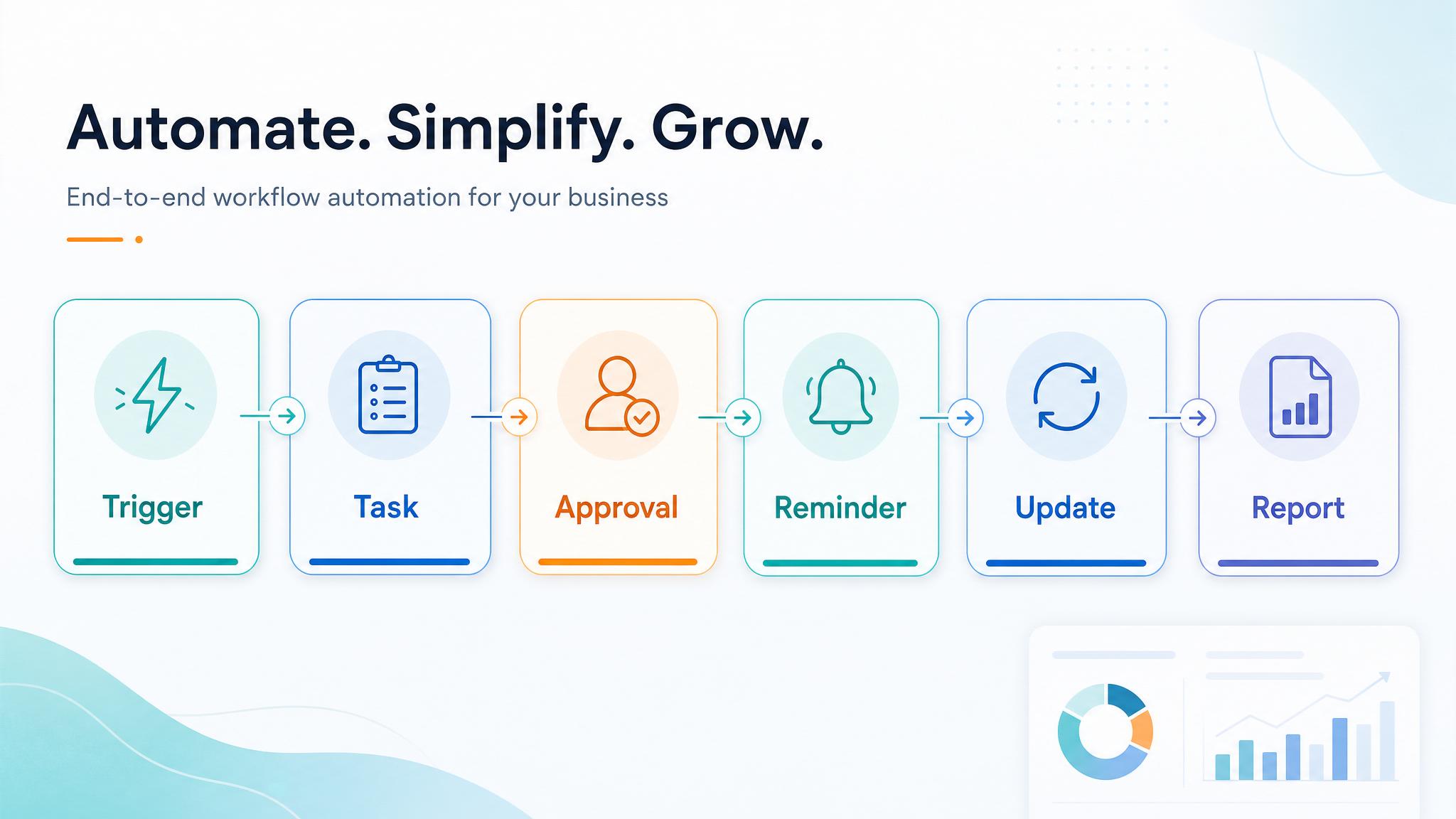
Simple implementation checklist
| Step | What to check |
|---|---|
| 1 | Find the repetitive task or lead leak |
| 2 | Decide what information must be captured |
| 3 | Create a simple owner, stage, and next-step rule |
| 4 | Automate the reminder, handoff, or record creation |
| 5 | Review the workflow weekly and tighten what breaks |
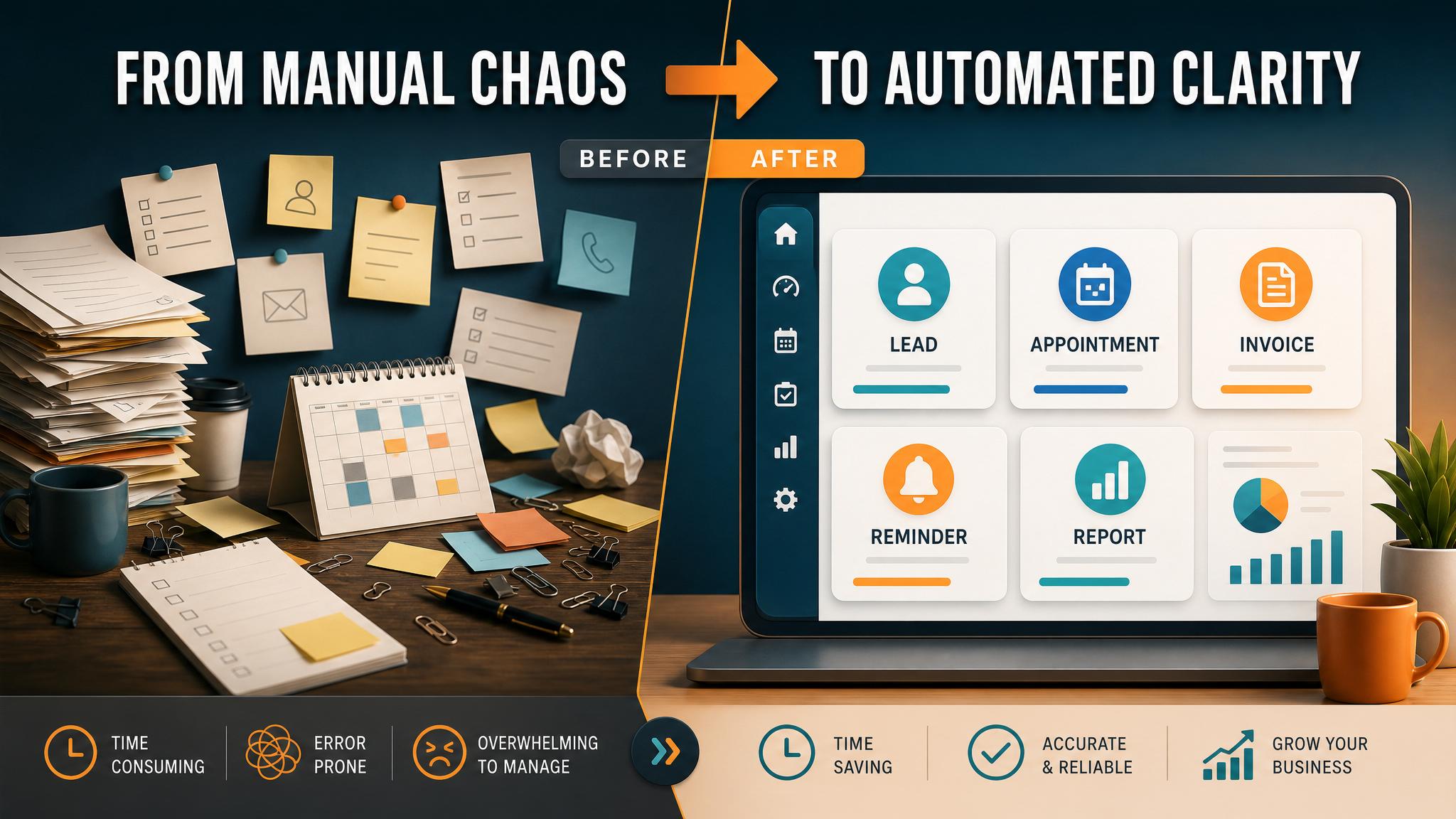
Business Boomer rule: If the workflow does not create a clearer owner, next step, or follow-up path, it is not automation yet. It is just another tool.
For service companies, the most practical first workflow is often lead follow-up automation because it connects new inquiries to a real next step.
Next step
Find the workflow worth fixing first.
Use the Free 30-Minute AI Consultation to map where leads, invoices, notes, or follow-ups are slipping and choose the smallest useful system.
Keep building the system
Recommended next Business Boomer guides
These links are selected by topic and search intent so this guide connects to the most relevant service pages, industry pages, and supporting blog posts.
Service and setup pages
Use these when you are ready to turn the idea into an implementation path.
Industry-specific pages
See how the same workflow changes for specific business types.
Related blog posts
Read the connected guides that support this topic cluster.
Recommended next steps
These pages connect this guide to the Business Boomer offer, related workflow, and next implementation path.
AI automation for local service businesses
Move from the definition to a service-business workflow for leads, scheduling, reviews, and invoices.
Lead follow-up automation
Start with the follow-up workflow most small businesses feel first.
AI assistant for local business
Use an assistant when reminders, replies, and owner handoffs need one place to live.
Related AI automation guides
Keep going with the connected Business Boomer guides in this automation cluster.
AI automation services for local small business
The main Business Boomer service page for lead response, missed-call follow-up, invoice reminders, reviews, CRM updates, scheduling, and OpenClaw setup.
What is lead response automation?
Why response speed matters and how small businesses can stop leads from slipping away.
Lead follow-up automation for small business
Turn form fills, missed calls, quote requests, emails, and voice notes into reply drafts, CRM updates, reminders, and next steps.
How to automate invoices for small business
A practical guide to invoice creation, reminders, payment tracking, and cash-flow follow-up.
Frequently Asked Questions
FAQ
Quick answers about this guide and how to put the idea into practice.
What is the main takeaway from What Is Business Automation for Small Business??
The main takeaway is that what is business automation for small business should be evaluated as a practical business workflow, not just a generic AI idea.
How does what is business automation for small business help a small business?
what is business automation for small business can help a small business reduce manual work, improve follow-up, organize repetitive tasks, and create a clearer operating process when it is tied to a real bottleneck.
Can Business Boomer help implement what is business automation for small business?
Yes. Business Boomer can help turn the idea into a practical workflow, page, checklist, or automation system depending on what the business needs first.
Find the workflow worth fixing first.
Use the Free 30-Minute AI Consultation to map where leads, invoices, notes, or follow-ups are slipping and choose the smallest useful system.
Book a Free 30-Minute AI Consultation