
AI Automation Trends for Small Businesses in 2026
The AI automation trends that matter most for small businesses in 2026 point to reviewed workflows, task routing, vertical tools, voice-to-action capture, AI search visibility, and safer systems around leads, billing, and owner admin.


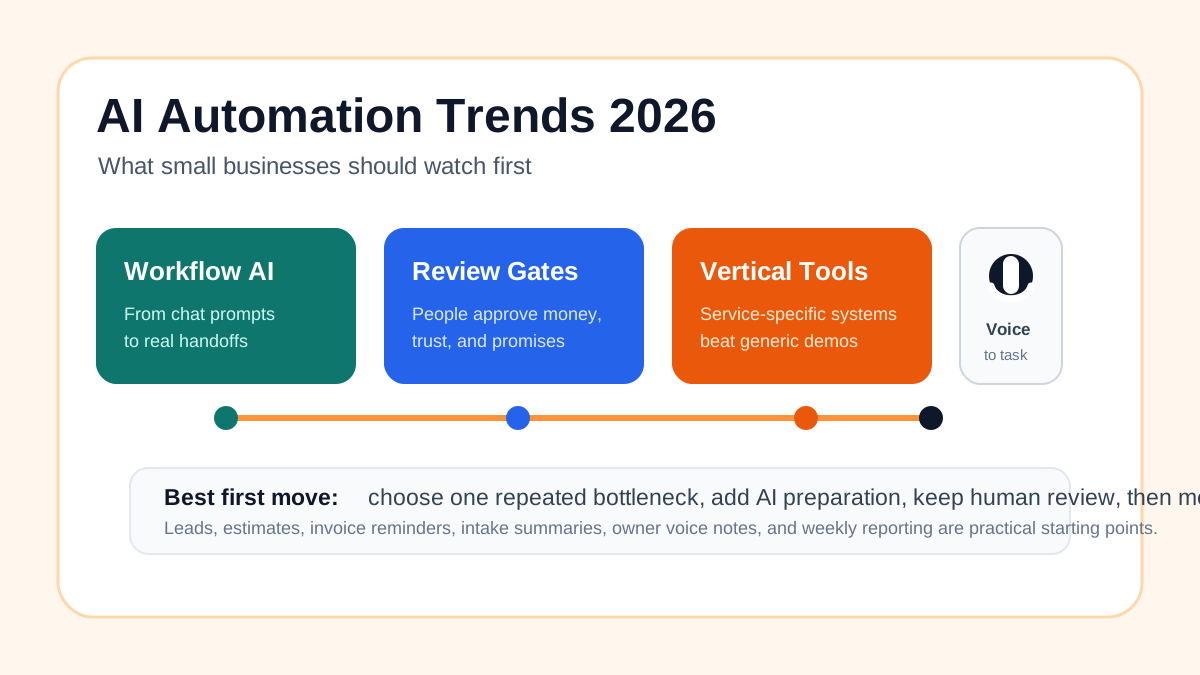
The AI automation trends that matter most for small businesses in 2026 are practical. AI is moving from chat windows into workflows. Tools are getting more specific by industry. Voice notes are turning into tasks. Owners need clear review rules before software touches customers, invoices, or sensitive decisions.
For a small service business, the right response is to choose one repeated bottleneck, connect it to the system where work already lives, use AI to summarize or draft, keep a person responsible for judgment, and measure whether the handoff gets cleaner.
The practical opportunity is not "use more AI." It is to turn a recurring leak into a reviewed workflow. A local contractor may start with estimate follow-up. A clinic may start with intake summaries.
A service business with slow replies may start with lead follow-up automation.
A company losing time to admin may start with an AI assistant for local business.
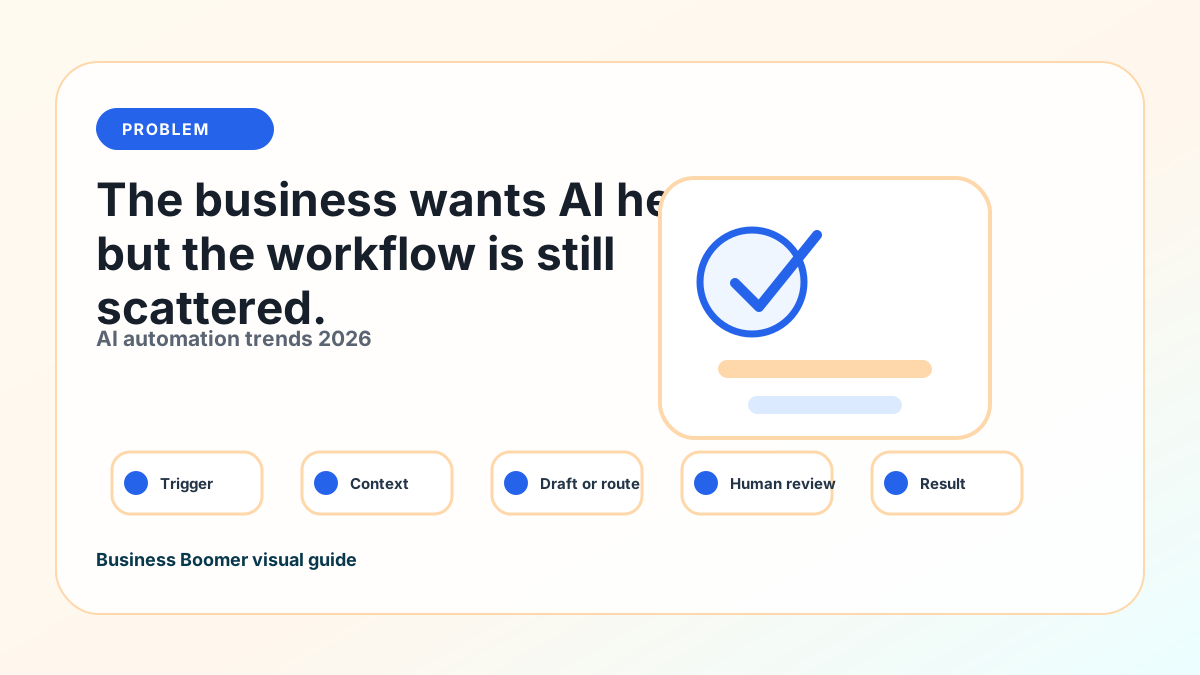
What most 2026 trend coverage misses
Current U.S. results for AI automation trends in 2026 are a mix of trend reports, vendor thought leadership, Forbes-style prediction lists, AI tool roundups, and enterprise automation articles. The recurring themes are agentic AI, AI agents, workflow automation, vertical AI, governance, customer support, analytics, and productivity.
The gap is small-business translation. Many results describe what large companies or software vendors expect. A contractor, clinic, agency, property manager, law firm, salon, or local service company needs a tighter answer: which trend changes daily work, where the owner should start, and what should stay under human review.
Trend-to-workflow map
| 2026 trend | What it means for a small business | First workflow to test |
|---|---|---|
| AI inside workflows | AI drafts or summarizes inside real tools | Lead response or intake summary |
| AI agents | Multi-step work with approvals | Missed-call response and owner task |
| Vertical AI tools | Industry-specific workflows matter more | Contractor estimates or field notes |
| Voice-to-action | Owner notes become tasks | Voice note to task list |
| Billing AI | Open invoices get clearer follow-up | Invoice reminders and exception report |
| AI search visibility | Better source content gets cited more often | Service FAQs and service-page improvements |
| Human review | Trust rules become a system feature | Approval queue for customer-facing output |
Trend 1: AI Moves From Chat to Workflow
The biggest 2026 shift is AI moving into the workflow itself. A lead arrives, an invoice goes overdue, a voicemail is transcribed, a customer asks for a status update, or a team member leaves job notes. AI can summarize, classify, draft, and route the next step.
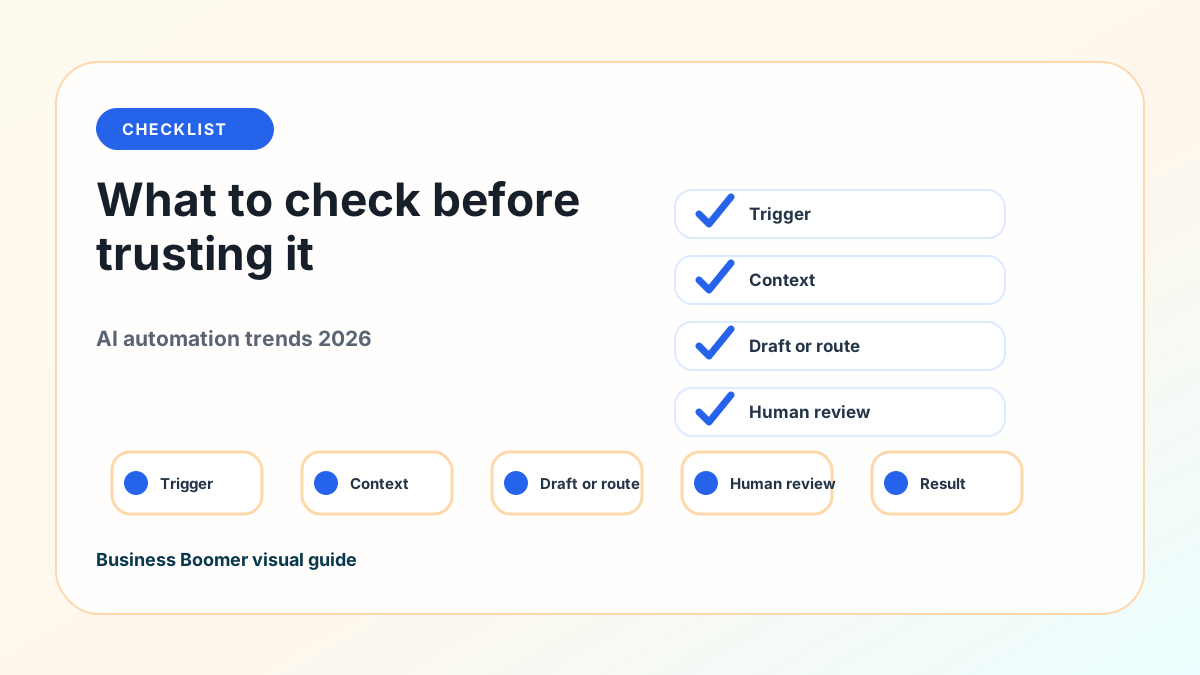
That helps when the workflow is clear. The business still needs a trigger, source of truth, review rule, final action, and failure path. If those pieces are missing, AI makes a messy process move faster.
A practical AI workflow automation setup gives an owner more value than another generic tool list. Small businesses can put AI inside specific handoffs that already happen every week.
Trend 2: AI Agents Need Guardrails, Not Blind Trust
AI agents are getting more attention because they can complete multi-step tasks instead of only answering a prompt. In a small business, that might mean checking a form submission, summarizing the request, creating a CRM task, drafting a follow-up, and reminding the owner if nobody responds.
That sounds powerful, but the safest first agent is narrow. It should read approved sources, prepare work, and escalate exceptions. It should not change prices, promise timelines, approve refunds, send legal or medical advice, or make relationship-sensitive decisions without review.
If you are comparing agent ideas, the best AI agents for business automation guide is a better starting point than buying a broad agent platform before the job is defined.
Trend 3: Vertical Tools Beat General Tools for Repeated Work
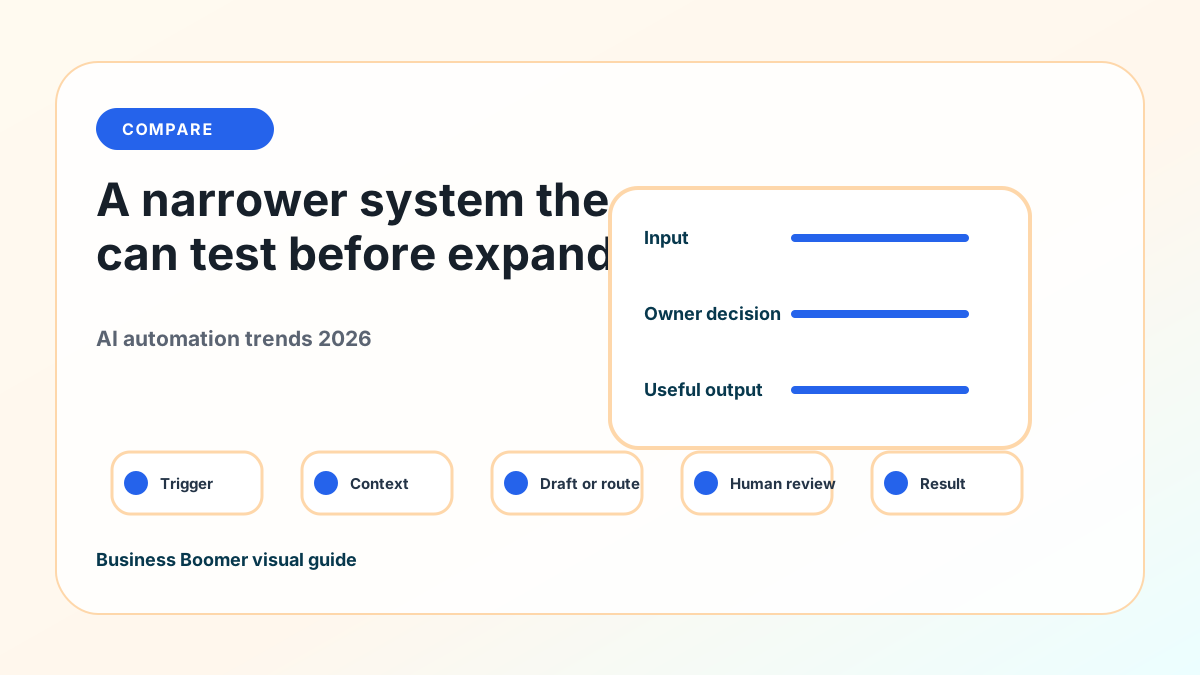
General AI tools are useful for drafts, summaries, and brainstorming. But more 2026 value will come from tools built around a specific workflow or industry. A field-service company, law firm, medical practice, property manager, agency, or ecommerce brand often needs different data, compliance boundaries, templates, and customer handoffs.
For example, a home service business may care about missed calls, estimates, dispatch notes, service areas, job photos, and invoice status. A law firm may care about intake routing, conflict checks, document summaries, and attorney review. A local clinic may care about intake, appointment prep, reminders, and sensitive information.
The useful move is to choose the workflow first, then decide whether a vertical tool, existing software feature, or custom automation is the best fit. For service companies, the AI automation for service businesses guide shows how to think through leads, scheduling, job notes, reviews, and billing before choosing software.
Trend 4: Voice-to-Action Becomes a Real Owner Workflow
Owners already run part of the business through voice notes, texts, hallway comments, and quick calls. In 2026, more of that informal work can become structured action: transcribe the note, extract the task, identify the customer or job, route it to the right tool, and create a follow-up.
Many small-business bottlenecks never reach the official system. They live in the owner's memory. A useful AI setup can turn "remind me to call the Johnson estimate tomorrow" into a task, or turn a technician's field note into a customer update draft.
The key is review. Voice capture should make work visible, not let unclear notes trigger customer-facing action automatically. If the business wants a broader operator layer around these handoffs, OpenClaw onboarding is the more relevant path than another isolated note app.
Trend 5: Billing and Cash-Flow Follow-Up Get Smarter
AI automation is especially useful where the rules are clear and the pain is visible. Billing is one of those areas. Small businesses lose time when invoices are created late, payment links are missing, reminders are inconsistent, or overdue accounts are scattered across accounting software, email, and spreadsheets.
In 2026, more billing systems will use AI to summarize open invoices, classify customer replies, draft polite reminders, and flag exceptions. But the business should keep the source of truth in the accounting or billing tool, not in an AI chat.
If cash-flow follow-up is the clearest bottleneck, start with invoice automation setup before adding a broader AI agent. A clean billing workflow gives AI better data and gives the owner a safer place to review exceptions.
Trend 6: AI Search and Content Require Better Source Material
AI is also changing how people discover businesses. Search results, AI answer engines, local listings, review summaries, and website content all reward clear, specific information. A vague website with thin service pages gives both humans and AI systems less to work with.
For small businesses, the response is not mass-producing generic AI content. It is documenting real services, service areas, FAQs, customer handoffs, process details, pricing boundaries, photos, and proof where it exists. Good source material helps the website, the sales process, and future AI-assisted customer communication.
This connects to AI marketing automation for small business, but the starting point is accuracy. AI can repurpose what the business knows. It should not invent proof, guarantees, testimonials, or claims.
Trend 7: Human Review Becomes a Competitive Advantage
The businesses that get the most from AI will not be the ones that remove people from every decision. They will be the ones that define where people matter most. Pricing, scope, medical details, legal language, refunds, hiring, and customer promises need judgment.
The U.S. Small Business Administration says AI can help small businesses with efficiency, customer service, marketing, cybersecurity, and other operations, while owners still need to understand how the technology works and where the risks are: AI for small business.
The AI vs automation guide helps sort the work. Some steps need simple rules. Some need AI assistance. Some need a person. A business that can separate those categories will roll out AI more safely than a business that treats every workflow like a chatbot experiment.
Trend 8: Small Teams Need Measurement, Not Hype
AI automation should be measured against a practical business problem. Did first-response time improve? Are fewer estimates forgotten? Are invoices sent faster? Are overdue accounts easier to review? Are customer replies clearer? Does the owner have fewer loose tasks in their head?
The metric does not need to be complicated. It needs to be tied to the workflow. For many small teams, a before-and-after scorecard is enough.
| Workflow | Simple metric to track | Review point |
|---|---|---|
| Lead follow-up | Time from inquiry to first response | Any pricing or promise language |
| Estimate follow-up | Number of open estimates with next action | Discount, scope, or timing changes |
| Invoice reminders | Open invoices with reminder status | Disputes, credits, refunds, final notices |
| Owner voice notes | Tasks created and completed | Customer-facing messages |
| Intake summaries | Missing fields and review edits | Sensitive or regulated details |
The benefits of AI automation become real only when the owner can see a cleaner handoff. If there is no before-and-after signal, the business may be adding novelty instead of operational value.
What Small Businesses Should Do First
Start with one workflow that is frequent, close to money or customer trust, and easy to review. Good first candidates include lead response, estimate follow-up, appointment reminders, intake summaries, invoice reminders, review requests, weekly owner reports, or voice notes to tasks.
If leads are the main issue, use lead response automation as the foundation.
If the business already knows lead follow-up is broken, the lead follow-up workflow guide can turn that trend into a sequence.
If scheduling is the bottleneck, start with appointment scheduling automation.
If the business needs a wider menu of possible use cases first, use the AI automation examples guide to compare practical options.
A 2026 AI Automation Scorecard
Use this scorecard before buying a new tool or asking AI to touch customer work.
| Question | Good answer | Warning sign |
|---|---|---|
| What starts the workflow? | A named form, email, call, payment status, appointment, or job update | "AI will notice it" |
| Where does the record live? | CRM, calendar, billing tool, job system, spreadsheet, or inbox | Private chat history |
| What does AI prepare? | Summary, classification, draft, task, or report | Pricing, policy, or final decision |
| Who reviews exceptions? | Named owner, admin, salesperson, manager, or professional | Nobody until something goes wrong |
| What proves it worked? | Faster response, fewer missed follow-ups, cleaner invoices, fewer loose tasks | No metric beyond "it feels modern" |
The National Institute of Standards and Technology's AI Risk Management Framework is more formal than most small businesses need day to day, but the operating idea is useful: define the system, test it, monitor it, and manage risk over time.
Bottom Line
The most important AI automation trend for 2026 is the shift from scattered AI experiments to reviewed business workflows. Small businesses should watch agentic AI, vertical tools, voice-to-action capture, billing automation, AI-assisted search, and human review rules because those trends can change daily operations.
Start small. Pick one repeated handoff, decide what AI prepares, decide what automation moves, decide what a person approves, and measure whether the work gets easier to run.
If you want help choosing the first workflow, Business Boomer can map the bottleneck, choose the safest starting point, and build the first reviewed system. Start with a Free 30-Minute AI Consultation.
You can also compare the approved service packages or contact Business Boomer with the workflow you want to improve.
Local companies can turn the trend into a concrete page by starting with AI automation for local service businesses.
Next step
Find the workflow worth fixing first.
Use the Free 30-Minute AI Consultation to map where leads, invoices, notes, or follow-ups are slipping and choose the smallest useful system.
FAQ
Quick answers about this guide and how to put the idea into practice.
What AI automation trend matters most for small businesses in 2026?
The most useful trend is AI moving from chat tools into reviewed workflows for leads, estimates, invoices, notes, scheduling, reporting, and owner follow-up.
Should small businesses use AI agents in 2026?
Yes, but start narrow. A useful first agent should summarize, draft, route, and remind with human review before it changes money, promises, policies, or customer relationships.
How should a local service business act on these trends?
Pick one repeated bottleneck, such as lead response, estimate follow-up, invoice reminders, or owner task capture, then build a reviewed workflow before adding broader AI tools.