
How to Automate Appointment Scheduling for a Small Business
Appointment scheduling automation helps small businesses book qualified appointments faster, reduce back-and-forth, and prevent no-shows.


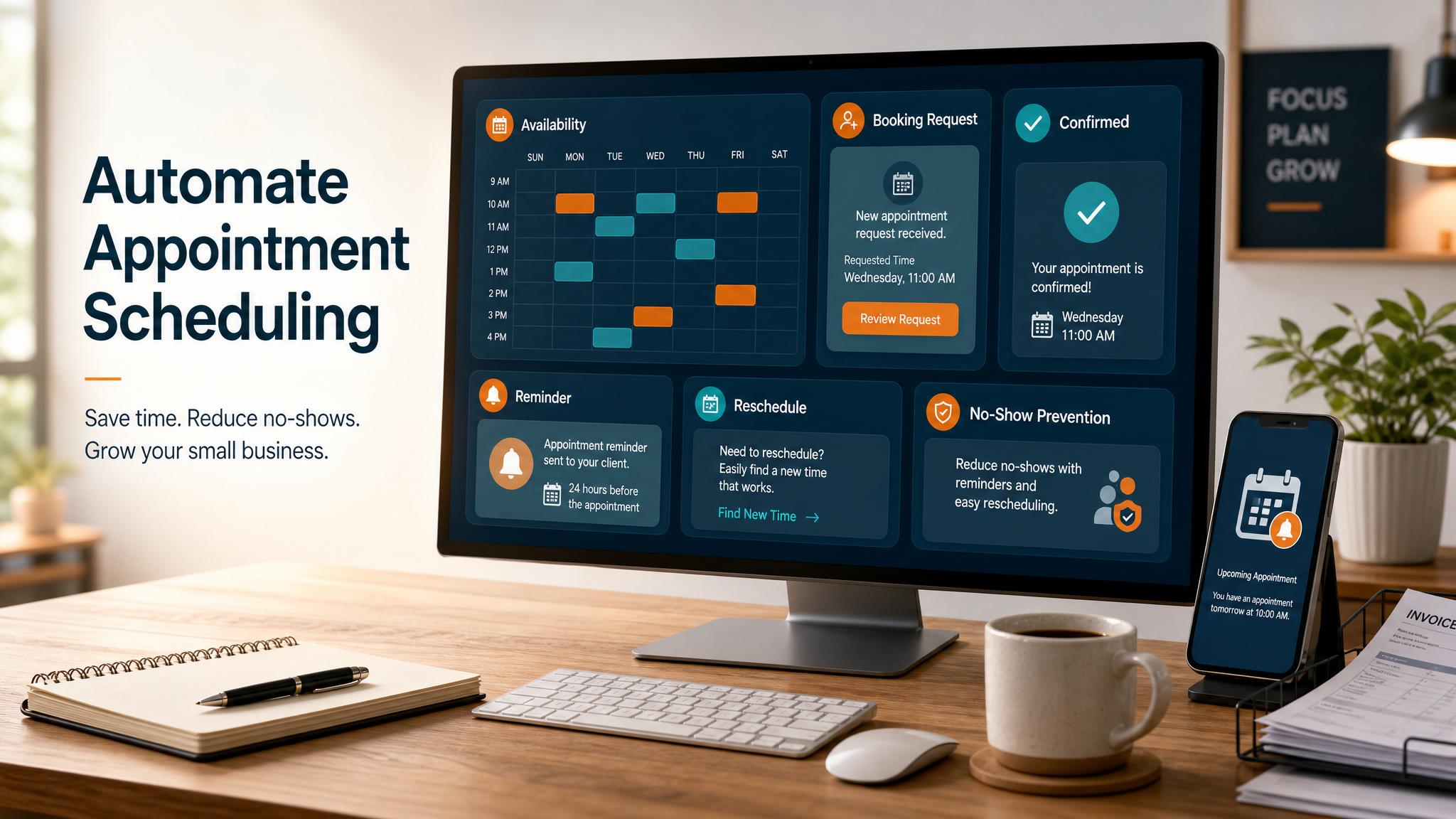
To automate appointment scheduling for a small business, connect a booking page, calendar rules, intake questions, reminders, and CRM follow-up into one repeatable process. The goal: let qualified customers book the right time without long email threads, missed calls, or manual reminders.
Quick answer: Appointment scheduling automation helps small businesses book qualified appointments faster, reduce back-and-forth, and prevent no-shows.
What is appointment scheduling automation?
Appointment scheduling automation is software that handles the steps between a customer requesting time and the business completing the appointment. It includes a booking link, live availability, confirmations, reminders, intake questions, and a CRM record.
For a small business, this does not need to be complex. A local service company, consultant, medical office, agency, or home-services provider can start with Calendly, Google Calendar, Acuity, HubSpot, Jobber, Housecall Pro, or GoHighLevel. Business Boomer helps businesses connect those tools so booking becomes a reliable system instead of daily admin work.
Related next step: use the AI automation services page if you want to turn this idea into a practical Business Boomer workflow.
Why how to automate appointment scheduling for small business matters
Appointment scheduling matters because response speed affects revenue. Many customers contact more than one business when they need help. If one company sends a clear booking link in five minutes and another replies the next day asking, “What times work for you?”, the faster company usually has the advantage.
Manual scheduling also creates hidden costs. Ten appointments a week can easily create hours of back-and-forth. Staff members have to check availability, ask qualifying questions, send confirmations, update calendars, reschedule cancellations, and remind people to show up. When those steps live in someone’s inbox or memory, mistakes are almost guaranteed.
No-shows are another reason scheduling automation matters. Missed appointments waste paid time and create gaps in the day. Automated email and text reminders reduce that risk because customers get the date, time, location, and preparation details before the meeting.
Related next step: use the AI automation consulting page if you want to turn this idea into a practical Business Boomer workflow.
Appointment scheduling automation also improves the customer experience. People are used to booking flights, restaurants, haircuts, and medical visits online. A business that makes scheduling easy feels organized and trustworthy. Business Boomer focuses on automation that feels helpful, not robotic.
How to put this into practice
Start by defining which appointments should be bookable. Do not put every possible meeting type online at once. Choose the highest-value or most repetitive appointment first, such as discovery calls, consultations, estimates, onboarding sessions, demos, or service visits.
Next, create rules for availability. Decide which days, hours, buffers, minimum notice, and maximum daily bookings make sense. A business owner may want sales calls only on Tuesday and Thursday afternoons. A service business may need travel buffers between appointments.
Then add qualifying questions to the booking flow. Keep them short and useful. Good questions include: “What problem are you trying to solve?”, “Where are you located?”, “When do you want to start?”, and “What service are you interested in?” These answers help the team prepare and filter poor-fit bookings.
Related next step: use the automation guides page if you want to turn this idea into a practical Business Boomer workflow.
After that, connect the booking tool to the calendar and CRM. The tool should check live availability, create the event, include the customer’s answers, and send both parties a confirmation. If the team uses a CRM, the booking should create or update a contact record with source, status, and next step.
Set up reminders next. A common pattern is one confirmation immediately after booking, one reminder 24 hours before, and one reminder one or two hours before the appointment. For higher-value services, add a preparation message with directions, documents, pricing expectations, or what the customer should think through before the call.
Finally, automate post-appointment follow-up. If the customer attends, trigger a thank-you message, proposal task, invoice step, or next appointment link. If they miss the meeting, trigger a polite reschedule message. If they cancel, move them into a follow-up sequence instead of letting the opportunity disappear.
Best practices that keep this useful
Use one booking link per appointment type. A general “book time with us” link can confuse customers if the business offers many services. Separate links for estimates, discovery calls, support calls, and onboarding sessions make routing easier.
Protect the team’s calendar. Automation should not mean customers can take any open slot. Add buffers, minimum notice, daily limits, and blocked focus time so the schedule remains realistic.
Make reminders specific. “Reminder: we meet tomorrow” is weaker than “Your estimate call is tomorrow at 2:00 PM. Please have your project address and timeline ready.” Specific reminders reduce confusion and make the appointment more productive.
Connect scheduling to sales follow-up. Booking software alone solves calendar friction. Scheduling plus CRM automation solves revenue leakage. Business Boomer vs DIY automation usually comes down to this difference: the tool can book the time, but the system must also qualify, route, remind, and follow up.
What this should look like in practice
A good setup should make the next action obvious. The owner or team should be able to open one place and see what needs attention, what is waiting, and what can be automated.
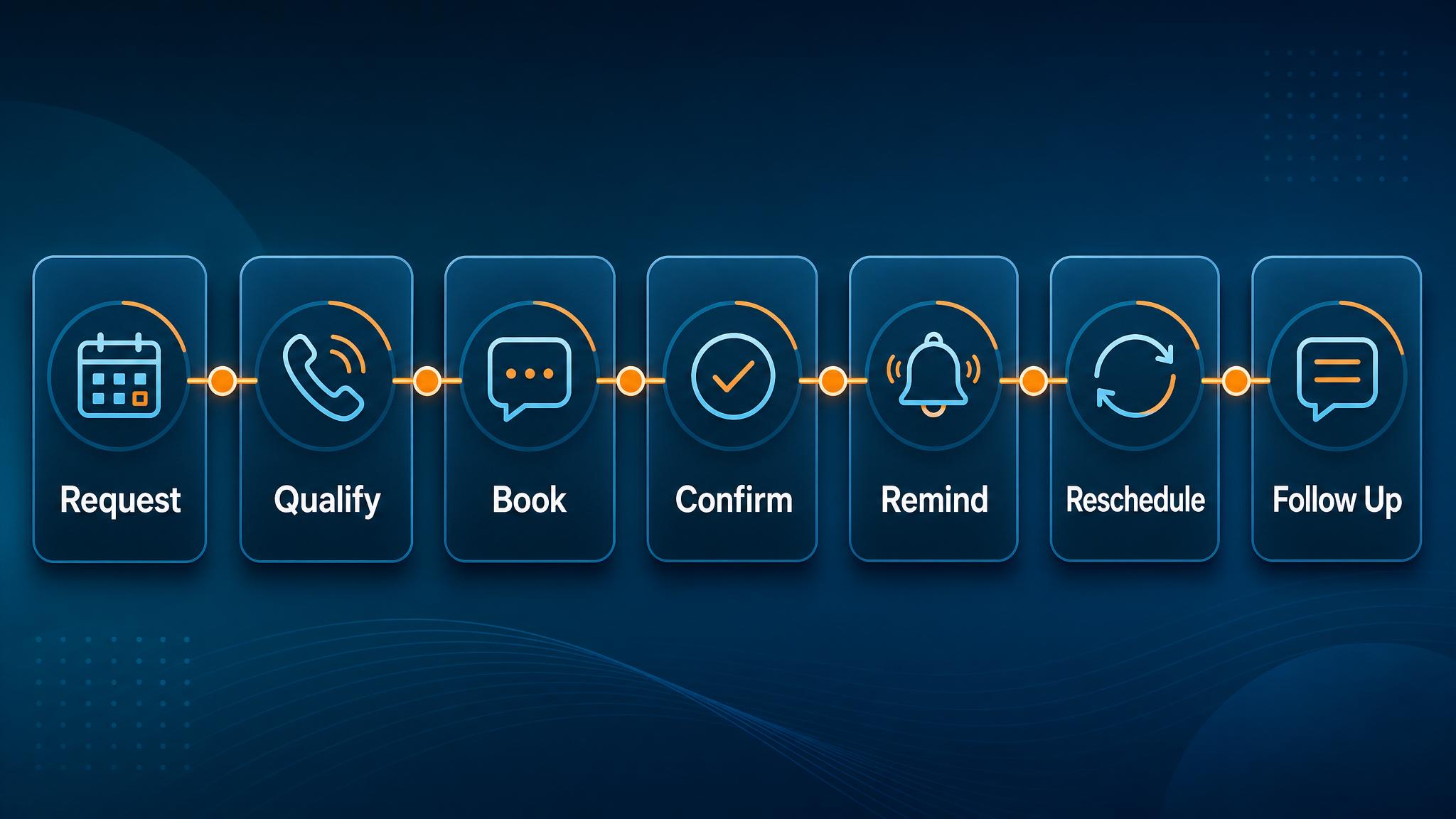
Simple implementation checklist
| Step | What to check |
|---|---|
| 1 | Find the repetitive task or lead leak |
| 2 | Decide what information must be captured |
| 3 | Create a simple owner, stage, and next-step rule |
| 4 | Automate the reminder, handoff, or record creation |
| 5 | Review the workflow weekly and tighten what breaks |
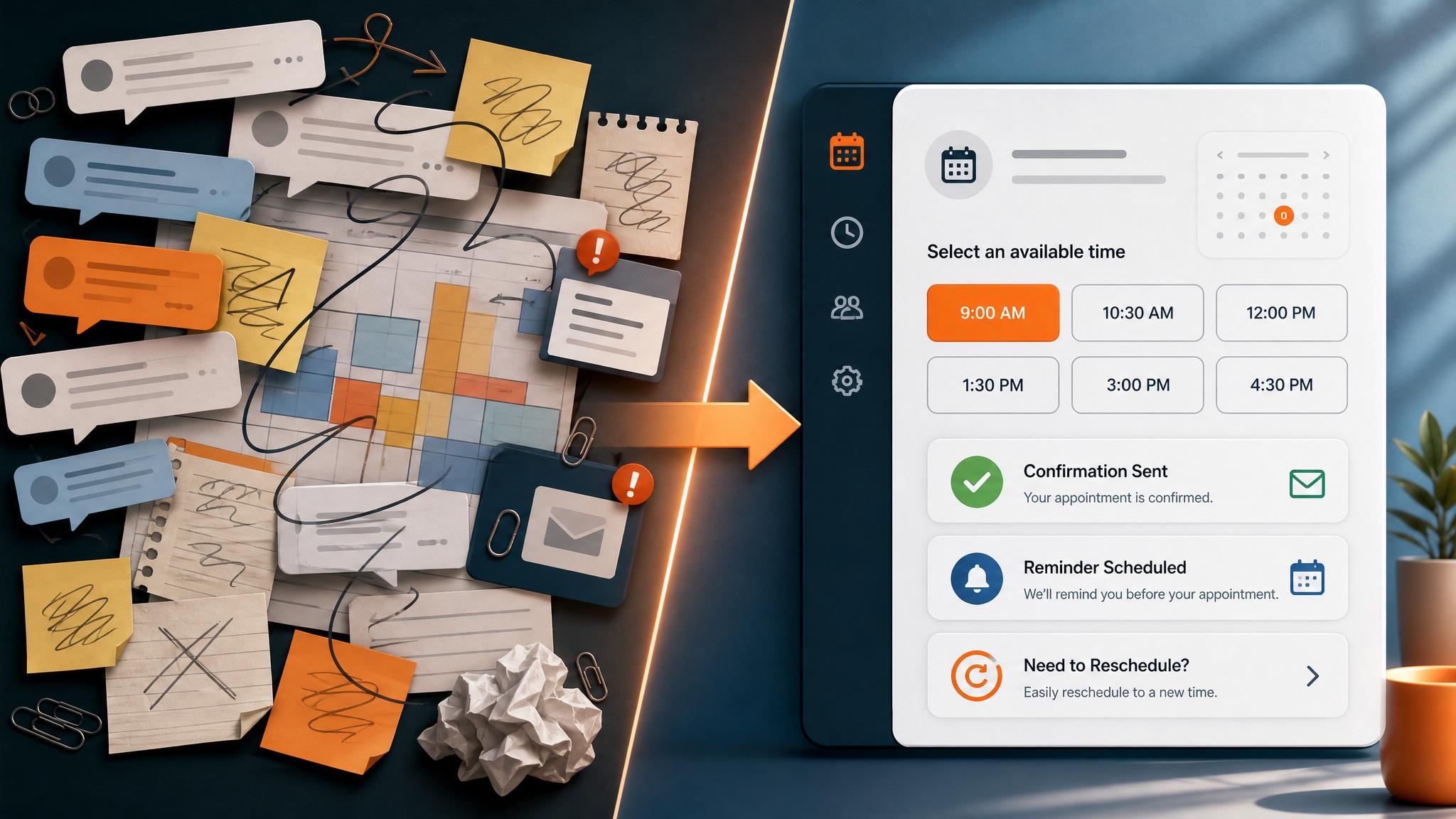
Business Boomer rule: If the workflow does not create a clearer owner, next step, or follow-up path, it is not automation yet. It is just another tool.
If appointment requests come from a weak website path, pair scheduling rules with an AI website for service businesses.
Next step
Find the workflow worth fixing first.
Use the Free 30-Minute AI Consultation to map where leads, invoices, notes, or follow-ups are slipping and choose the smallest useful system.
Keep building the system
Recommended next Business Boomer guides
These links are selected by topic and search intent so this guide connects to the most relevant service pages, industry pages, and supporting blog posts.
Service and setup pages
Use these when you are ready to turn the idea into an implementation path.
Industry-specific pages
See how the same workflow changes for specific business types.
Related blog posts
Read the connected guides that support this topic cluster.
Recommended next steps
These pages connect this guide to the Business Boomer offer, related workflow, and next implementation path.
AI automation for local service businesses
Connect scheduling with lead response, quote follow-up, reviews, and reminders.
Lead follow-up automation
Make sure every booking request gets a fast answer and a next step.
AI assistant for local business
Use an assistant for scheduling handoffs and owner reminders.
Related AI automation guides
Keep going with the connected Business Boomer guides in this automation cluster.
AI automation for local service businesses
Practical lead, scheduling, review, CRM, invoice, and admin automation for plumbers, HVAC companies, roofers, landscapers, cleaners, contractors, and other local operators.
AI assistant for local business
Owner-controlled AI assistants that help local businesses handle missed leads, scheduling handoffs, FAQs, reviews, CRM updates, and follow-up.
Invoice automation for landscapers
Missed-call capture, estimate prep, scheduling, seasonal follow-up, and reviews.
Best AI automations for contractors
Field notes, estimate follow-up, scheduling, internal handoffs, and admin workflows.
FAQ
Quick answers about this guide and how to put the idea into practice.
What is the main takeaway from How to Automate Appointment Scheduling for a Small Business?
Appointment scheduling automation helps small businesses book qualified appointments faster, reduce back-and-forth, and prevent no-shows.
How does how to automate appointment scheduling for small business help a small business?
how to automate appointment scheduling for small business can help a small business reduce manual work, improve follow-up, organize repetitive tasks, and create a clearer operating process when it is tied to a real bottleneck.
Can Business Boomer help implement how to automate appointment scheduling for small business?
Yes. Business Boomer can help turn the idea into a practical workflow, page, checklist, or automation system depending on what the business needs first.
Find the workflow worth fixing first.
Use the Free 30-Minute AI Consultation to map where leads, invoices, notes, or follow-ups are slipping and choose the smallest useful system.
Book a Free 30-Minute AI Consultation