
AI Automations for Contractors: Estimate, Follow-Up, and Admin


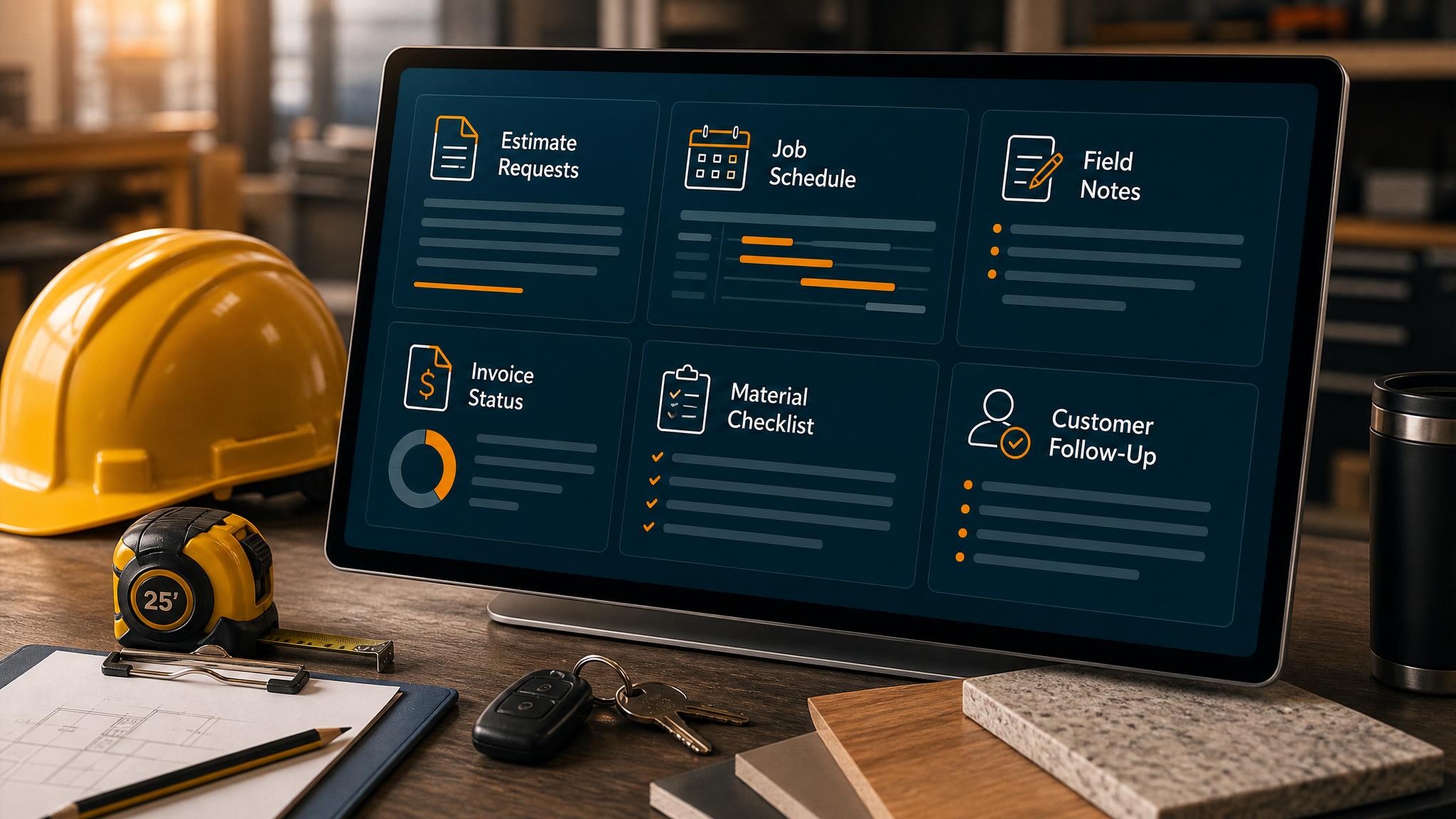
The best AI automations for contractors reduce the chaos around leads, estimates, scheduling, field notes, invoices, and customer follow-up. Start with the work that already costs jobs or owner time. For most contractors, that means missed calls, slow estimate follow-up, messy handoffs from field to office, or unpaid invoice reminders.
AI should not make pricing or scope decisions alone. It should draft, summarize, route, and remind while the owner or office team approves the parts that affect money, schedule, and trust.
Contractor workflow table
| Workflow | What AI prepares | What automation moves | Human review |
|---|---|---|---|
| Missed-call response | Short reply and service summary | Text/email draft, CRM task | Pricing and urgency |
| Estimate request | Lead summary and missing questions | Estimate task and follow-up reminder | Fit and scope |
| Quote follow-up | Customer-specific follow-up draft | Reminder sequence | Discounts, timing, promises |
| Field notes | Clean job summary from voice/text notes | Office task or customer update draft | Final wording |
| Invoice reminder | Polite reminder draft | Payment link and task | Disputes or large balances |
| Review request | Short thank-you and review ask | Message after completed job | Sensitive jobs |
If the website is not creating enough estimate requests, pair this with website redesign for contractors.
If leads are coming in but follow-up is slow, start with lead follow-up automation.
The first three automations to build
1. Missed-call and form response
Contractors lose good jobs when customers wait too long for a reply. A practical workflow can summarize the inquiry, identify service type and location, draft the first response, and create an owner task.
2. Estimate follow-up
Many contractor jobs stall after the quote. AI can draft a follow-up that references the project, while automation schedules reminders and stops when the customer replies.
3. Field-to-office notes
Field notes often stay in phones, texts, or memory. AI can turn a voice note into a clean job summary, but the office should approve customer-facing updates.
What not to automate first
Do not start with complex all-in-one AI agents that can change pricing, send final proposals, approve discounts, or promise schedule dates. Those workflows need clear data, permissions, and review gates.
Start with a narrow system that makes the next action visible.
Example contractor setup
- Website form or missed call starts the workflow.
- AI summarizes service, urgency, location, and requested timing.
- CRM or spreadsheet record is created.
- Owner gets a task with a draft response.
- Estimate follow-up reminders start if a quote is sent.
- Invoice reminder workflow starts after the job is complete.
This is how AI ends contractor chaos: by making handoffs visible and follow-up harder to forget.
Lead follow-up next step
Stop letting leads sit without a next action.
Business Boomer can install lead capture, first-response drafts, quote follow-up reminders, and a simple owner handoff.
Keep building the system
Recommended next Business Boomer guides
These links are selected by topic and search intent so this guide connects to the most relevant service pages, industry pages, and supporting blog posts.
Service and setup pages
Use these when you are ready to turn the idea into an implementation path.
Industry-specific pages
See how the same workflow changes for specific business types.
Related blog posts
Read the connected guides that support this topic cluster.
Recommended next steps
These pages connect this guide to the Business Boomer offer, related workflow, and next implementation path.
Related AI automation guides
Keep going with the connected Business Boomer guides in this automation cluster.
Website redesign for contractors
A contractor website guide focused on estimate requests, service pages, project examples, FAQs, and quote follow-up.
AI automation services for local small business
Planning examples for broader automation. Compare current managed calls and reviews on the Services page; confirm other work in a separate scope.
Invoice automation for contractors
Connect completed jobs, estimates, QuickBooks, payment links, and overdue follow-up for contractor workflows.
AI automation for local service businesses
Practical lead, scheduling, review, CRM, invoice, and admin automation for plumbers, HVAC companies, roofers, landscapers, cleaners, contractors, and other local operators.
FAQ
Quick answers about this guide and how to put the idea into practice.
What AI automation should a contractor build first?
Start with the leak closest to revenue: missed calls, estimate requests, quote follow-up, or invoice reminders.
Can AI replace a contractor's office admin?
No. AI can draft, summarize, route, and remind, but a person should still approve pricing, scope, schedule promises, and sensitive customer messages.
What contractor workflows connect well to AI?
Estimate follow-up, missed-call response, field notes, appointment reminders, review requests, invoice reminders, and owner task capture are strong first workflows.
Stop letting leads sit without a next action.
Business Boomer can install lead capture, first-response drafts, quote follow-up reminders, and a simple owner handoff.
See Lead Follow-Up Automation