
Missed-Call Text-Back Automation for Service Businesses
Missed-call text-back automation gives a service business a fast first reply, a few useful questions, and an owner task instead of letting the lead disappear.


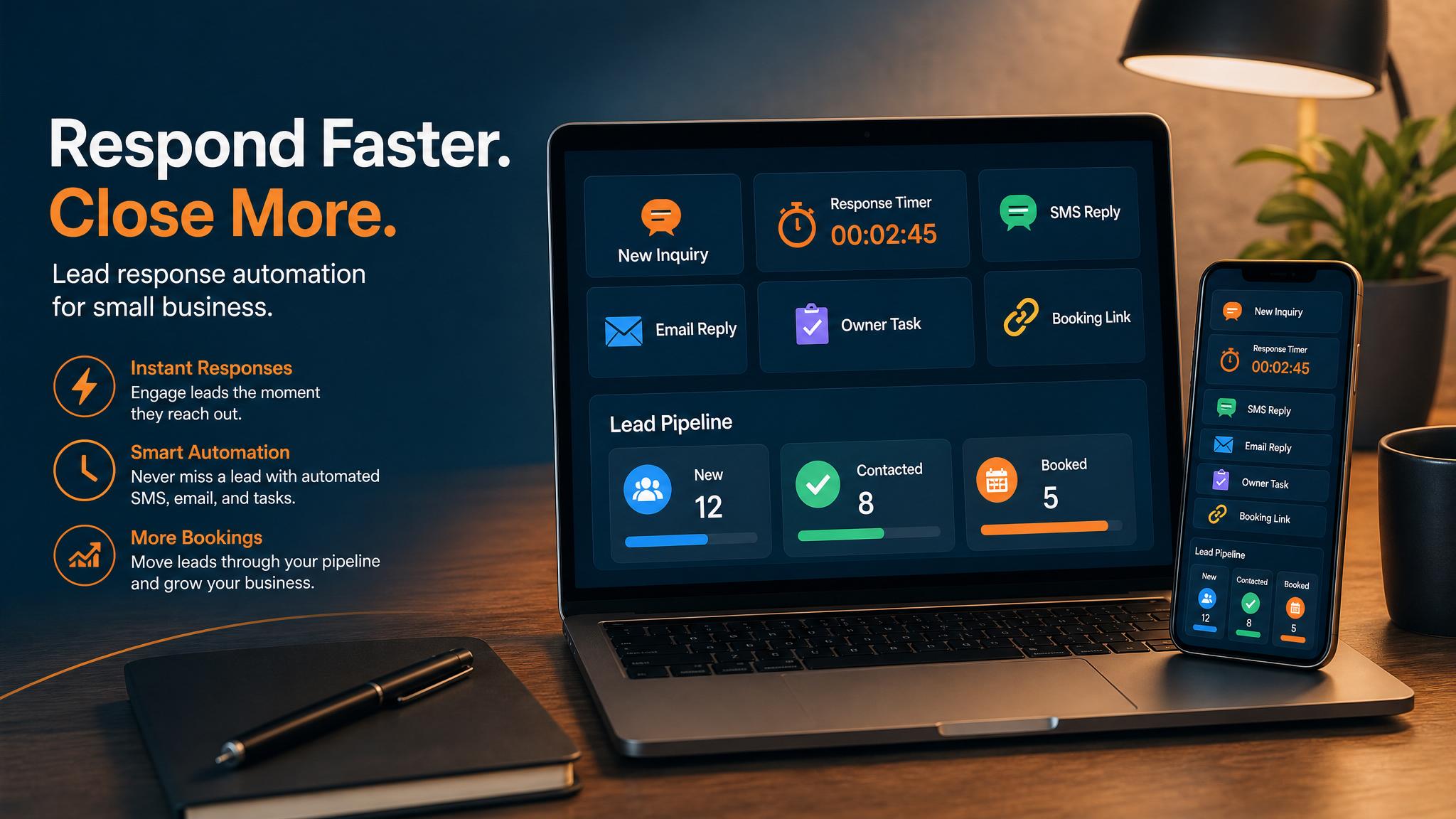
Missed-call text-back automation helps a service business reply before the customer moves on. The useful version does not pretend to be a full sales team. It sends a fast acknowledgement, asks for the details the business needs, and creates a clear follow-up task.
Quick answer: Start with one simple workflow: missed call arrives, the system sends or drafts a short text, asks for the service and timing, logs the lead, and alerts the owner or office to call back.
For plumbers, HVAC companies, roofers, electricians, cleaners, landscapers, and contractors, a missed call creates a clear workflow question: what message goes out, what information is captured, and who owns the callback? This article focuses on those implementation steps. If you are choosing between a text after the call and a live answer during the call, start with the text-back versus receptionist comparison.
The simple missed-call workflow
| Step | What happens | What AI can help with | Human control point |
|---|---|---|---|
| Missed call | A call is missed during work, after hours, or while the owner is driving | Draft a short acknowledgement | Decide which numbers should trigger the workflow |
| Text-back | The customer gets a fast reply | Ask for service type, town, urgency, and best callback window | Approve the template and tone |
| Lead record | The request is logged in a CRM, sheet, or inbox | Summarize the details into a clean job brief | Avoid duplicate contacts |
| Owner task | The owner or office sees the callback task | Prioritize urgent jobs and missing details | Call back and confirm real availability |
| Follow-up | If the customer does not answer, a reminder appears | Draft a polite second touch | Stop when the lead says no or becomes sensitive |
This walkthrough covers an SMS workflow after an unanswered call. It does not establish that SMS or lead follow-up is included in AIBB’s AI Voice Receptionist service; confirm any such configuration separately.
Example missed-call text-back
Here is a safe first message:
Thanks for calling. We missed you, but we can still help. What service do you need, what town are you in, and is this urgent today? You can reply here or tell us the best time to call back.
That message does not quote a price, promise availability, or pretend the business already knows the job. It simply keeps the conversation alive.
What not to automate
Do not let the system promise emergency availability unless the business actually has coverage. Do not let AI quote prices from a partial message. Do not send repeated texts forever. The workflow should make follow-up easier, not annoy a good lead.
The safe rule is simple: automation can acknowledge, organize, remind, and draft. A person still owns price, scope, schedule, and exceptions.
Where this fits in a local service business
Missed-call text-back works best when it connects to the rest of the customer path:
- website contact forms
- Google Business Profile calls
- quote requests
- booking links
- CRM or job-management tools
- owner callback tasks
- review requests after completed work
Keep this workflow to the missed-call trigger, one approved acknowledgement, useful intake fields, task ownership, and stop conditions. Adding CRM, booking, web forms, or multi-step follow-up expands the scope and needs its own written acceptance test.
Setup checklist
- Pick one phone number or lead source first.
- Write one safe acknowledgement message.
- Decide which details the business needs before calling back.
- Create a task destination, such as a CRM, sheet, or owner inbox.
- Add a reminder if no callback happens.
- Review every message for the first week.
- Tighten the template based on real replies.
Bottom line
Missed-call text-back automation is not about sounding fancy. It is about replying fast, collecting useful details, and making sure a real person follows up before the lead goes cold.
For live call handling, compare the current AI Voice Receptionist service. For SMS automation, first confirm the exact phone source, consent rules, tools, task destination, and support in a separate written scope.
FAQ
Quick answers about this guide and how to put the idea into practice.
What is missed-call text-back automation?
Missed-call text-back automation sends or drafts a fast reply after a missed call, asks for basic job details, and creates a task so the owner or office can follow up.
Should missed-call text-back be fully automatic?
The acknowledgement can be automatic, but pricing, schedule promises, and sensitive customer messages should still be reviewed by the business.
What should a missed-call text-back ask?
Ask what service they need, the location or service area, urgency, photos if useful, and the best callback window.