
Invoice Automation for Cleaning Businesses
Keep recurring schedules and one-time cleaning jobs on distinct billing paths with clear field-to-office review.


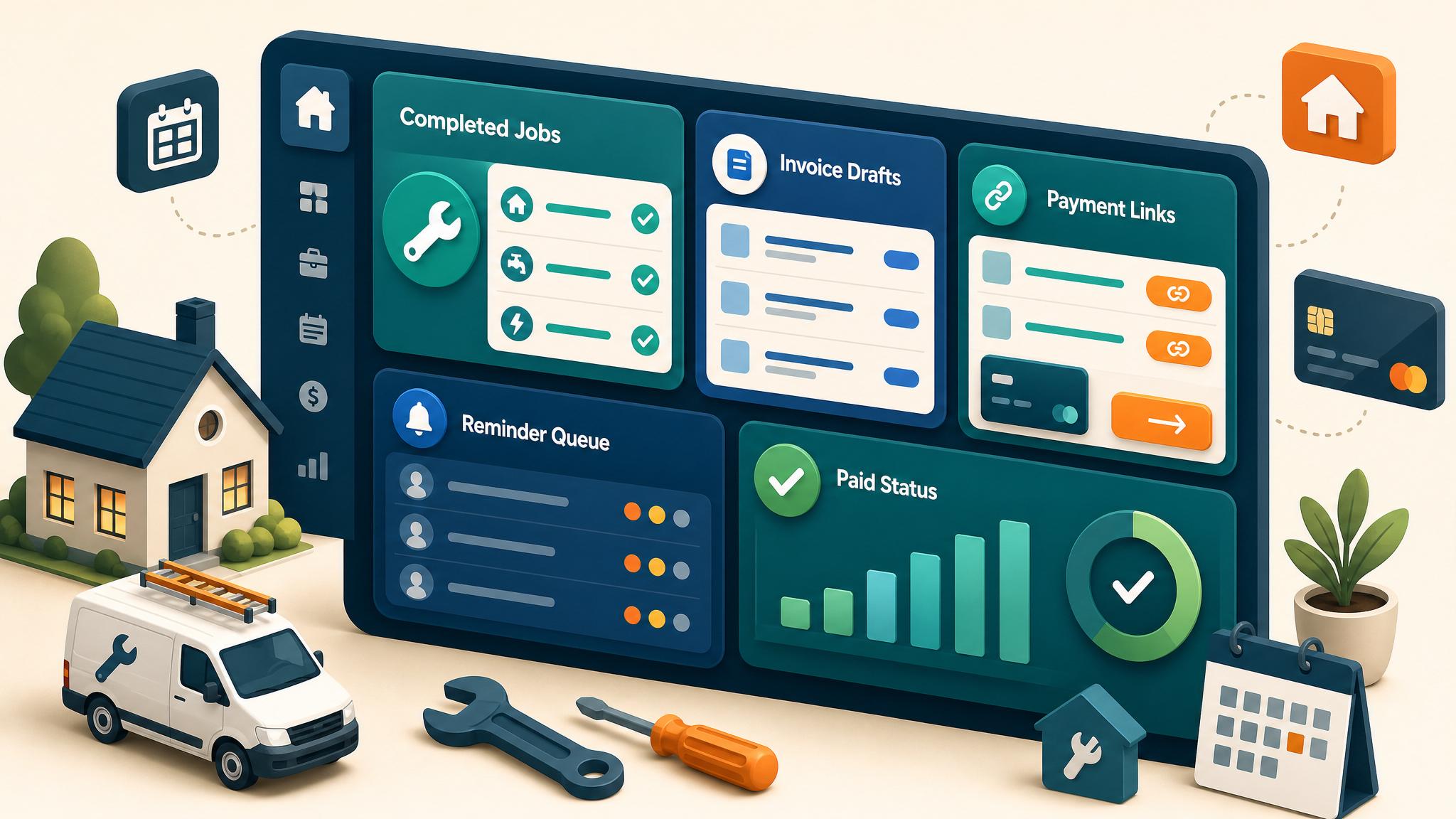
Cleaning companies often bill a mix of recurring visits, one-time deep cleans, move-in or move-out work, commercial contracts, and approved add-ons. Those billing models should not share one generic trigger. The workflow needs to know what was scheduled, what was completed, what changed, and who approved the amount.
Separate recurring and one-time billing
Recurring visits
Define whether the customer is charged per completed visit, on a monthly schedule, or under another agreement. Skipped, rescheduled, or customer-canceled visits need distinct statuses so they do not appear as completed work.
One-time jobs
Use the completed job plus required notes, team verification, and approved extras. A deep clean or move-out job may need office review when hours, condition, or add-ons change the estimate.
Commercial accounts
Validate billing period, location, purchase-order or site references, and consolidated invoice rules. Do not create separate invoices for each visit when the agreement calls for monthly consolidation.
Field-to-office completion rule
Before a visit becomes billable, capture the required operational evidence:
- customer, location, and service date
- service type and completion status
- assigned team or lead
- approved add-ons or changed scope
- notes, checklist, or photos when required
- cancellation, callback, or quality-review state
If required information is missing, create an office task rather than an invoice.
Controlled workflow
- The visit or billing period enters the approved billable state.
- Validation checks customer, service, price rule, and completion evidence.
- Duplicate protection checks the visit or billing-period ID.
- The system creates one invoice draft or updates the recurring record.
- Office review resolves add-ons, credits, skipped visits, and unusual totals.
- The approved invoice sends through the accounting system.
- Payment status controls reminders and owner follow-up.
Handle add-ons and quality exceptions
Extra services should reference the approved request. Do not bill from a free-form team note alone. Callbacks, complaints, and disputed completion should pause sending or reminders until a person reviews the service history.
For recurring customers, define how credits or make-up visits affect the next invoice instead of silently changing the schedule.
Prevent duplicate billing
Store a stable visit ID or customer-and-period ID with the invoice. A retried workflow should find the existing record. If an operational platform and accounting system can both send invoices or reminders, choose one owner for each customer-facing action.
Office exception queue
| Exception | Owner action |
|---|---|
| Visit incomplete or rescheduled | Correct operational status |
| Add-on lacks approval | Confirm scope and customer approval |
| Recurring period missing a visit | Review schedule and billing agreement |
| Callback or complaint | Pause billing follow-up and review personally |
| Duplicate event | Link the existing invoice |
| Payment or sync mismatch | Reconcile accounting before retrying |
Safe launch tests
Use non-customer records for a normal recurring visit, skipped visit, one-time deep clean, approved add-on, unapproved add-on, callback, duplicate event, and payment. Confirm one invoice, correct stop behavior, and visible exceptions.
Do not contact a real customer, submit a real form, or send a real invoice during testing.
How Business Boomer helps
Business Boomer maps one cleaning billing path, defines completion, review, and duplicate rules, and documents the accounting handoff. Review the Invoice Automation Setup in 7 Days, compare service options, or contact Business Boomer with the scheduling and accounting workflow.
Keep building the system
Recommended next Business Boomer guides
These links are selected by topic and search intent so this guide connects to the most relevant service pages, industry pages, and supporting blog posts.
Service and setup pages
Use these when you are ready to turn the idea into an implementation path.
Industry-specific pages
See how the same workflow changes for specific business types.
Related blog posts
Read the connected guides that support this topic cluster.
Related AI automation guides
Keep going with the connected Business Boomer guides in this automation cluster.
Invoice automation setup in 7 days
A practical guide to one billing trigger, payment link, reminder sequence, overdue task, and owner handoff.
QuickBooks invoice automation setup
Connect QuickBooks invoice drafts, payment links, reminders, and overdue follow-up to real workflow triggers.
Invoice automation ROI calculator
A conversion helper that estimates admin time saved, faster payment collection, and the value of reducing manual invoice chasing.
Invoice automation for contractors
Connect completed jobs, estimates, QuickBooks, payment links, and overdue follow-up for contractor workflows.
FAQ
Quick answers about this guide and how to put the idea into practice.
What is the main takeaway from Invoice Automation for Cleaning Businesses?
Keep recurring schedules and one-time cleaning jobs on distinct billing paths with clear field-to-office review.
How does invoice automation for cleaning businesses help a small business?
invoice automation for cleaning businesses can help a small business reduce manual work, improve follow-up, organize repetitive tasks, and create a clearer operating process when it is tied to a real bottleneck.
Can Business Boomer help implement invoice automation for cleaning businesses?
Yes. Business Boomer can help turn the idea into a practical workflow, page, checklist, or automation system depending on what the business needs first.
Turn invoice follow-up into a working setup.
Business Boomer can map the billing trigger, payment link, reminder timing, and overdue handoff for one focused invoice workflow.
See Invoice Automation Setup