
How to Automate Invoices from Accepted Estimates
A trigger-specific workflow for converting an accepted estimate into the right invoice—without billing too early or twice.


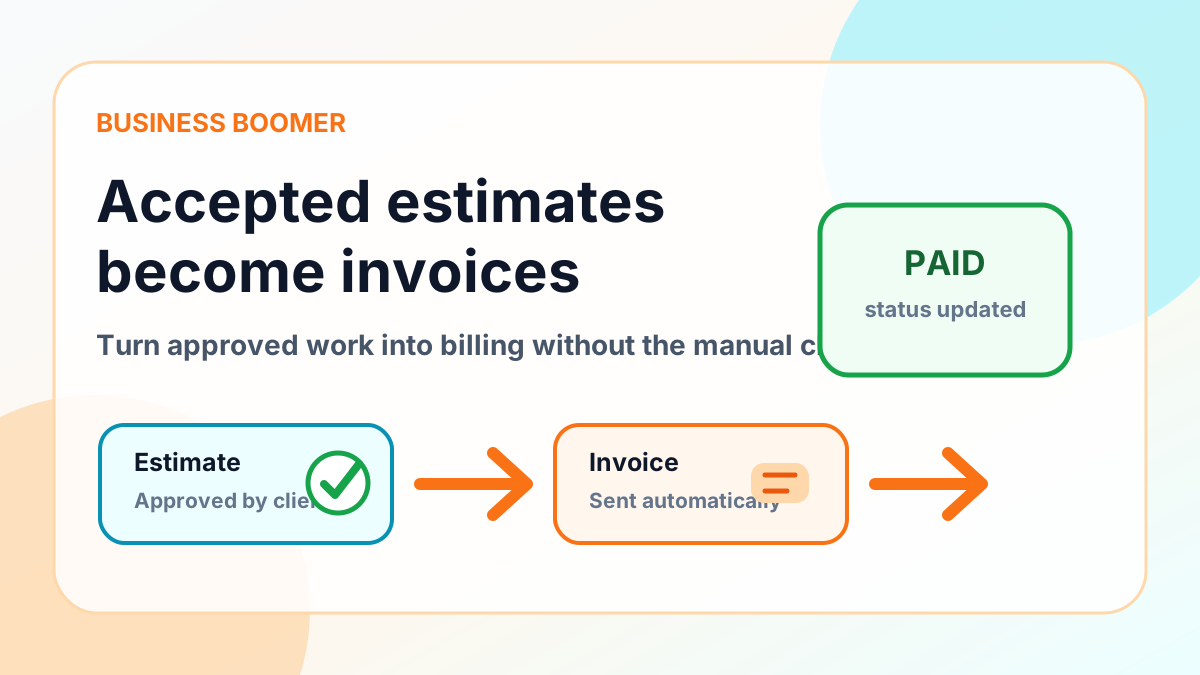
An accepted estimate is a useful automation trigger only when “accepted” has a precise meaning. The workflow needs to know whether acceptance authorizes a deposit, the full amount, a progress invoice, or simply the start of work. That decision belongs in the estimate or agreement—not in the automation.
Define what acceptance authorizes
Before connecting systems, document these fields:
- estimate ID and version
- customer and billing contact
- accepted date and acceptance evidence
- approved line items, taxes, discounts, and terms
- deposit amount or billing schedule
- change-order rule
- system that owns the final invoice number and paid status
If any required field is missing, create a review task instead of guessing.
The controlled workflow
- The estimate changes to the exact accepted state.
- The automation checks whether that estimate version has already been processed.
- It validates the customer, amount, terms, and required billing fields.
- It determines the authorized invoice type: deposit, full, or scheduled progress draft.
- The accounting system creates the invoice draft and stores the estimate reference.
- A person reviews variable or unusual invoices before sending.
- Payment status controls reminders and downstream work.
The estimate ID is the link between sales and accounting. Keep it on the invoice or in an associated record so duplicate events can be recognized.
Deposits versus full invoices
Do not assume acceptance means the entire estimate is due. If the agreement calls for a deposit, create only that invoice and retain the remaining schedule. If the business invoices after delivery, acceptance may create a project or billing milestone rather than an invoice.
This distinction also affects revenue reporting and customer expectations, so the workflow should follow the approved commercial terms exactly.
Handle estimate revisions safely
A customer may accept one version and later approve a change. Store the accepted version and treat a change order as a new approval event. Do not overwrite the amount of an already issued invoice without a documented accounting action.
For a revision, the workflow should either:
- create a separate change-order draft
- update an unissued draft with an audit note
- assign a person to decide when the accounting treatment is unclear
Duplicate protection
Accepted-state events may be delivered more than once. Before creating anything, check for an existing invoice or processing record with the same estimate ID, version, and invoice stage. A repeat event should return the existing record or create an alert—not another invoice.
Test cases before launch
Test with non-customer records:
| Scenario | Expected result |
|---|---|
| Accepted deposit estimate | One deposit invoice draft |
| Accepted full-payment estimate | One full invoice draft |
| Required billing field missing | Review task, no invoice |
| Same event delivered twice | Existing record found, no duplicate |
| Revised estimate accepted | Change-order or review path |
| Customer pays | Reminders stop |
Do not submit or send a real customer invoice as a test.
Reminders and human escalation
Once the approved invoice is sent, use the accounting status as the source of truth. A short reminder sequence should stop for payment, credit, dispute, or manual pause. After the normal sequence, assign a person with the estimate and invoice context.
Use the invoice reminder templates for message structure and the invoice automation checklist for launch controls.
How Business Boomer helps
Business Boomer maps the accepted-estimate event, validation fields, draft rules, duplicate protection, and exception owner. Review the Invoice Automation Setup in 7 Days, compare service options, or contact Business Boomer with the estimate and accounting tools involved.
Keep building the system
Recommended next Business Boomer guides
These links are selected by topic and search intent so this guide connects to the most relevant service pages, industry pages, and supporting blog posts.
Service and setup pages
Use these when you are ready to turn the idea into an implementation path.
Industry-specific pages
See how the same workflow changes for specific business types.
Related blog posts
Read the connected guides that support this topic cluster.
Related AI automation guides
Keep going with the connected Business Boomer guides in this automation cluster.
Invoice automation setup in 7 days
A practical guide to one billing trigger, payment link, reminder sequence, overdue task, and owner handoff.
QuickBooks invoice automation setup
Connect QuickBooks invoice drafts, payment links, reminders, and overdue follow-up to real workflow triggers.
Invoice automation ROI calculator
A conversion helper that estimates admin time saved, faster payment collection, and the value of reducing manual invoice chasing.
Invoice automation for contractors
Connect completed jobs, estimates, QuickBooks, payment links, and overdue follow-up for contractor workflows.
FAQ
Quick answers about this guide and how to put the idea into practice.
What is the main takeaway from How to Automate Invoices from Accepted Estimates?
A trigger-specific workflow for converting an accepted estimate into the right invoice—without billing too early or twice.
How does automate invoices from accepted estimates help a small business?
automate invoices from accepted estimates can help a small business reduce manual work, improve follow-up, organize repetitive tasks, and create a clearer operating process when it is tied to a real bottleneck.
Can Business Boomer help implement automate invoices from accepted estimates?
Yes. Business Boomer can help turn the idea into a practical workflow, page, checklist, or automation system depending on what the business needs first.
Turn invoice follow-up into a working setup.
Business Boomer can map the billing trigger, payment link, reminder timing, and overdue handoff for one focused invoice workflow.
See Invoice Automation Setup