
How to Reduce No Shows for Small Business Appointments
Small businesses can reduce appointment no shows by confirming intent early, sending reminders, and making it easy for customers to reschedule instead of disappearing.


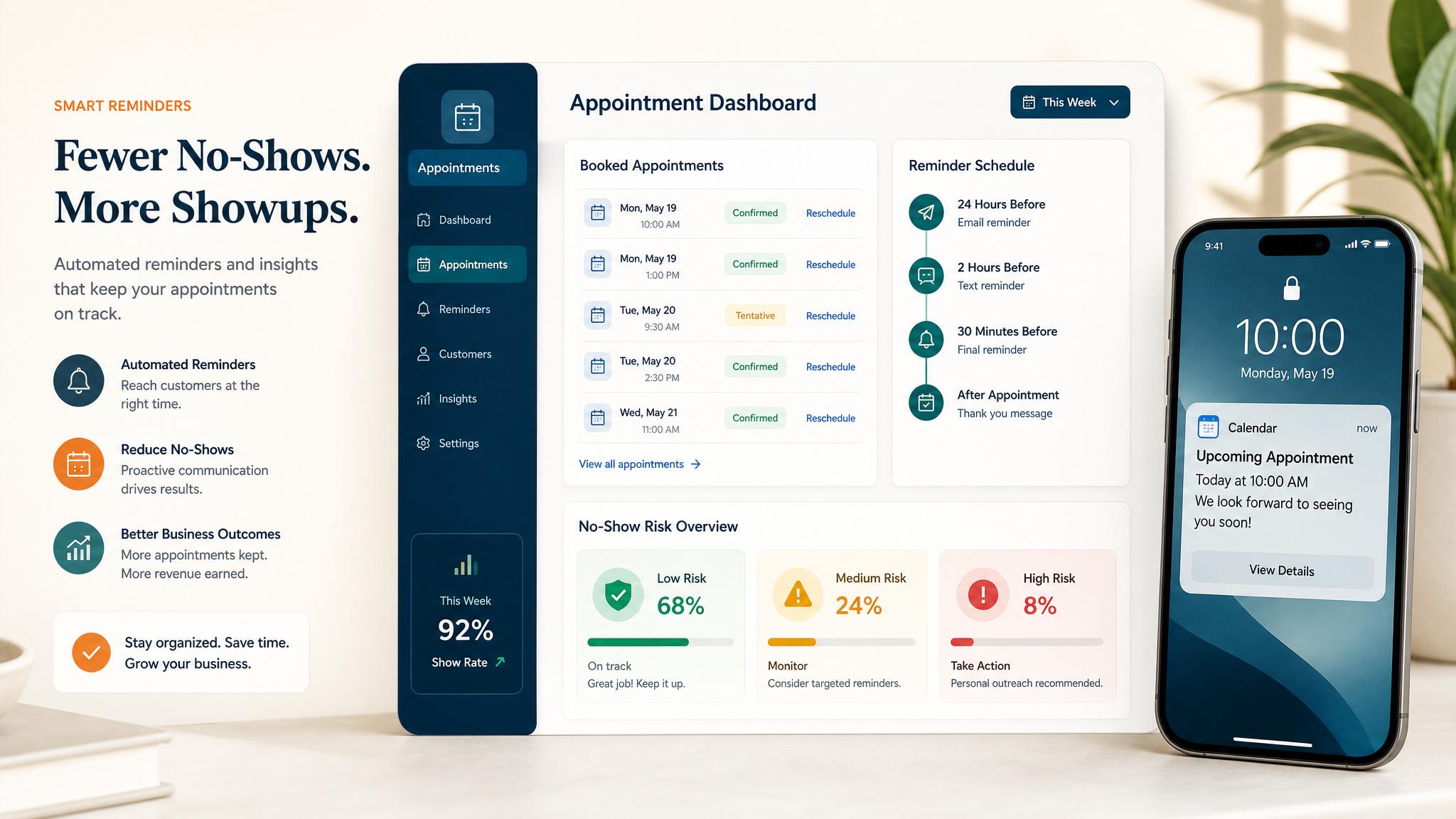
To reduce no shows for small business appointments, make the booking process clearer, confirm the appointment right away, send timed reminders, and give people an easy way to reschedule. Most no shows are not random, they happen when customers forget, get uncertain, or run into friction and do not know what to do next.
Quick answer: Small businesses can reduce appointment no shows by confirming intent early, sending reminders, and making it easy for customers to reschedule instead of disappearing.
What is appointment no-show reduction?
Appointment no-show reduction is the process of getting more booked customers to actually attend their appointment instead of disappearing before the scheduled time. For a small business, this usually means improving confirmations, reminders, intake, and follow-up around the appointment itself.
No shows hurt more than most owners realize. You lose the revenue from the missed slot, but you also lose the opportunity to serve another customer in that time. If your business depends on consults, estimates, demos, treatments, service calls, or coaching sessions, a weak appointment system can quietly drain profit every week.
Related next step: use the AI automation services page if you want to turn this idea into a practical Business Boomer workflow.
Many owners assume no shows are just part of doing business. In reality, they are often a systems problem. A customer books quickly, but never gets a clear confirmation. Or they get one reminder that is too early, then forget by the next day. Or they need to reschedule, but the process feels awkward, so they avoid replying at all.
Reducing no shows does not require a complex enterprise setup. Most small businesses can get better results with a few simple changes that remove uncertainty and make attendance feel like the obvious next step.
Why how to reduce no shows for small business appointments matters
This matters because every missed appointment creates wasted capacity. The calendar looks full, but the business still loses time and money. For a small team, that lost time cannot always be recovered.
No shows also create planning problems. Staff are scheduled, service windows are held, and other potential customers may have been turned away. When no-show rates are high, owners start assuming their schedule is less reliable than it really could be.
Related next step: use the AI automation consulting page if you want to turn this idea into a practical Business Boomer workflow.
There is also a trust issue. A poor booking system sends the message that the appointment is casual and easy to forget. A strong system communicates that the meeting is real, expected, and prepared for. Customers tend to follow the structure you create.
Even a small improvement has real value. If a business handles 60 appointments a month and cuts no shows by just 6 appointments, that can mean six more chances to close a sale, deliver a service, or keep the team productive. For many small businesses, that is one of the fastest operational wins available.
How to put this into practice
Start with immediate confirmation. As soon as someone books, they should receive a message that confirms the date, time, location or link, and what happens next. This message should be short and practical, not decorative.
Next, add layered reminders. One reminder is usually not enough. A strong sequence often includes:
Related next step: use the automation guides page if you want to turn this idea into a practical Business Boomer workflow.
- an instant confirmation after booking
- a reminder 24 hours before the appointment
- a reminder 1 to 3 hours before the appointment
These reminders work best when they are specific. Include the time, purpose of the appointment, and one clear action if they need to make a change.
Then make rescheduling easy. A lot of no shows happen because the customer cannot make it but also does not want to explain. If your reminder says, “Need to reschedule? Reply here and we’ll help,” or includes a reschedule link, you give them a low-friction alternative to disappearing.
You should also reduce commitment gaps during booking. Ask for one small action that increases intent, such as completing a short intake form, choosing a service type, or confirming by text. When customers take one extra step, they are more likely to remember and show up.
Related next step: use the Business Boomer services page if you want to turn this idea into a practical Business Boomer workflow.
For higher-value appointments, consider a deposit or card-on-file policy. This is not right for every business, but for consultations, premium services, or time-intensive bookings, it can dramatically improve attendance. The key is to explain the policy clearly and make it feel fair.
Finally, track your no-show pattern. Look at which appointment types, channels, days, or lead sources miss most often. If you only say, “people keep no-showing,” you cannot fix the underlying cause. If you see that Monday morning consults from one booking form have the highest miss rate, that gives you something real to improve.
Best practices that keep this useful
Keep reminders short and useful. A reminder should not read like a newsletter. It should tell the customer exactly what they booked, when it happens, and how to confirm or reschedule.
Use the right channel. Text reminders often outperform email for time-sensitive appointments, especially on the same day. Email can still work well for the original confirmation and any prep details.
Set expectations early. Tell customers what the appointment is for, how long it lasts, and whether they need to bring anything. Unclear expectations increase drop-off.
Avoid overcomplicating the booking flow. If the calendar, form, confirmation, and reminder tools are disconnected, details get missed and customers lose confidence.
Follow up after a missed appointment. A no show should trigger one polite message asking if they want to reschedule. This recovers some missed revenue and gives you better data on why people did not attend.
Automate the repetitive parts. Confirmations, reminders, reschedule links, and missed-appointment follow-ups are exactly the kinds of tasks that small businesses should automate first. Business Boomer helps businesses build these workflows so fewer appointments slip through and the calendar turns into real revenue.
Business Boomer helps small businesses reduce no shows with better booking systems, reminder workflows, and practical automation that protects revenue.
What this should look like in practice
A good setup should make the next action obvious. The owner or team should be able to open one place and see what needs attention, what is waiting, and what can be automated.
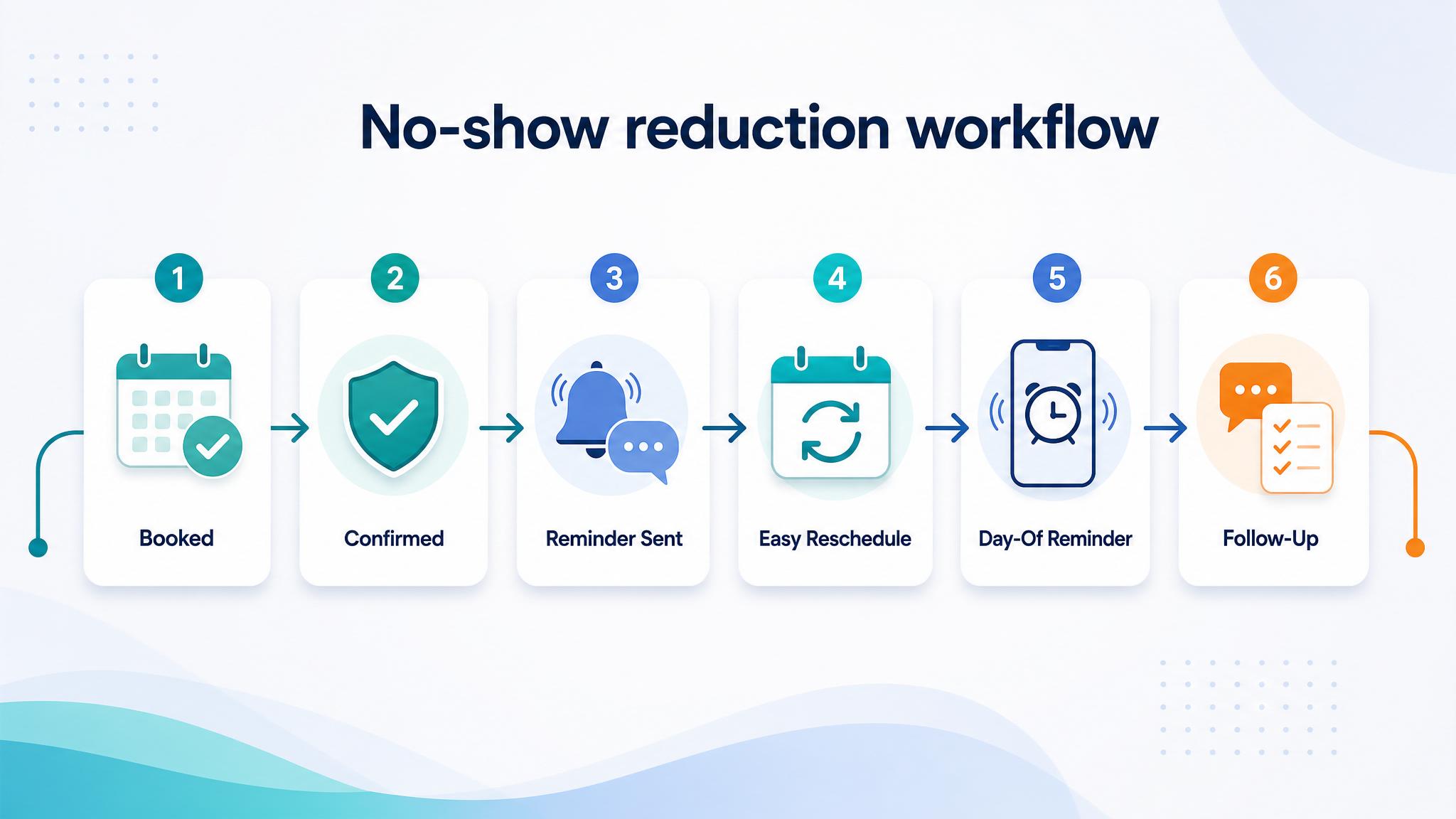
Simple implementation checklist
| Step | What to check |
|---|---|
| 1 | Find the repetitive task or lead leak |
| 2 | Decide what information must be captured |
| 3 | Create a simple owner, stage, and next-step rule |
| 4 | Automate the reminder, handoff, or record creation |
| 5 | Review the workflow weekly and tighten what breaks |
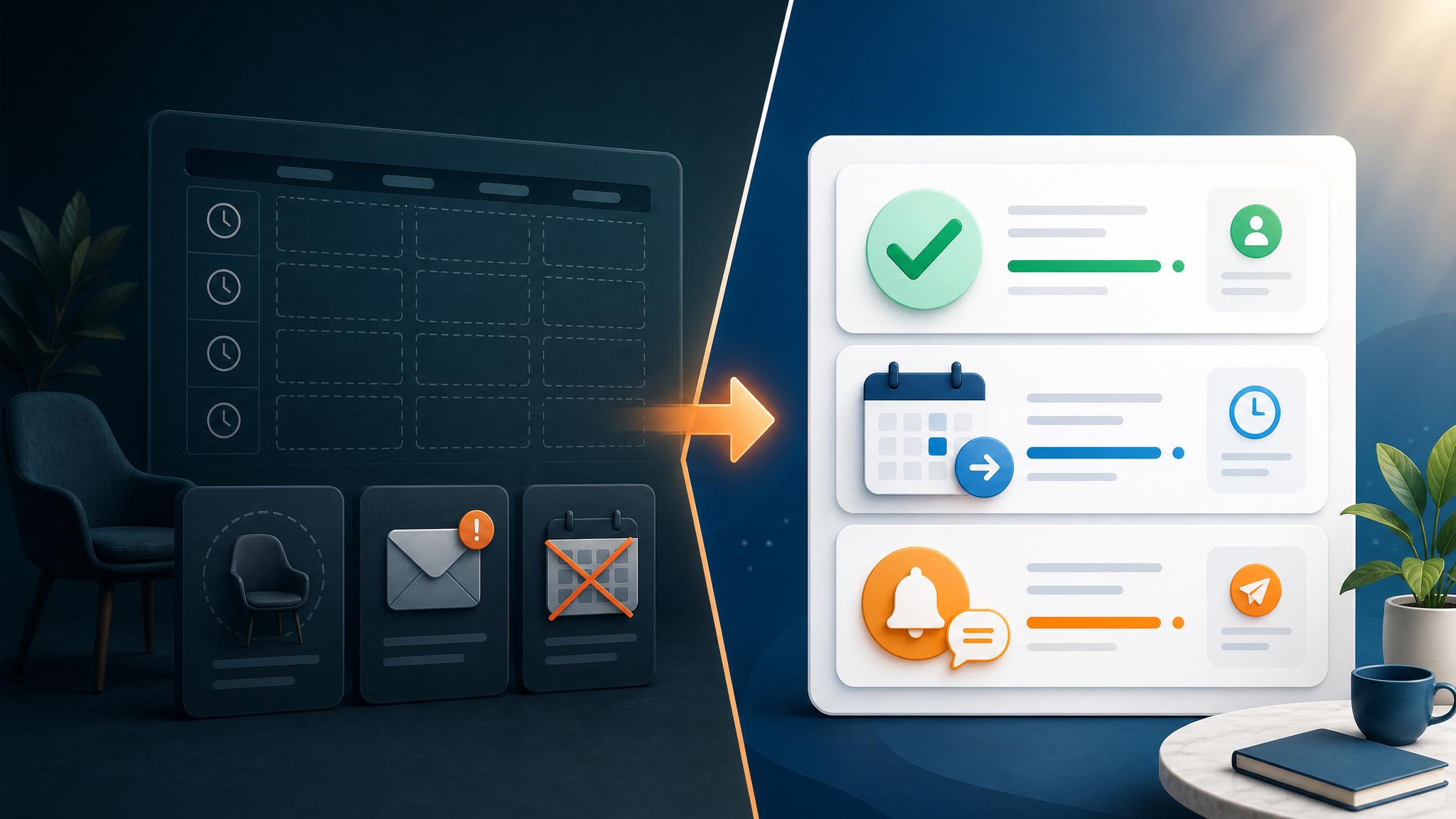
Business Boomer rule: If the workflow does not create a clearer owner, next step, or follow-up path, it is not automation yet. It is just another tool.
If missed appointments start with weak intake or unclear reminders, pair scheduling cleanup with an AI assistant for local business.
Next step
Find the workflow worth fixing first.
Use the Free 30-Minute AI Consultation to map where leads, invoices, notes, or follow-ups are slipping and choose the smallest useful system.
Keep building the system
Recommended next Business Boomer guides
These links are selected by topic and search intent so this guide connects to the most relevant service pages, industry pages, and supporting blog posts.
Service and setup pages
Use these when you are ready to turn the idea into an implementation path.
Industry-specific pages
See how the same workflow changes for specific business types.
Related blog posts
Read the connected guides that support this topic cluster.
Related AI automation guides
Keep going with the connected Business Boomer guides in this automation cluster.
AI automation for local service businesses
Practical lead, scheduling, review, CRM, invoice, and admin automation for plumbers, HVAC companies, roofers, landscapers, cleaners, contractors, and other local operators.
AI assistant for local business
Owner-controlled AI assistants that help local businesses handle missed leads, scheduling handoffs, FAQs, reviews, CRM updates, and follow-up.
How to automate appointment scheduling
Booking links, calendar rules, reminders, intake questions, and post-appointment follow-up.
Invoice automation for landscapers
Missed-call capture, estimate prep, scheduling, seasonal follow-up, and reviews.
FAQ
Quick answers about this guide and how to put the idea into practice.
What is the main takeaway from How to Reduce No Shows for Small Business Appointments?
Small businesses can reduce appointment no shows by confirming intent early, sending reminders, and making it easy for customers to reschedule instead of disappearing.
How does how to reduce no shows for small business appointments help a small business?
how to reduce no shows for small business appointments can help a small business reduce manual work, improve follow-up, organize repetitive tasks, and create a clearer operating process when it is tied to a real bottleneck.
Can Business Boomer help implement how to reduce no shows for small business appointments?
Yes. Business Boomer can help turn the idea into a practical workflow, page, checklist, or automation system depending on what the business needs first.
Find the workflow worth fixing first.
Use the Free 30-Minute AI Consultation to map where leads, invoices, notes, or follow-ups are slipping and choose the smallest useful system.
Book a Free 30-Minute AI Consultation