
Best Invoicing Automation Tools for Small Business

Author
Sam MonacFounder, Business Boomer | AI Operator & Growth Strategist
Sam Monac is a product and AI operator who helped scale Token Metrics to $7M+ ARR and supported more than $6M in capital raises. Through Business Boomer and his portfolio of AI-enabled businesses, Sam writes from hands-on experience building automation systems, growth workflows, and practical AI tools for real operators.

Fact Checked By
S. VishwaSEO Specialist & Blog Writer, Business Boomer
S. Vishwa is an experienced SEO specialist and blog writer with 10+ years of experience across digital marketing and fintech. He is passionate about crafting high-quality content that informs and engages readers in the finance and marketing sectors.
The best invoicing automation tool depends on how the business bills, follows up, tracks payments, and connects work completion to accounting.
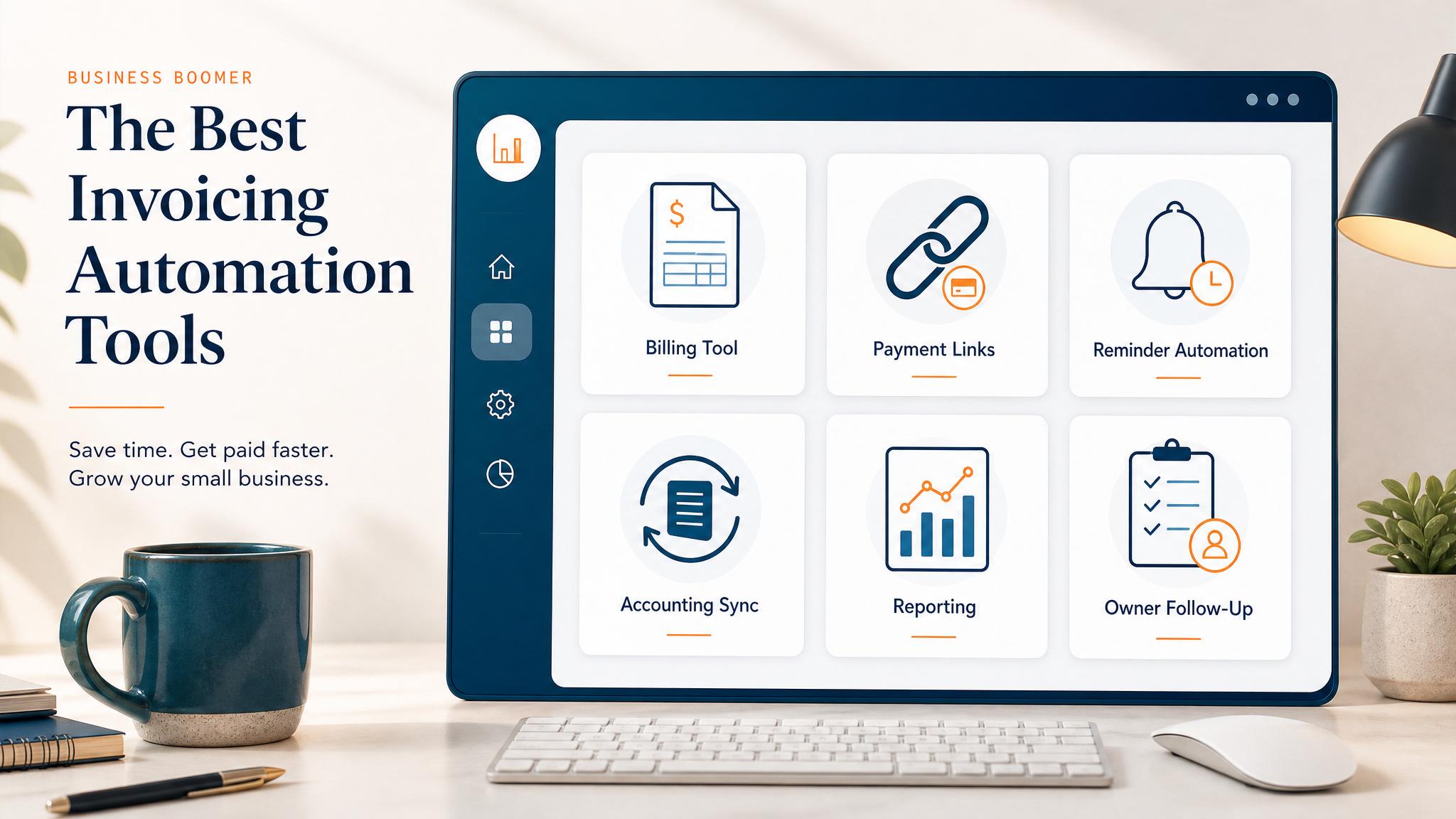
The best invoicing automation tools for small business are the tools that help invoices go out faster, payment reminders happen consistently, and open balances stay visible. The right choice depends on how the business bills customers, where job or project data lives, and how much follow-up is currently manual.
Quick answer: The best invoicing automation tool depends on how the business bills, follows up, tracks payments, and connects work completion to accounting.
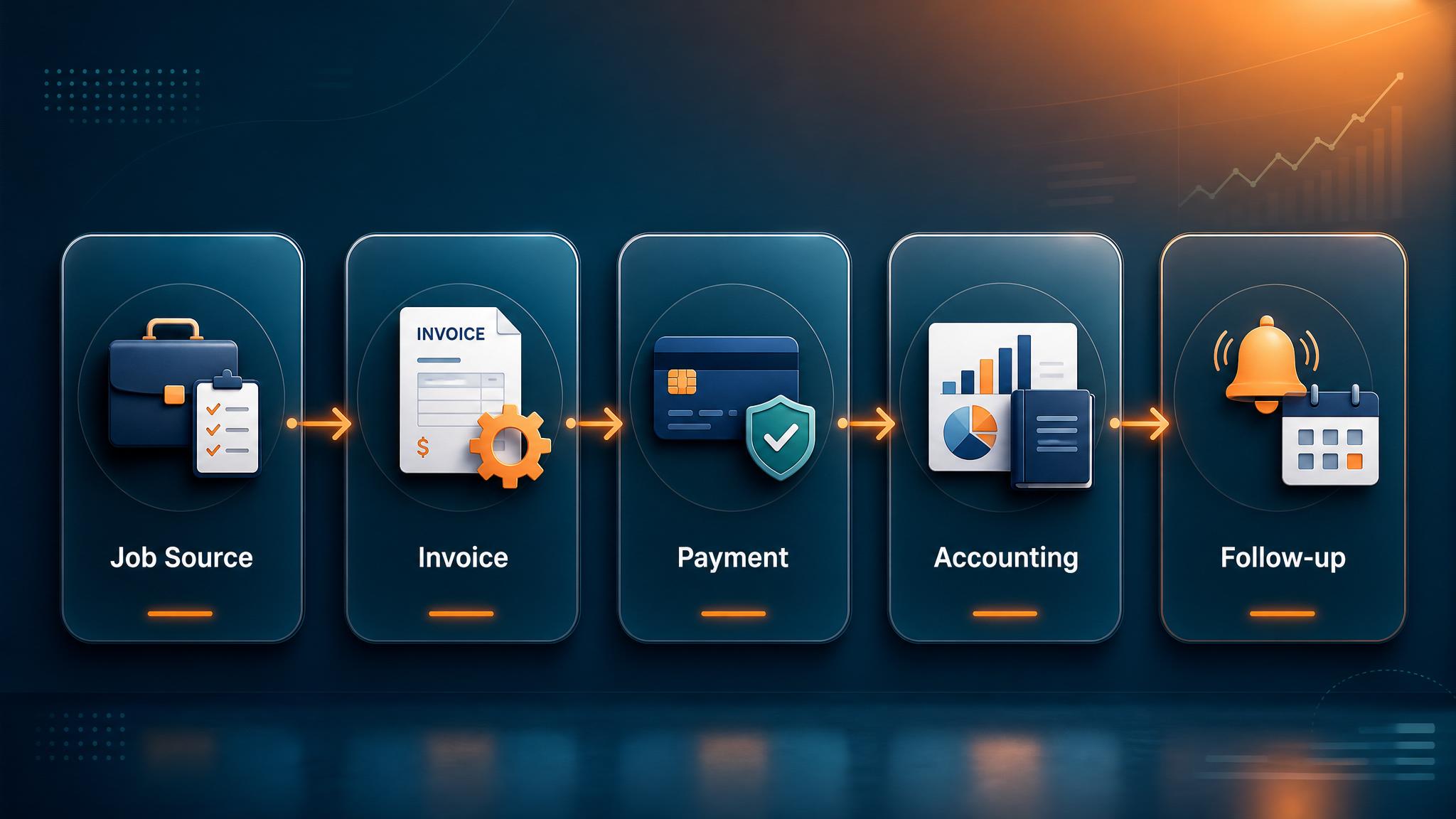
For most small businesses, invoice automation should do four things: create the invoice, send it quickly, remind customers when it is unpaid, and keep the team aware of what still needs attention.
QuickBooks Online
QuickBooks Online is often the best invoicing automation tool for small businesses that already use QuickBooks for accounting. It supports recurring invoices, payment links, automatic reminders, and basic customer records.
The biggest advantage is that invoicing and bookkeeping live in the same system. That reduces duplicate entry and makes payment tracking easier.
Related next step: use the AI automation services page if you want to turn this idea into a practical Business Boomer workflow.
QuickBooks is a strong fit for service businesses, contractors, consultants, agencies, and local companies that want automated billing without building a custom system.
FreshBooks
FreshBooks is a good option for service businesses that want simpler invoicing, time tracking, estimates, and client payment reminders. It is often easier for non-accountants to use than a full accounting system.
FreshBooks works well when the business sends project invoices, tracks billable time, or needs professional-looking client-facing billing.
Stripe Billing
Stripe Billing is strongest for subscription, online, or payment-link-heavy businesses. It can handle recurring payments, automatic card charging, invoices, payment retries, and hosted payment pages.
It is more technical than some tools, but very powerful when the business sells online services, memberships, retainers, or recurring packages.
Wave
Wave can be useful for very small businesses that need simple invoices without a large software budget. It supports invoice creation, online payments, and basic reminders.
Related next step: use the AI automation consulting page if you want to turn this idea into a practical Business Boomer workflow.
Wave is not always the best long-term system for complex workflows, but it can be a reasonable starting point for freelancers and very small service businesses.
Jobber and Housecall Pro
For home-service businesses, field-service tools such as Jobber and Housecall Pro may be better than general invoicing software. These tools connect estimates, scheduling, jobs, invoices, payments, and customer communication.
A landscaper, contractor, cleaner, or home-service company may get more value from a field-service platform because invoicing is tied directly to the job workflow.
Zapier or Make
Zapier and Make are not invoicing tools by themselves. They connect the systems the business already uses.
For example, a completed job in a project management tool can trigger an invoice draft in QuickBooks. A paid invoice can trigger a thank-you message. An overdue invoice can create a follow-up task.
This is where Business Boomer often helps: connecting the billing tool to the real workflow so invoicing automation does not stop at the accounting screen.
How to choose
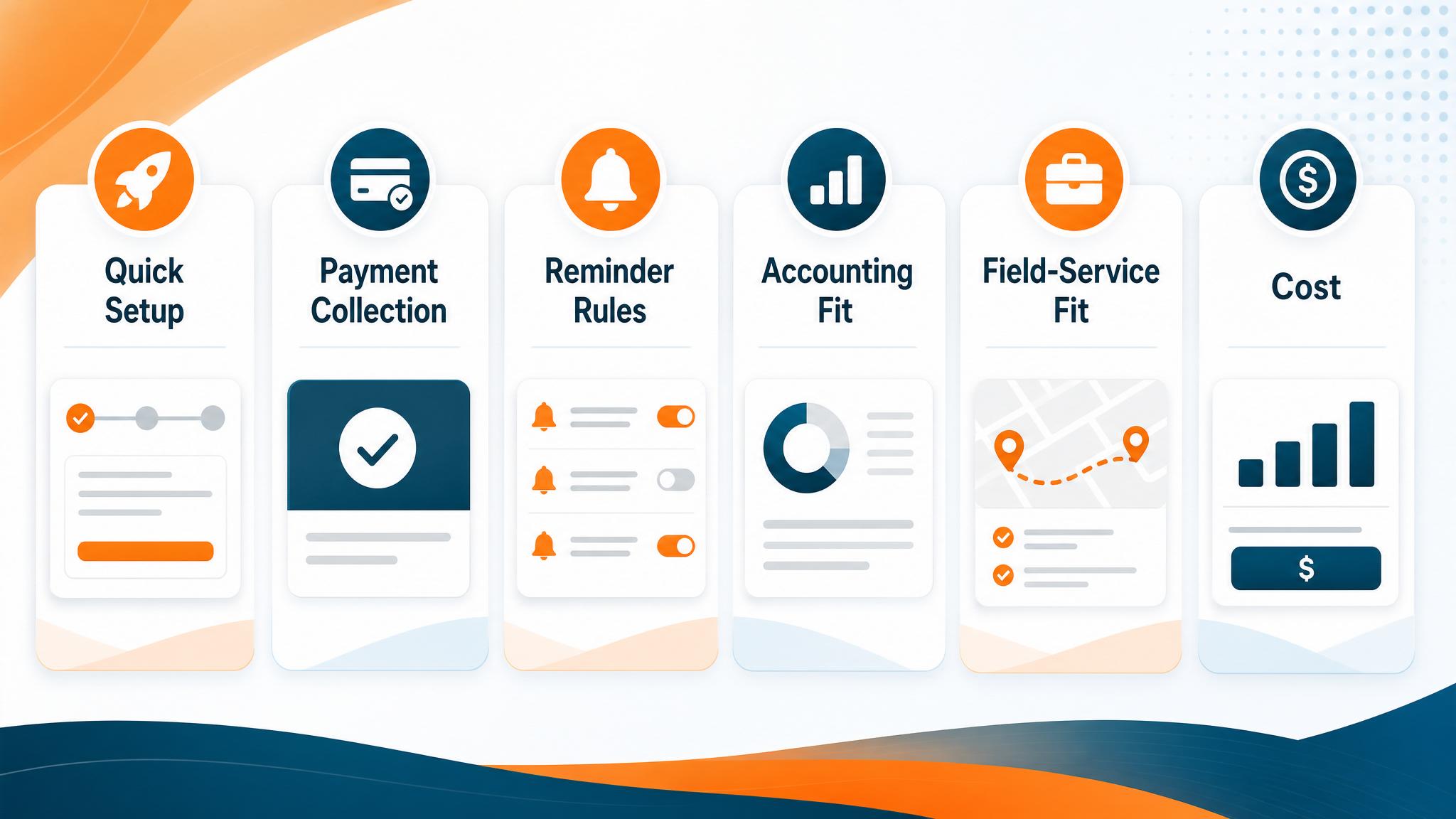
Choose QuickBooks if accounting accuracy and bookkeeping integration matter most. Choose FreshBooks if client-facing service invoicing is the priority. Choose Stripe Billing for online, recurring, or subscription payments. Choose Jobber or Housecall Pro when jobs, scheduling, and field service operations need to connect.
The tool matters, but the workflow matters more. Before choosing software, map when work is complete, who approves the invoice, what information must be included, when reminders should go out, and who follows up if payment is late.
What this should look like in practice
A good setup should make the next action obvious. The owner or team should be able to open one place and see what needs attention, what is waiting, and what can be automated.
Simple implementation checklist
| Step | What to check |
|---|---|
| 1 | Find the repetitive task or lead leak |
| 2 | Decide what information must be captured |
| 3 | Create a simple owner, stage, and next-step rule |
| 4 | Automate the reminder, handoff, or record creation |
| 5 | Review the workflow weekly and tighten what breaks |
Business Boomer rule: If the workflow does not create a clearer owner, next step, or follow-up path, it is not automation yet. It is just another tool.
Next step
Ready to turn this into a working system?
Get a practical review of where AI automation, lead follow-up, CRM cleanup, or invoice workflows can create the fastest win in your business.
Keep building the system
Recommended next Business Boomer guides
These links are selected by topic and search intent so this guide connects to the most relevant service pages, industry pages, and supporting blog posts.
Service and setup pages
Use these when you are ready to turn the idea into an implementation path.
Industry-specific pages
See how the same workflow changes for specific business types.
Related blog posts
Read the connected guides that support this topic cluster.
Related AI automation guides
Keep going with the connected Business Boomer guides in this automation cluster.
How to automate invoices for small business
The guide already earning Google impressions. Covers invoice creation, reminders, payment tracking, and cash-flow follow-up.
QuickBooks invoice automation for small business
How to use QuickBooks for recurring invoices, reminders, payment tracking, and workflow-connected billing.
Automatic invoicing setup for business
A focused setup page for the query closest to page-one range: trigger, template, payment link, reminders, overdue task, and testing.
How to follow up with leads for small business
A practical workflow for CRM stages, reminders, email, text, and human follow-up tasks.
Frequently Asked Questions
FAQ
Quick answers about this guide and how to put the idea into practice.
What is the main takeaway from Best Invoicing Automation Tools for Small Business?
The best invoicing automation tool depends on how the business bills, follows up, tracks payments, and connects work completion to accounting.
How does best invoicing automation tools for small business help a small business?
best invoicing automation tools for small business can help a small business reduce manual work, improve follow-up, organize repetitive tasks, and create a clearer operating process when it is tied to a real bottleneck.
Can Business Boomer help implement best invoicing automation tools for small business?
Yes. Business Boomer can help turn the idea into a practical workflow, page, checklist, or automation system depending on what the business needs first.
Want help putting this into practice?
Business Boomer helps real businesses install better systems, not just read about them.
Talk to Sam →